
How to Turn on Proxy Hours Tracking (Admins)
Proxy hours track whether students complete their work in-class or out of class. Admins can allow students to select whether they are completing their tasks in-class or out-of class on the site, or let the teachers be responsible for this choice.
Follow the steps below to turn on Proxy Hours for the teachers connected to the account.
Log in to your account here:
Step 1
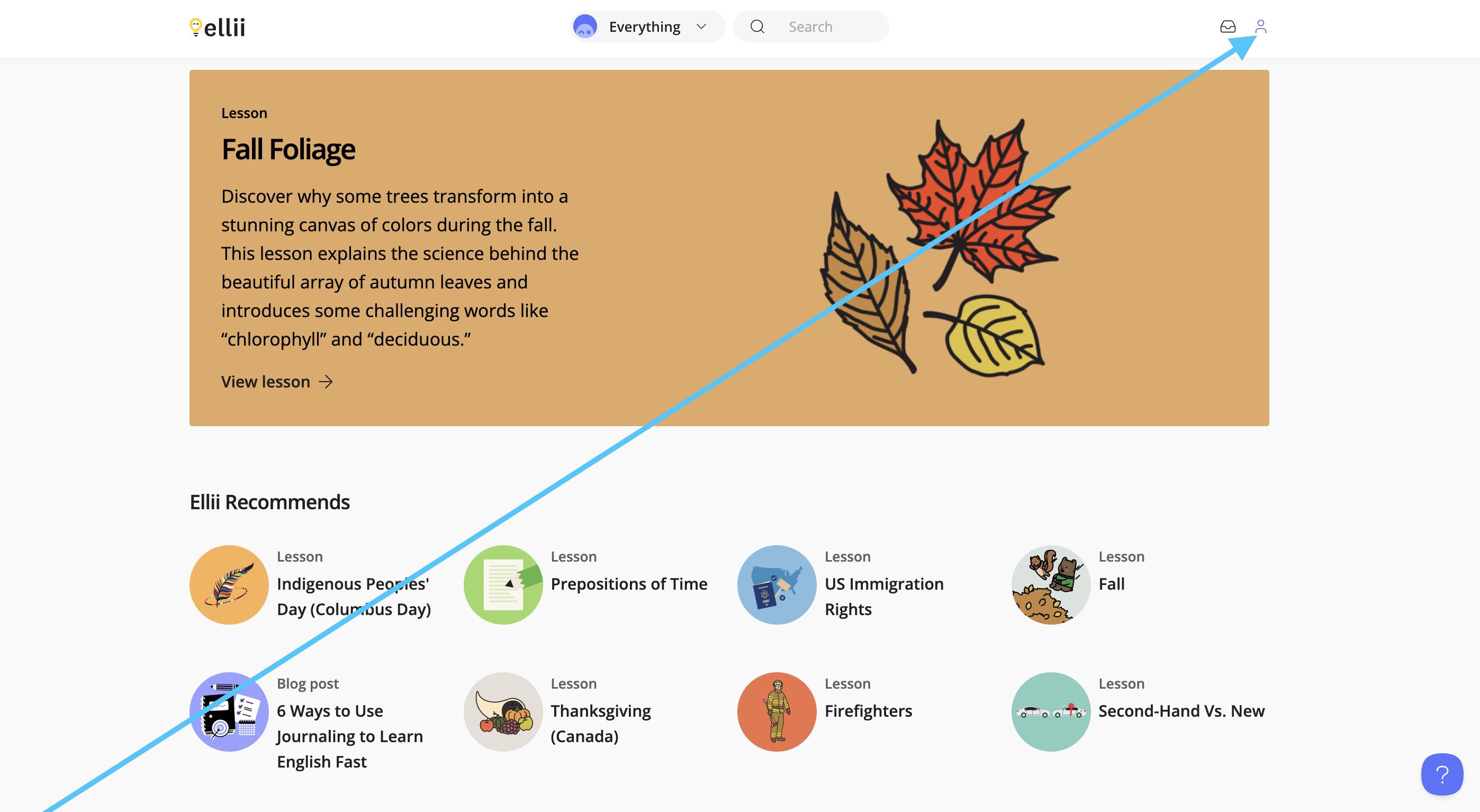
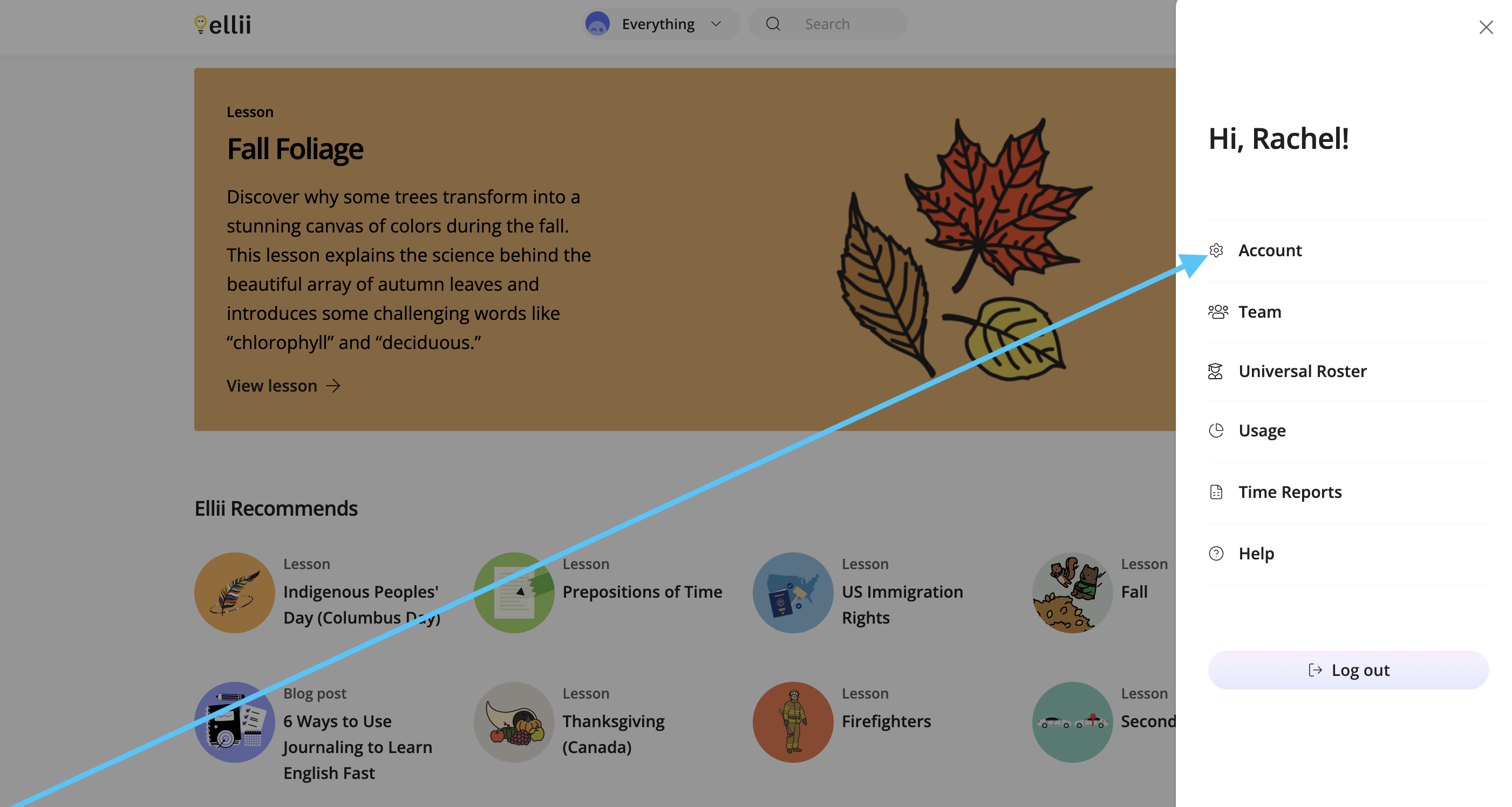
Click on the profile icon in the top right corner and click Account.
Step 2
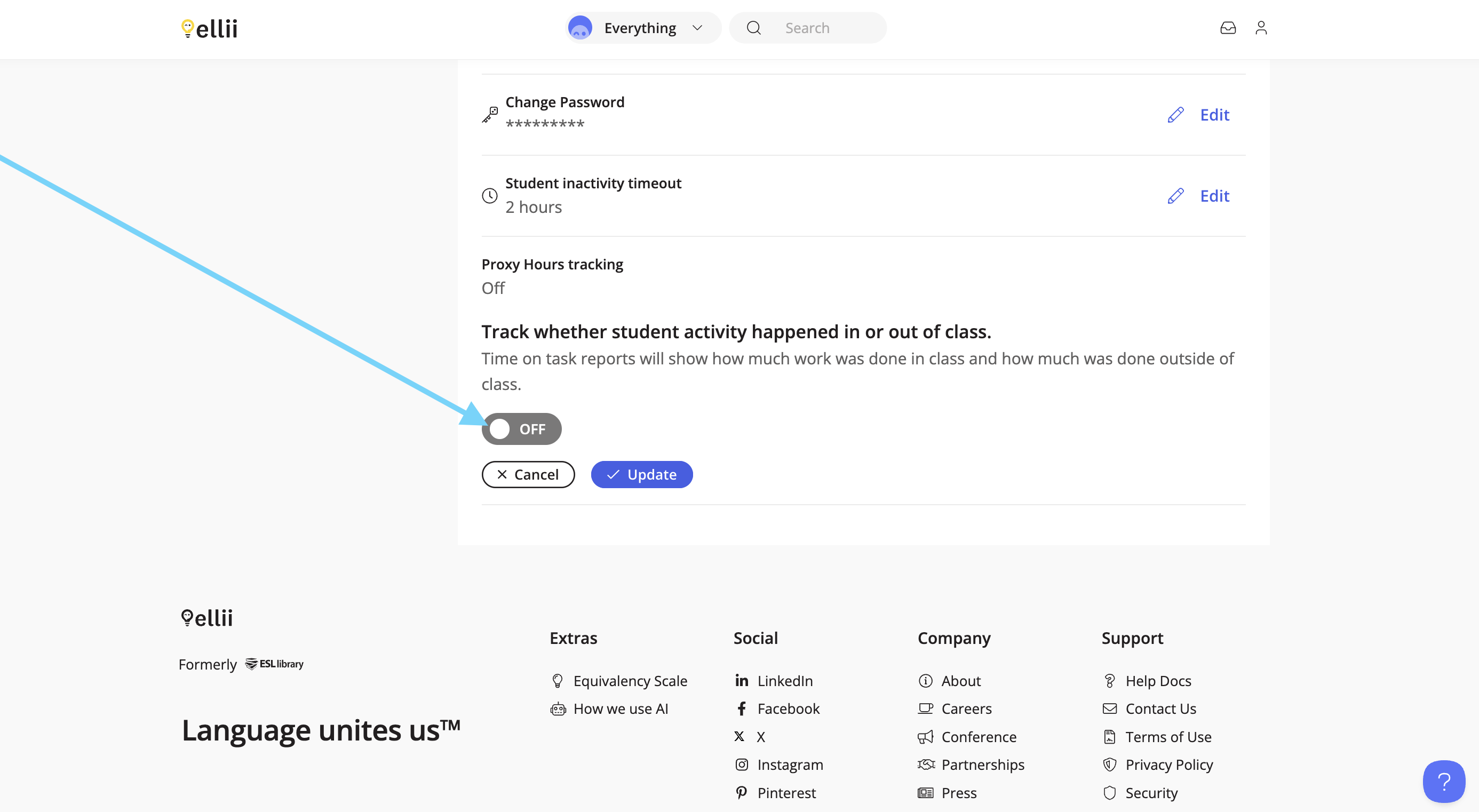
Scroll down to the bottom to find Proxy Hours tracking. Click on Edit , and then switch the toggle to turn this feature on.

Step 3
Choose who you would like to be responsible for making this distinction, then click Update.
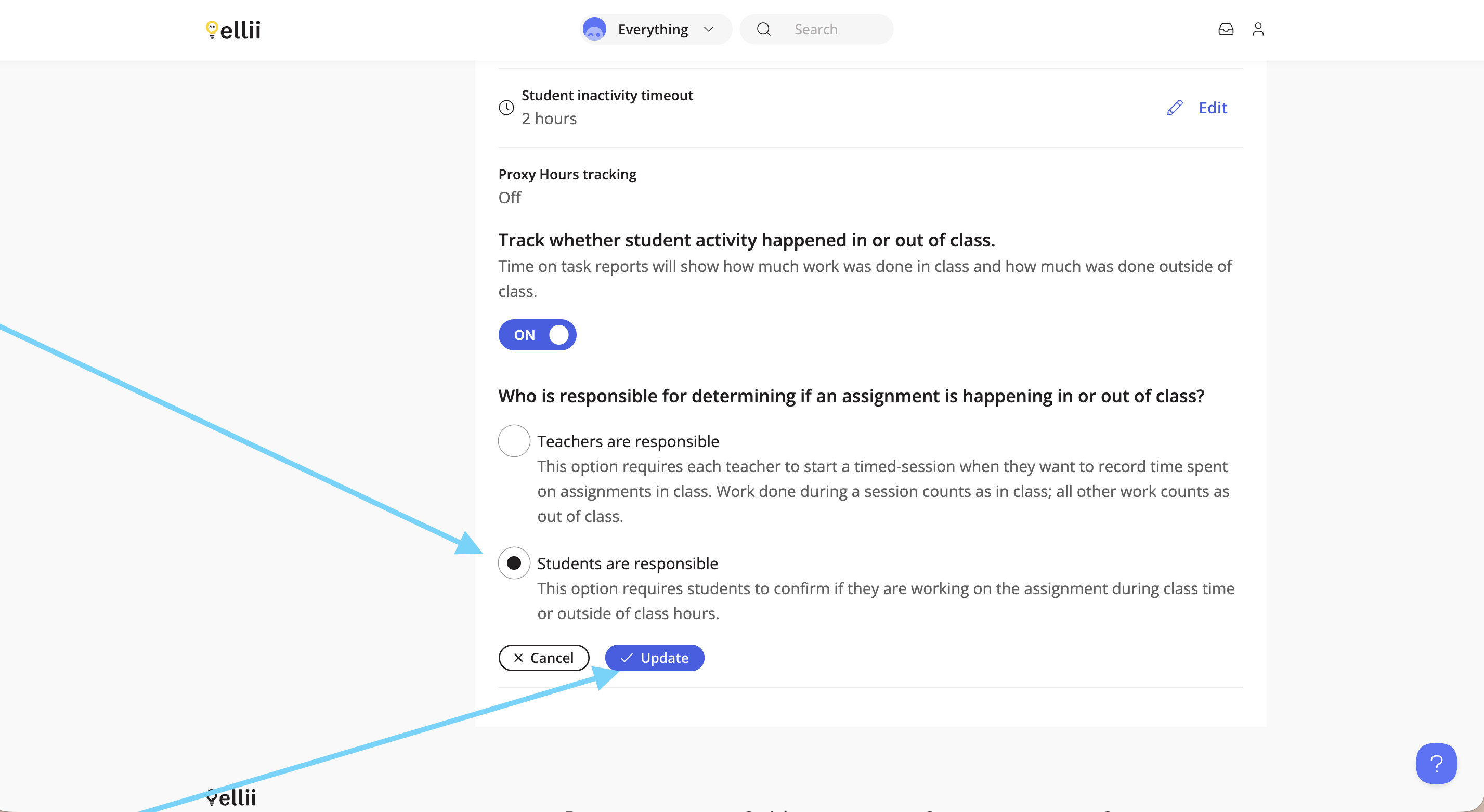
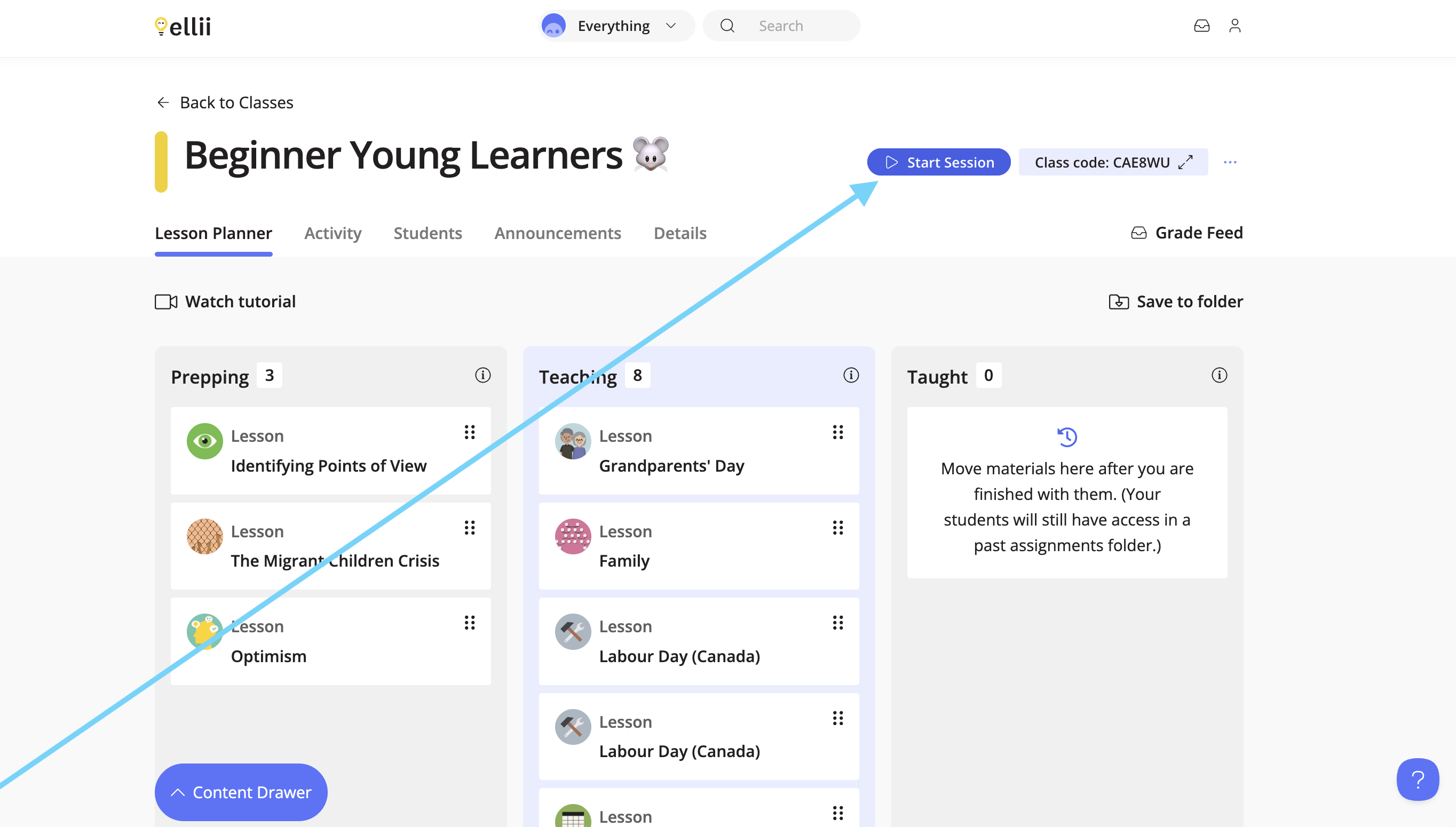
If the teachers are responsible, they can create timed sessions from their class to track the work that has been done in-class. Any work completed outside of the session is counted as work completed outside of class.
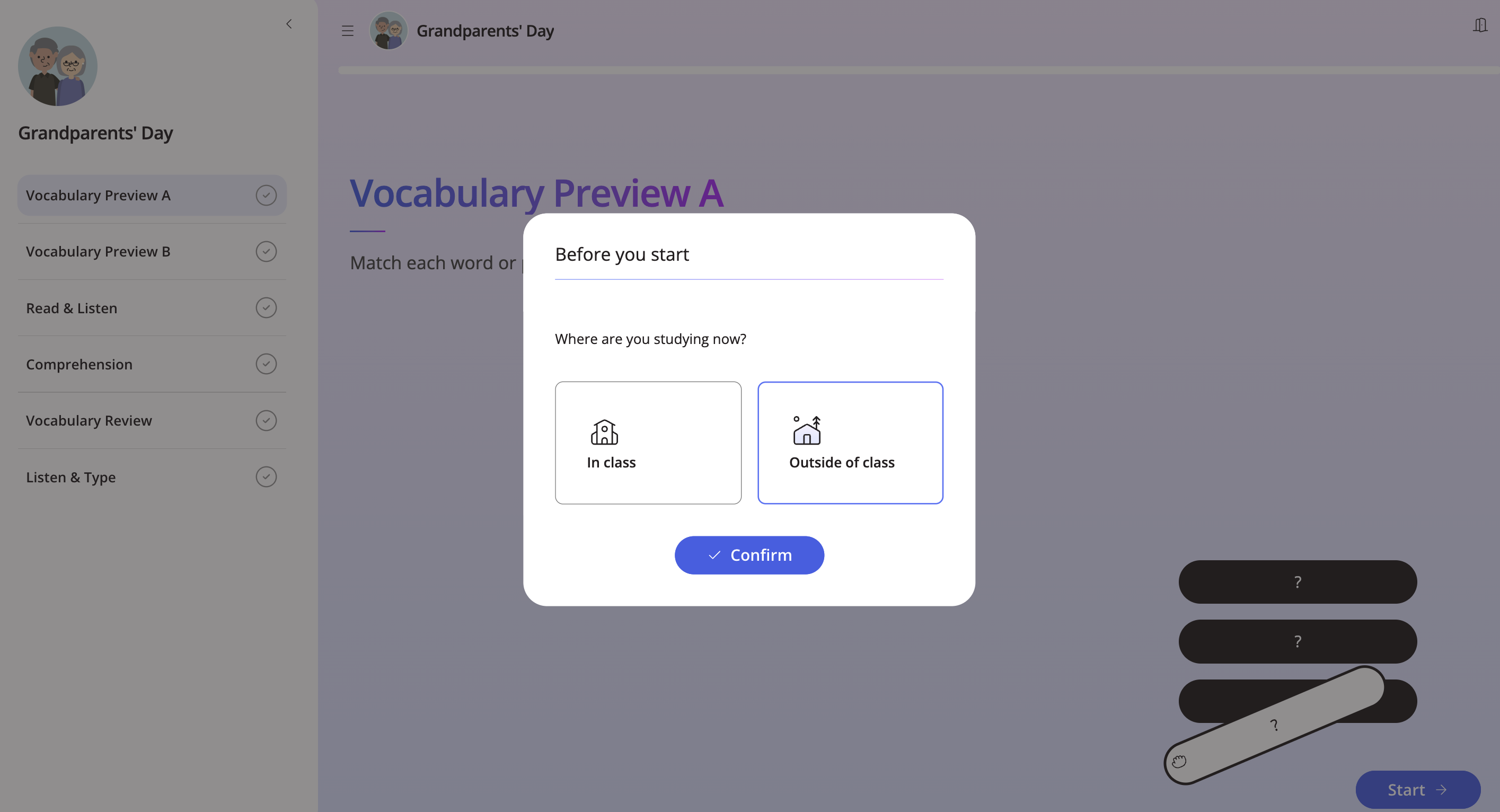
If the students are responsible, they are prompted to choose whether they are working in class or outside of class once they start a task.
Please let us know if you have any questions!