
How to Download a PDF with Annotations
After you have used the PDF tools to draw, write, or type, you can download a copy with your annotations. Follow the steps below or learn more about the PDF tools here: How to use the PDF tools
Step-by-Step Instructions
Step 1
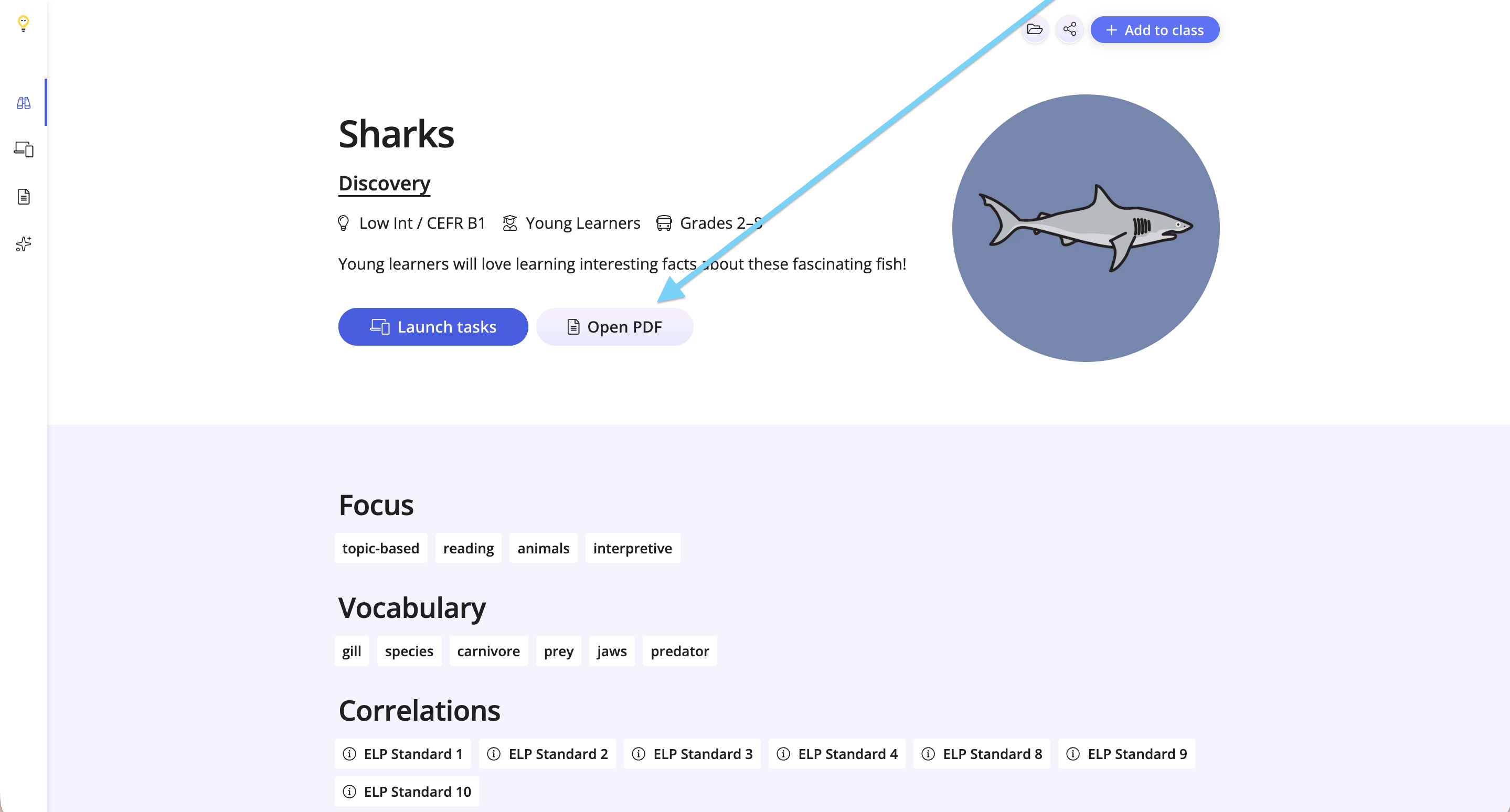
Once you have found a lesson, click Open PDF.
Step 2
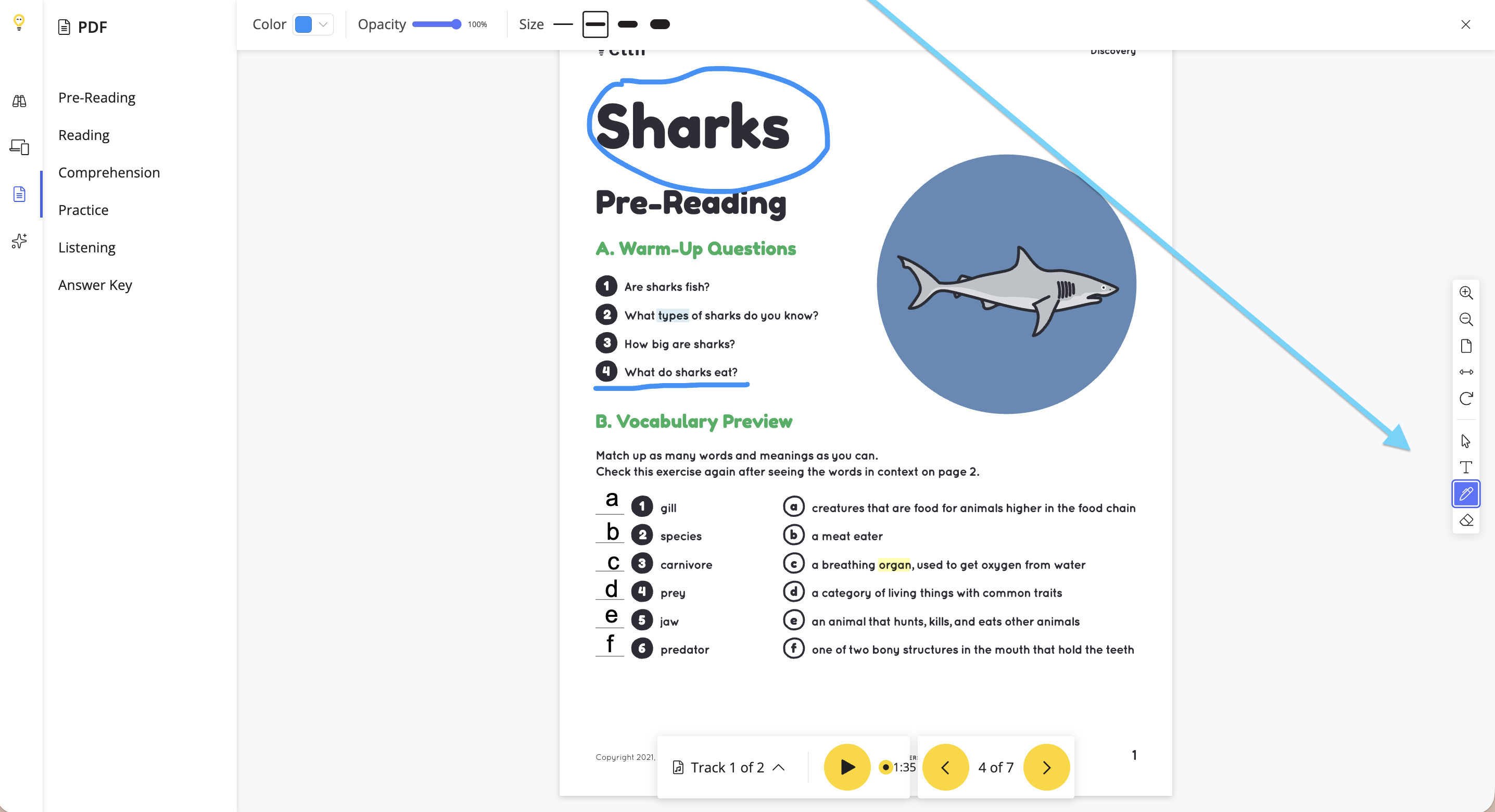
Use the PDF tools on the right to draw, write, type and erase.
Step 3
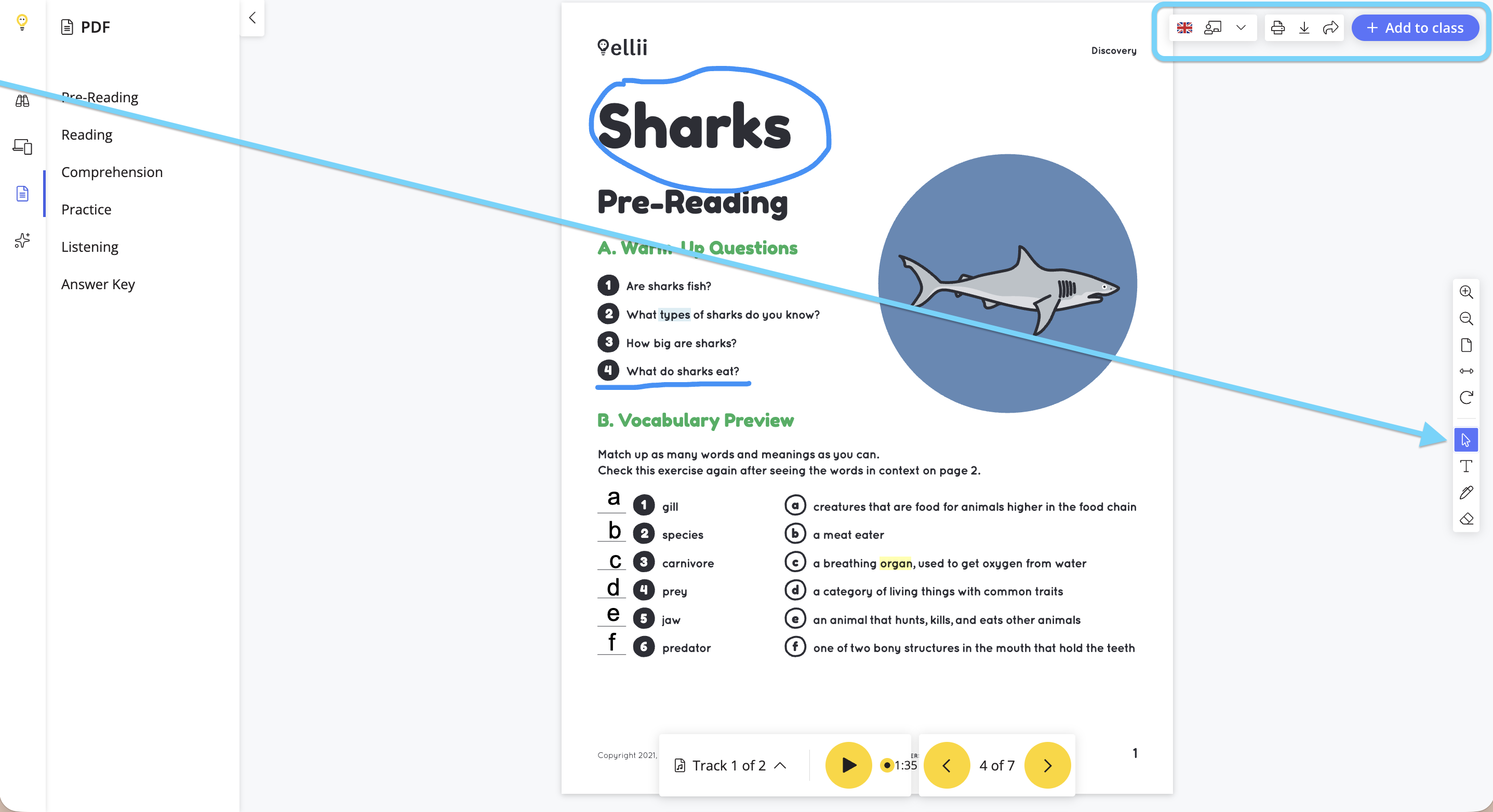
Once you have finished annotating, click the pointer tool to view the PDF options at the top.
Step 4
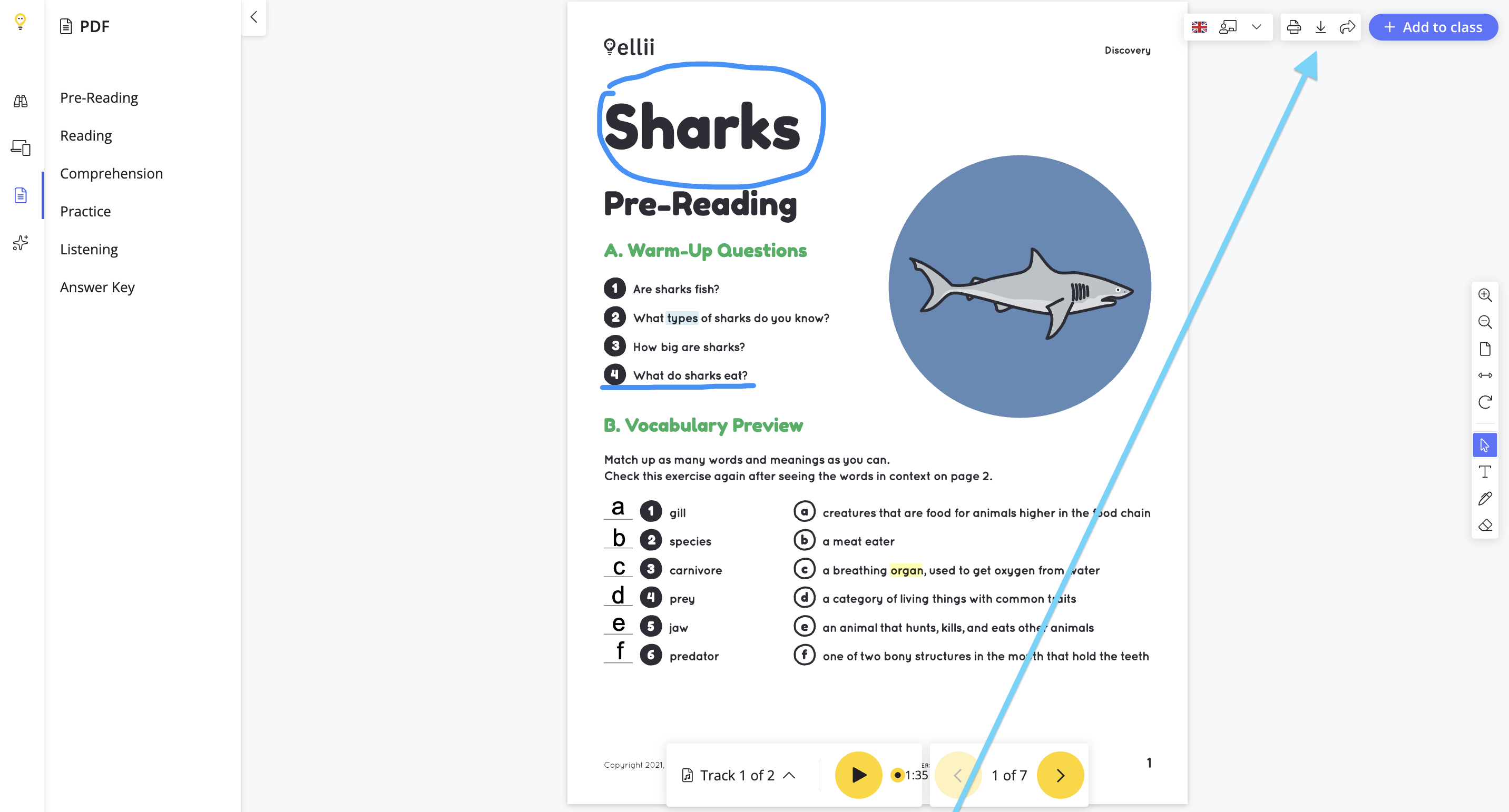
Click the download button to download the PDF to your device. Please note if you leave the page without downloading first, your annotations are not saved.
Please contact us if you have any questions or feedback!