
How to Remove Students from a Class
Please follow the steps below to find out how to remove a student account from a class.
Step-by-Step Instructions
Log into your account here:
Step 1
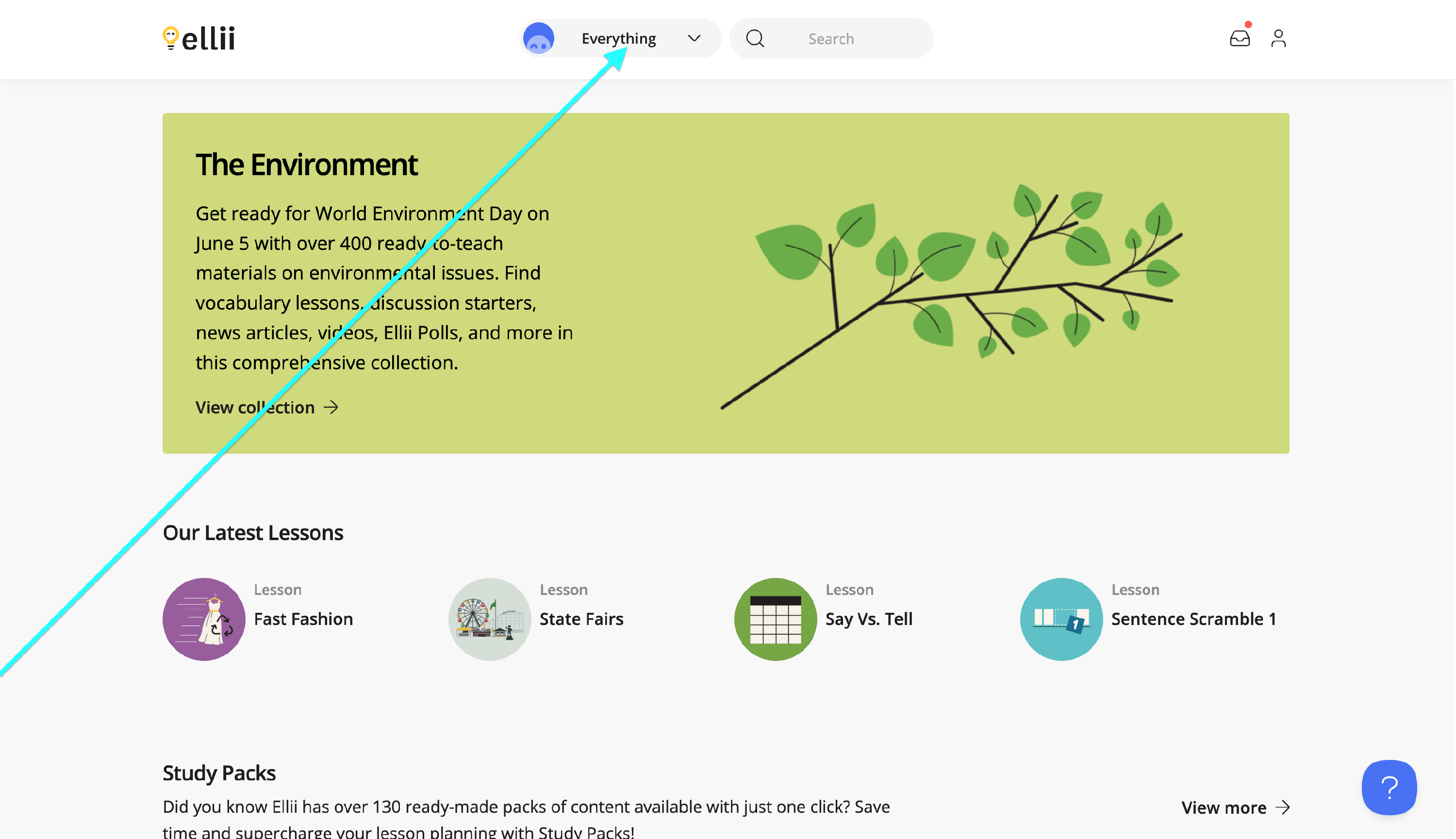
Click on the Everything menu and click Classroom.

Step 2
Click on the class you want to remove students from, then click on the Students tab.


Step 3
Click on the More Options (...) menu by the student you would like to remove, and click Remove from class.
Please note: Removing a student from a class does not release the student license from this student.

Step 4
Click on Remove from class to proceed.

Please don't hesitate to contact us if you have any questions!