
Timeline (Sequencing) Task
Learn how our Sequencing tasks work. Sequencing tasks can be Timeline tasks or Story Scramble tasks, and are based on the reading earlier in the lesson. These tasks ask students to put the sequence of events into the correct order. Watch the video for a Story Scramble demo and/or scroll below for screenshots of our Timeline version.
Step 1
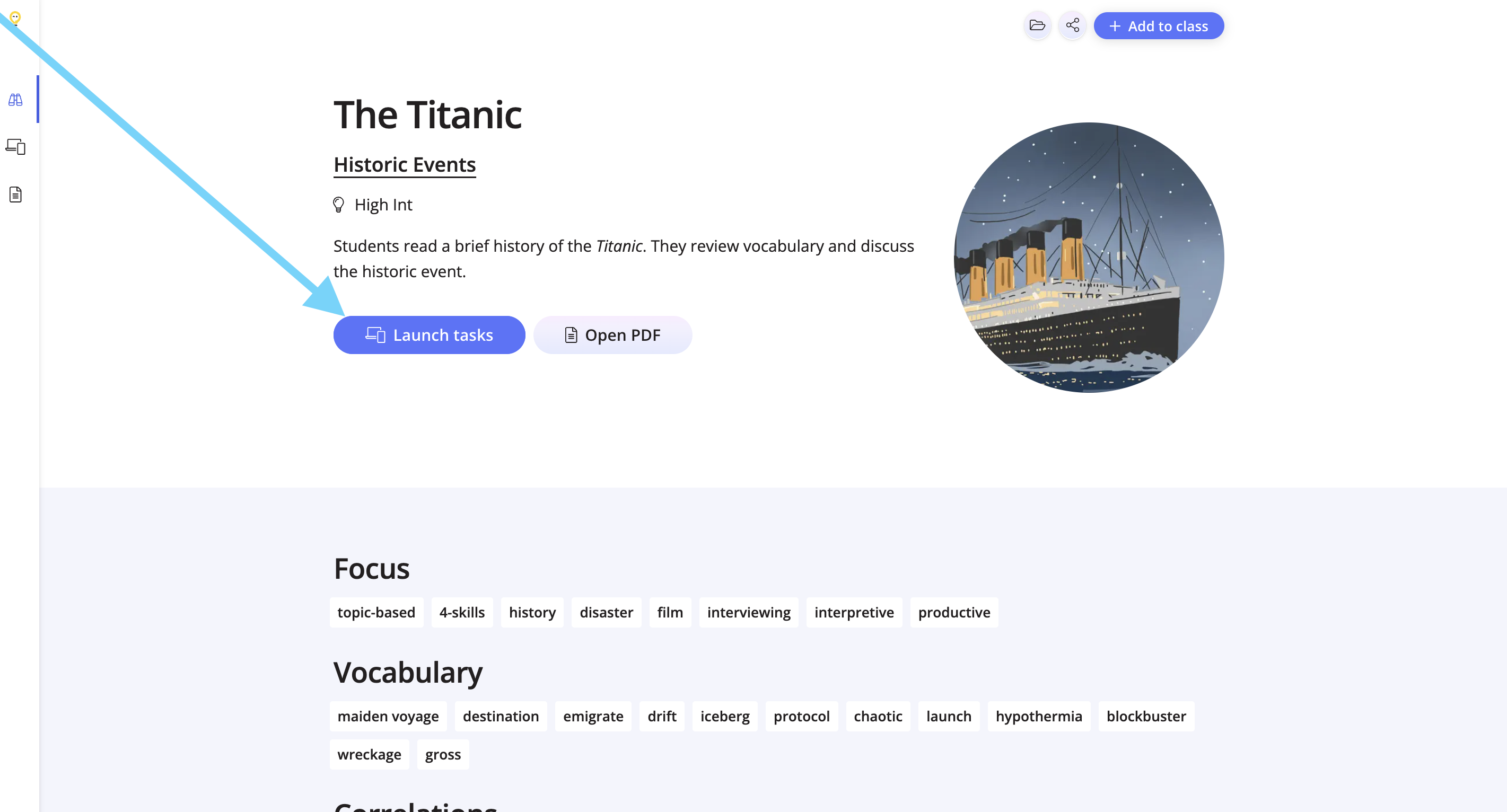
Click Launch Tasks from the lesson overview page.
Step 2
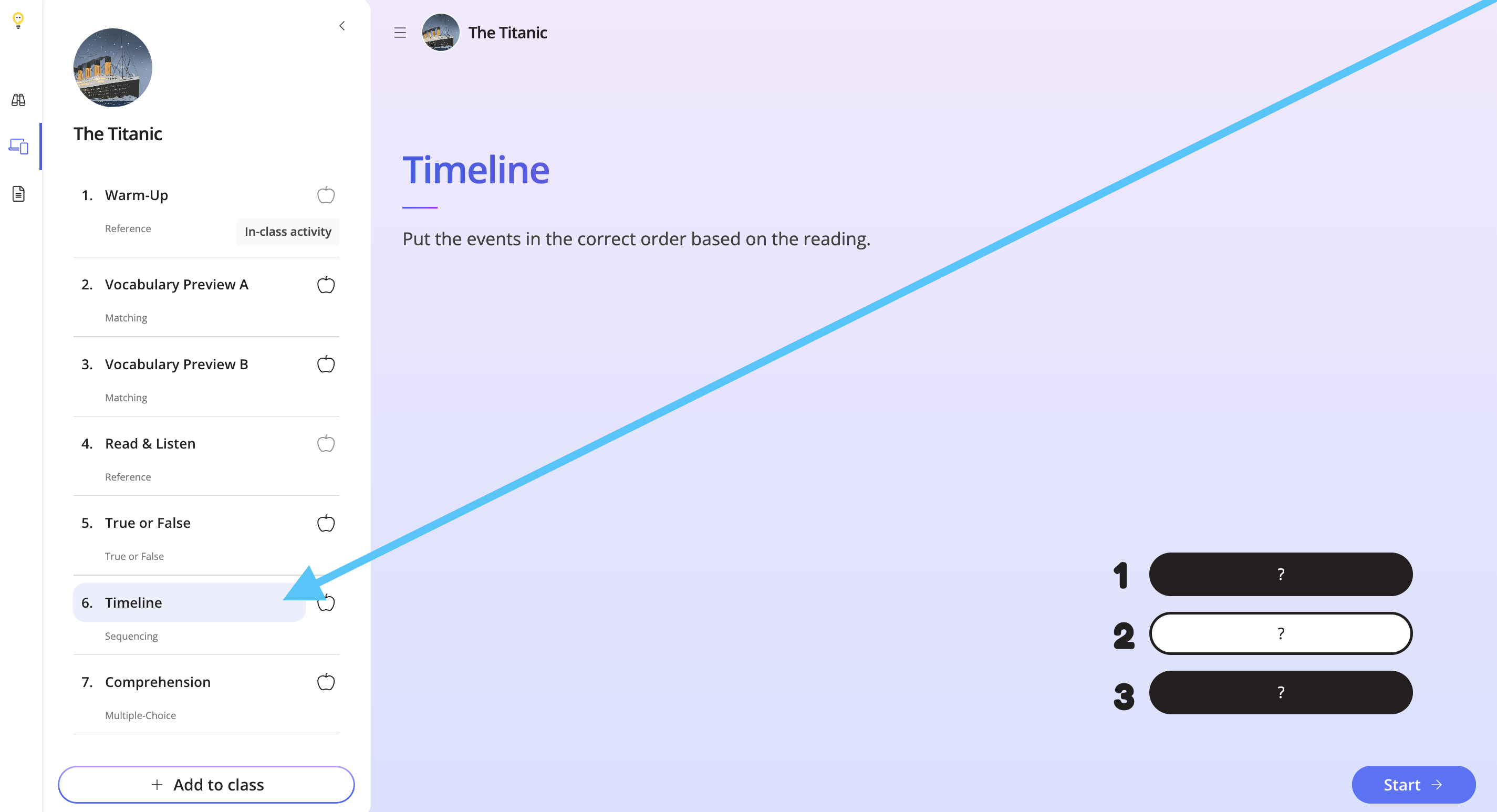
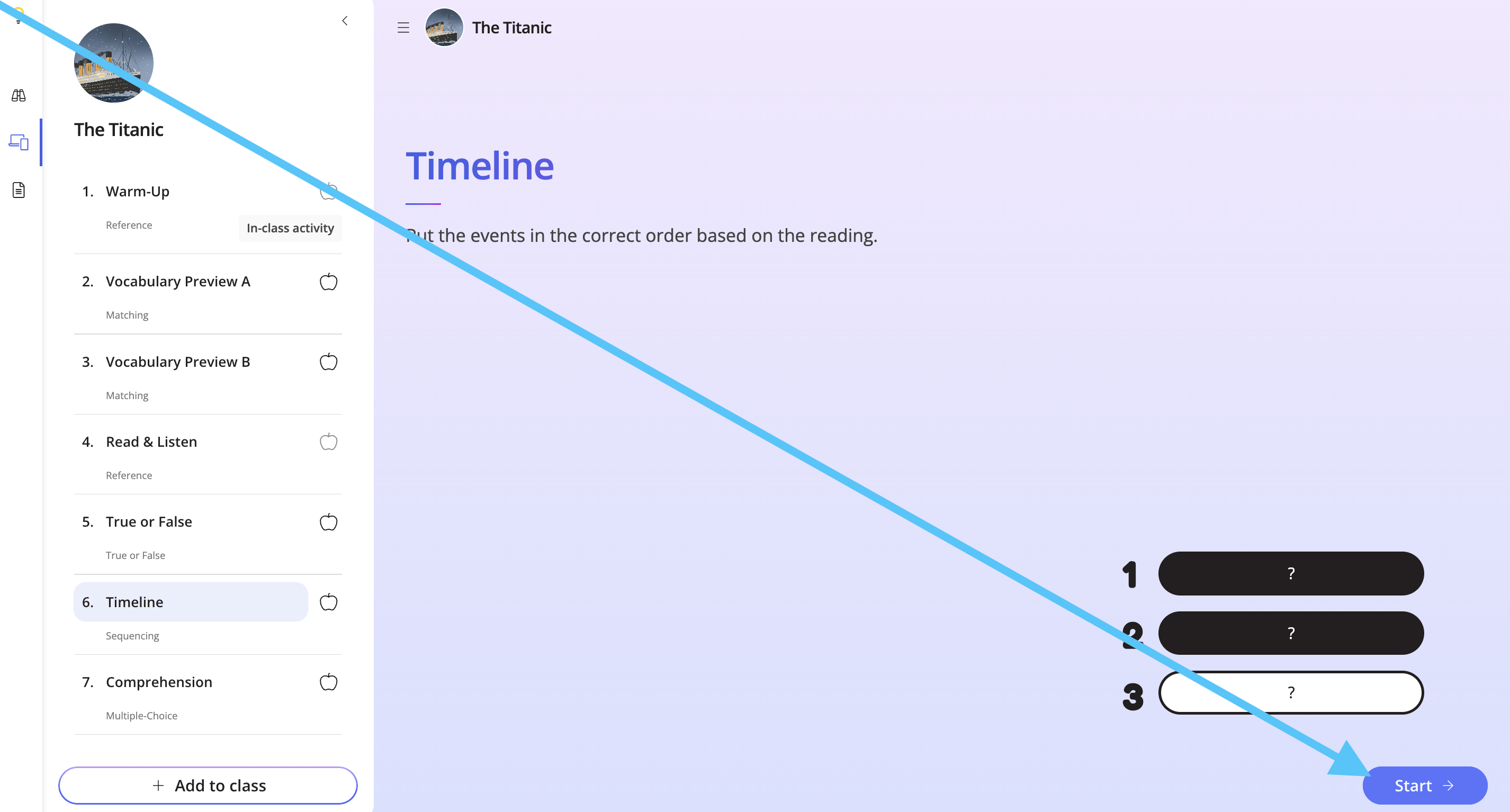
Look for the Timeline task on the left-hand side, and click Start.
Step 3
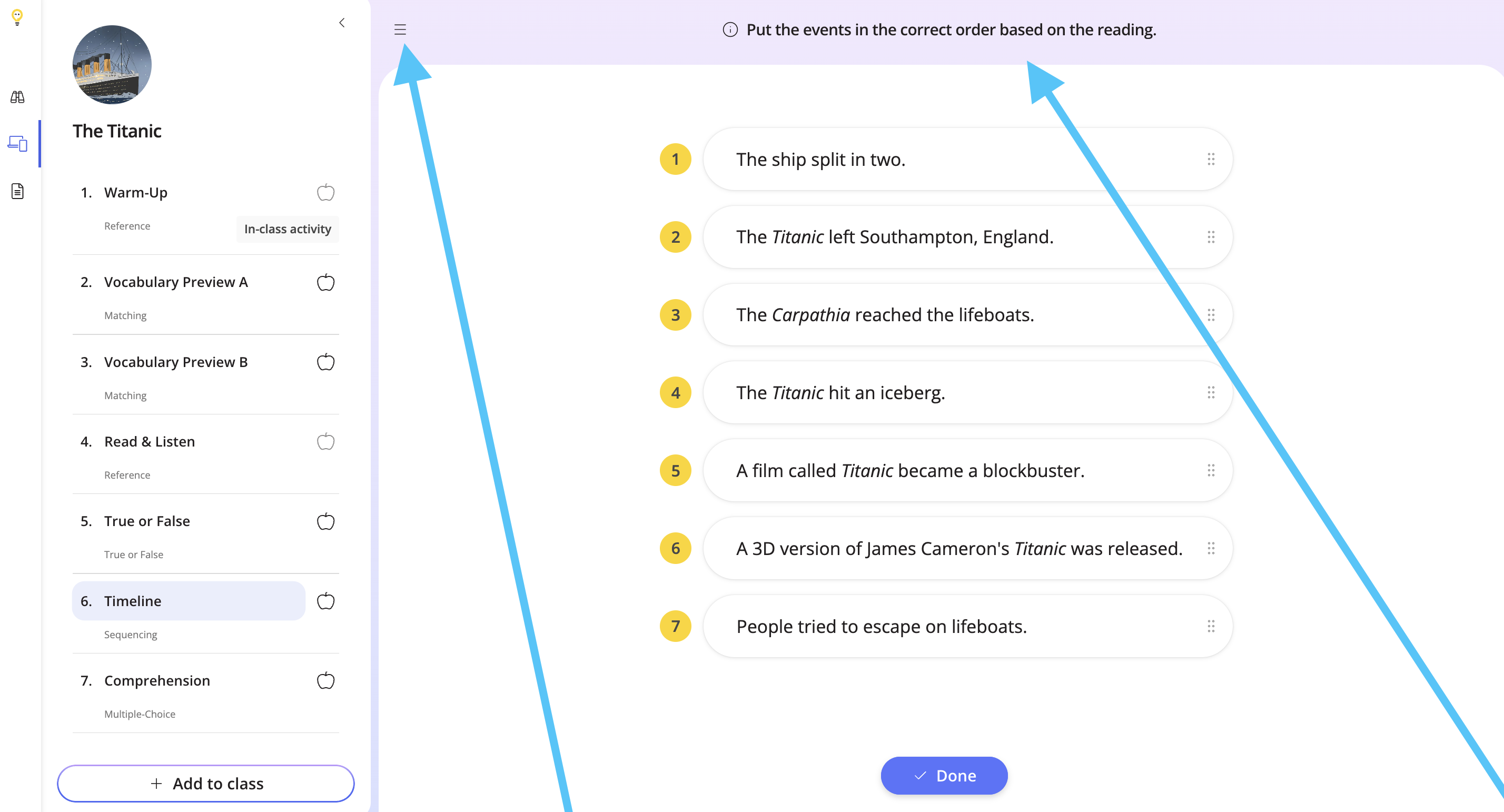
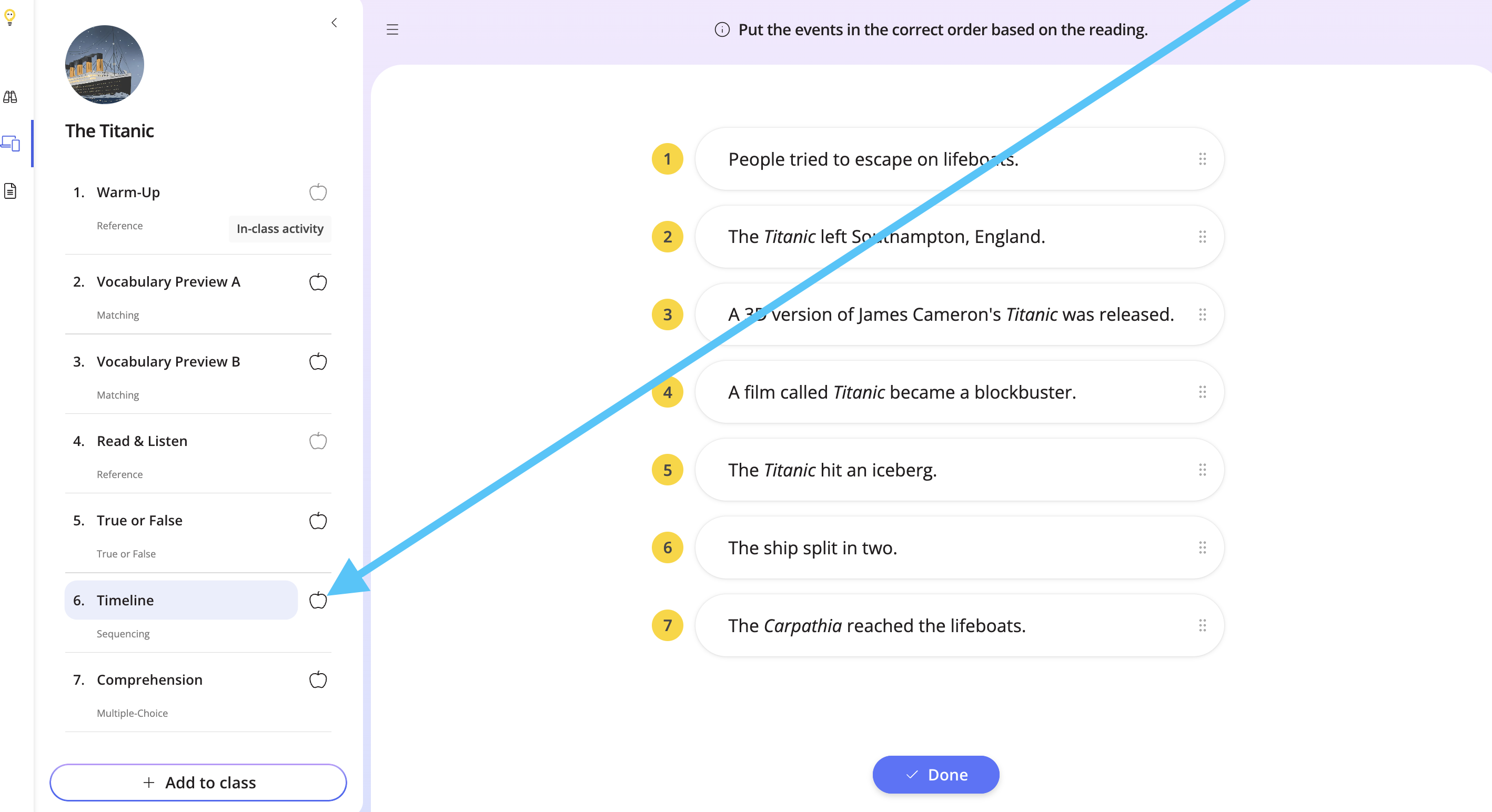
View the instructions at the top, and use the hamburger button to close the tasks list. Use the same button to bring it back.
Step 4
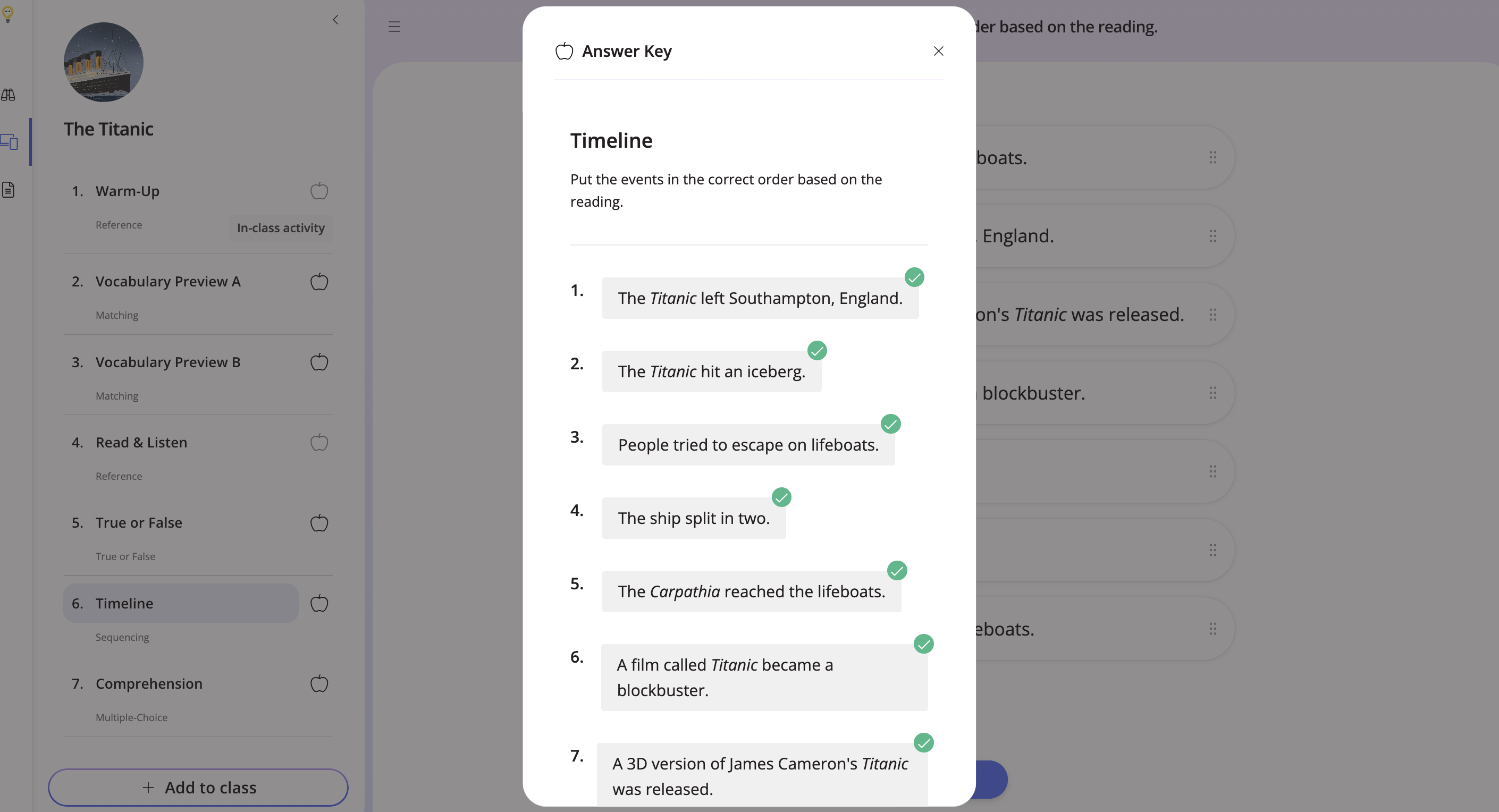
To view the answer key, click the grey apple.
Step 5
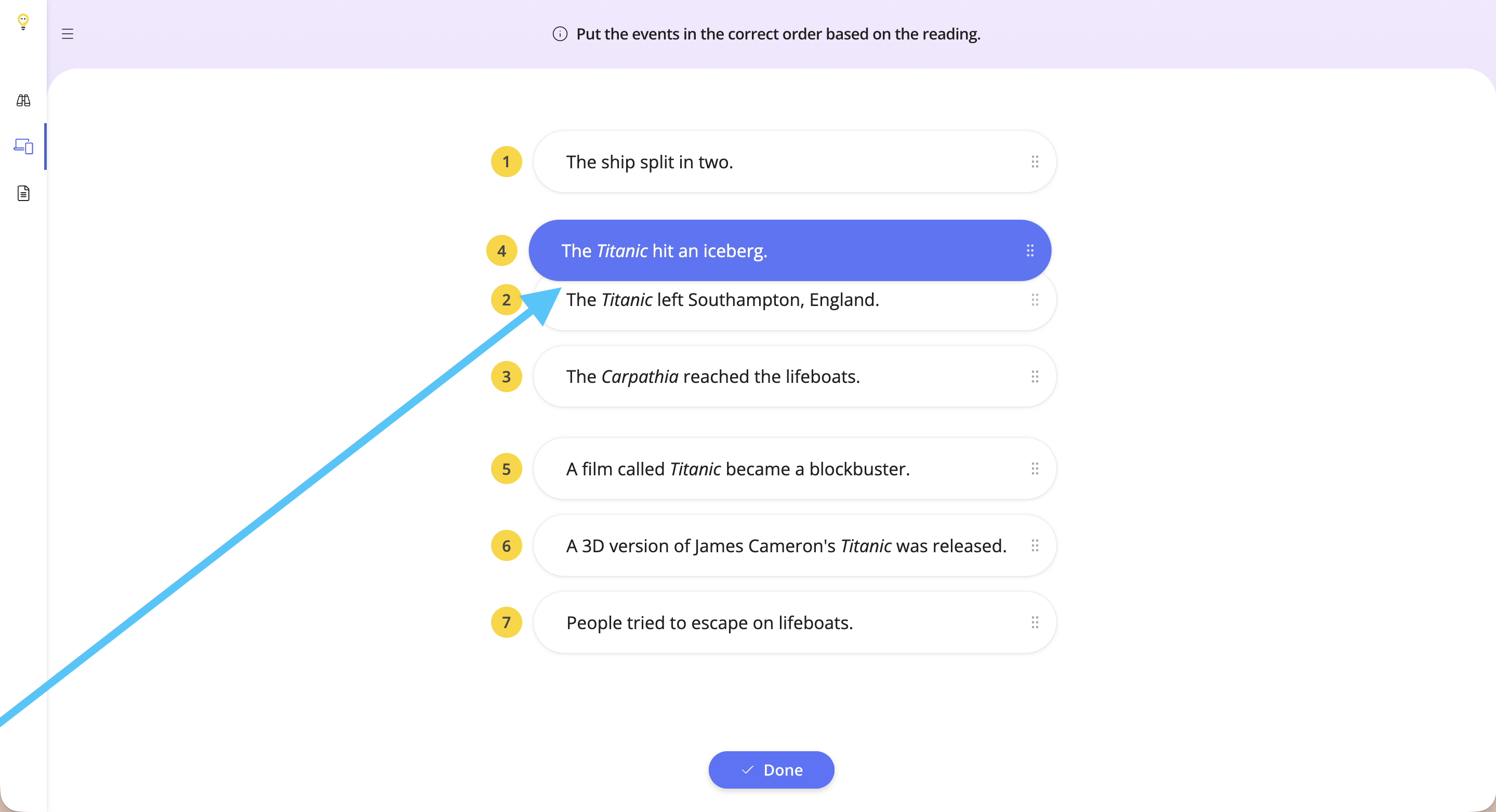
To begin the task, drag and drop the events in the correct order.
Step 6
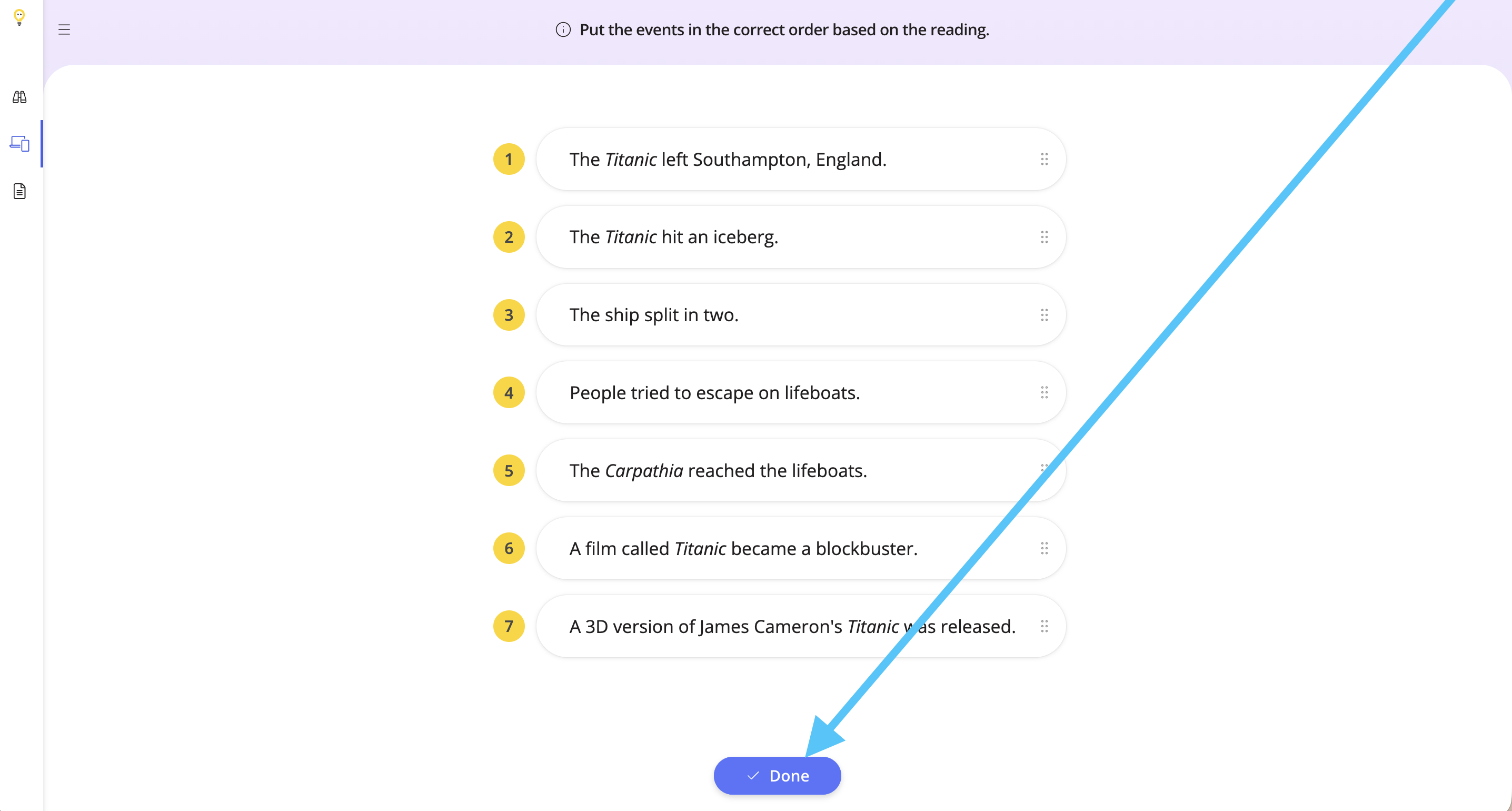
Once you have finished the task, click Done.
Step 7
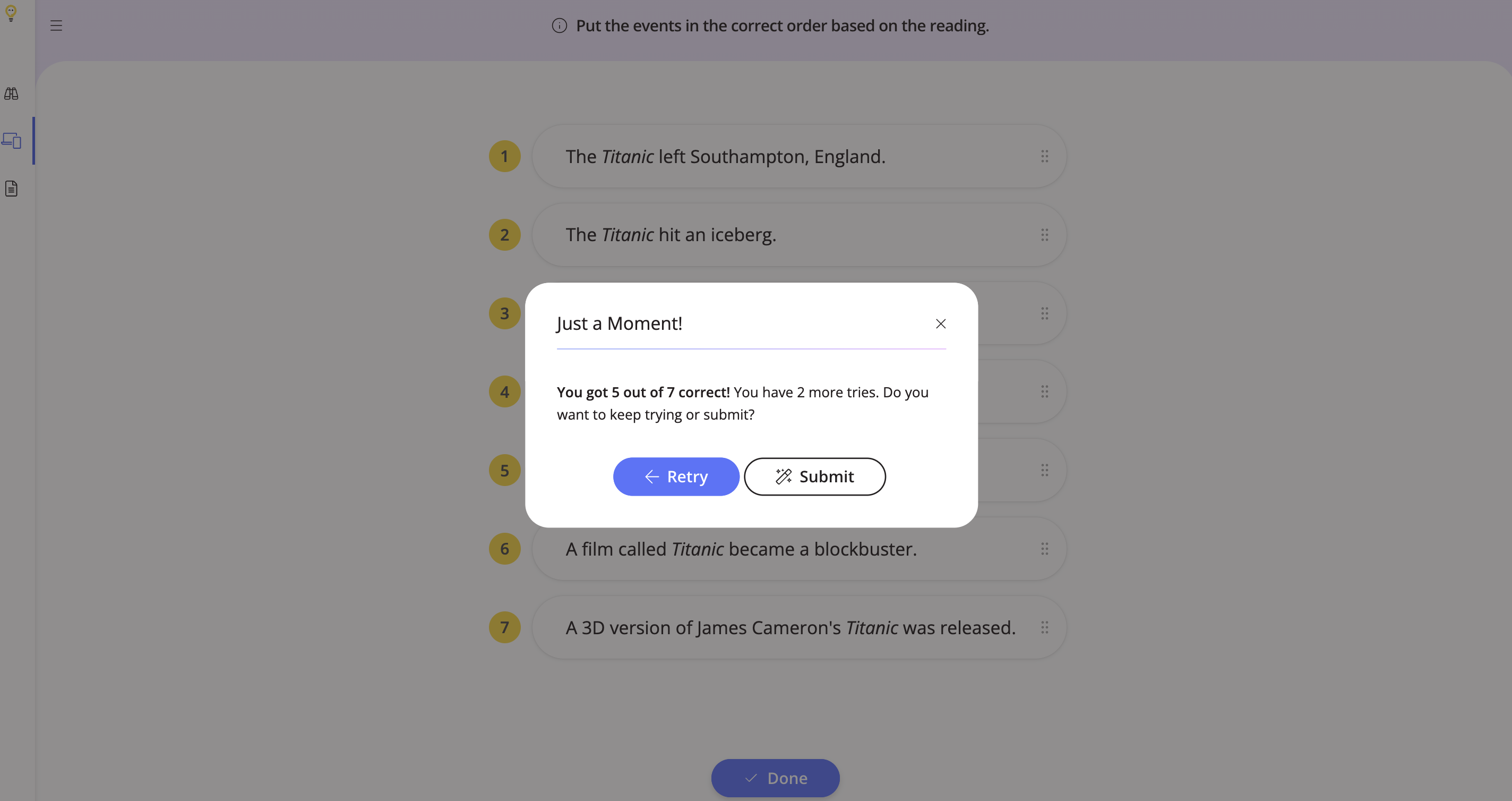
If there are any mistakes, a pop-up will appear letting you know how many you got correct. To retry the task, click Retry. To continue and submit the task, click Submit.
Step 8
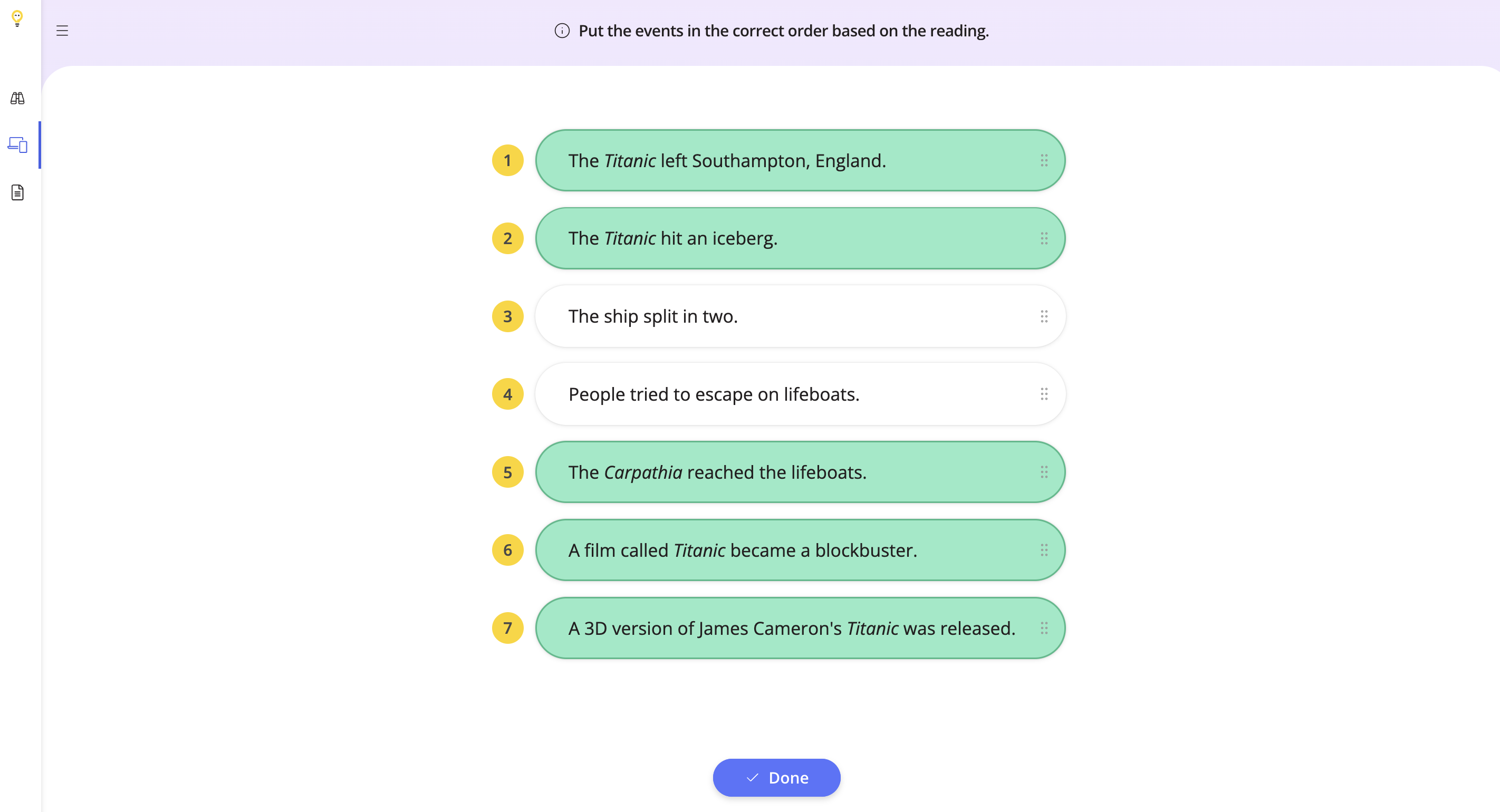
If you retry the task, you will see how many tasks you got correct highlighted in green.
Step 9
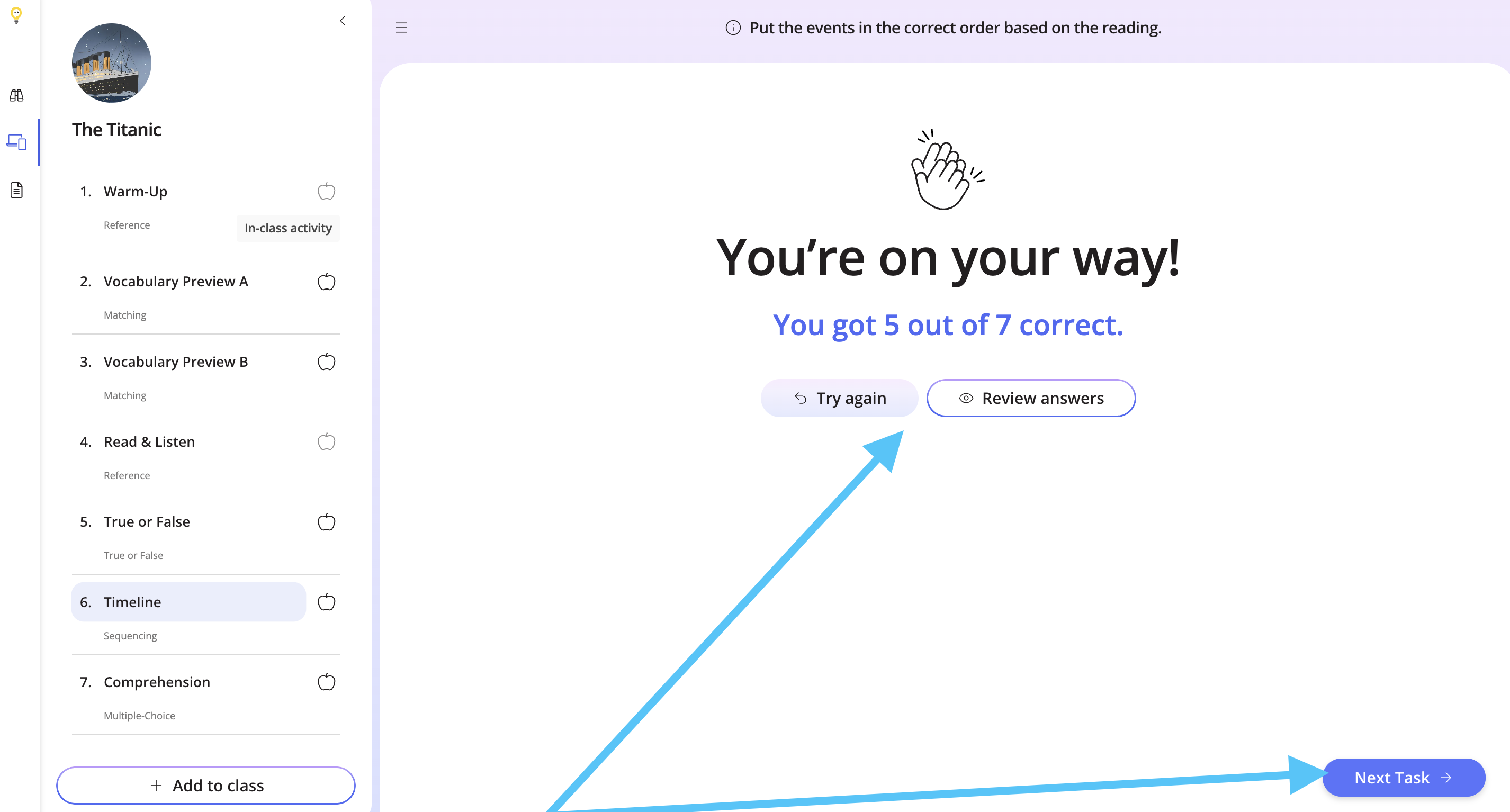
Once you submit the task, you can review the answers, try the task again, or move on to the next task.
Step 10
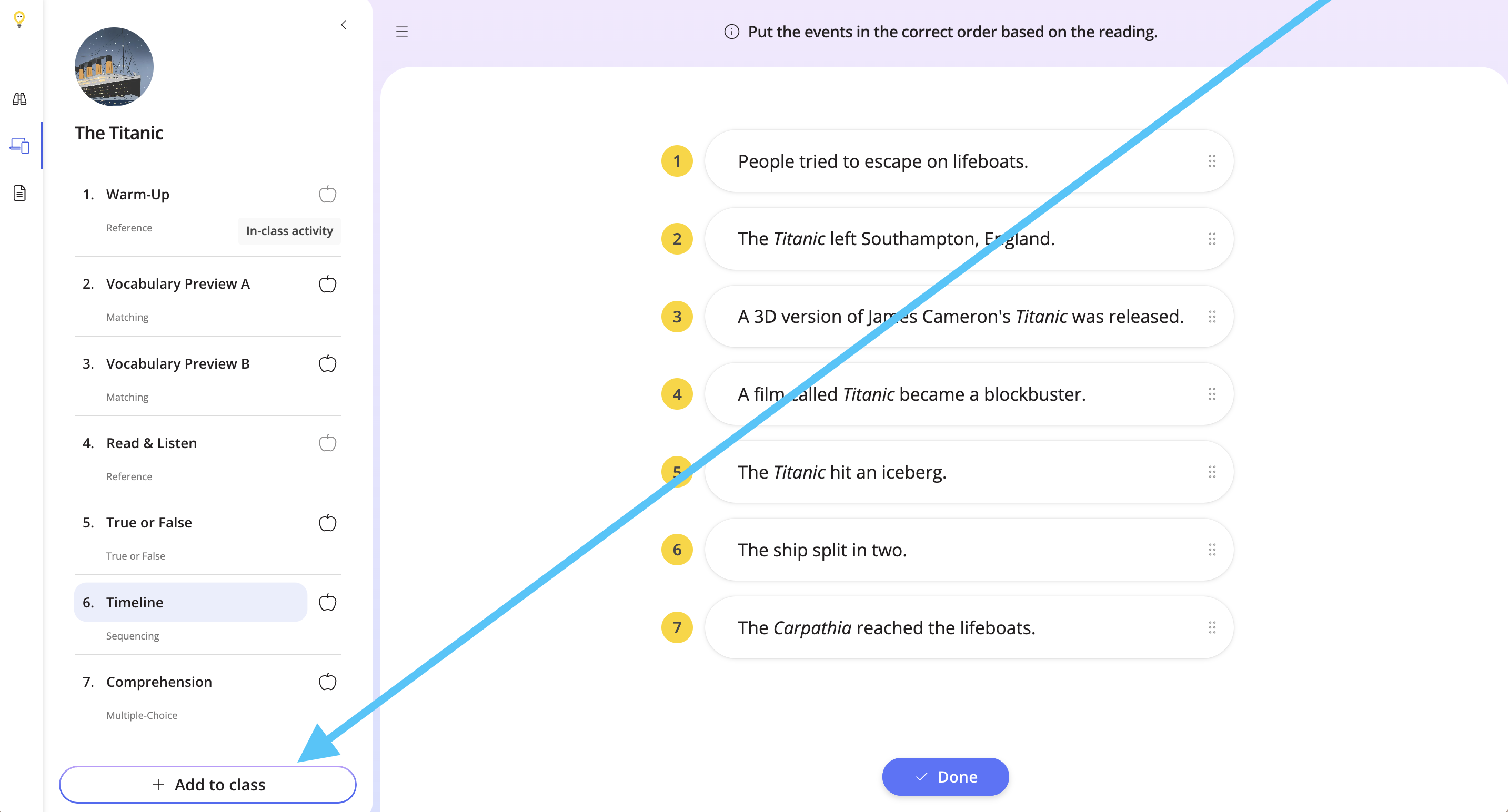
To add the lesson to your class, click Add to Class.
If you would like to assign only this task to your students, check out the help doc below to find out how.