
Dialogue Task
Dialogue is a reference task for reading and listening to dialogues. Follow the steps below or watch the video to learn more!
You can find the Dialogue task in these sections:
Step 1
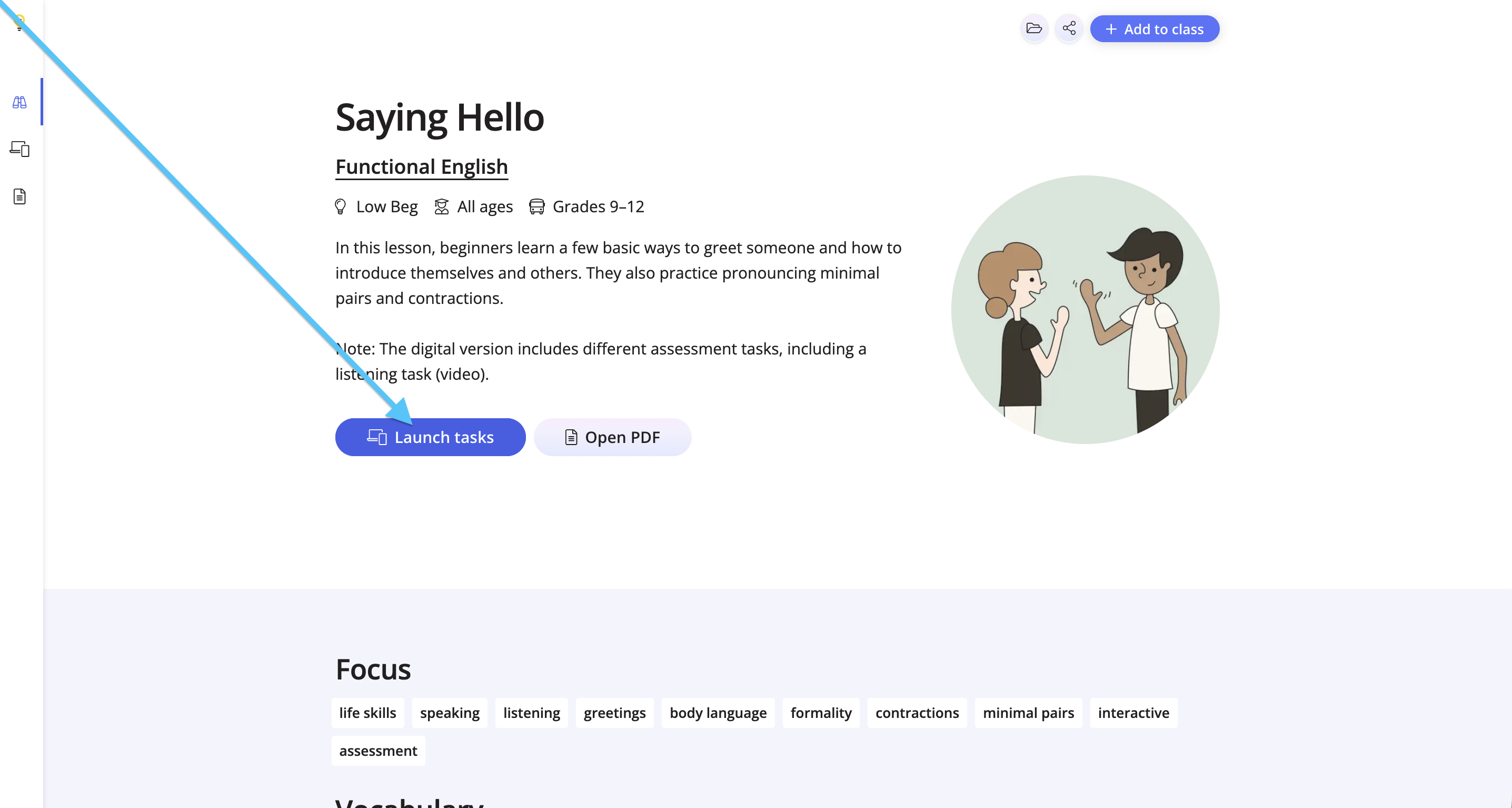
Click Launch Tasks from the lesson overview page.
Step 2
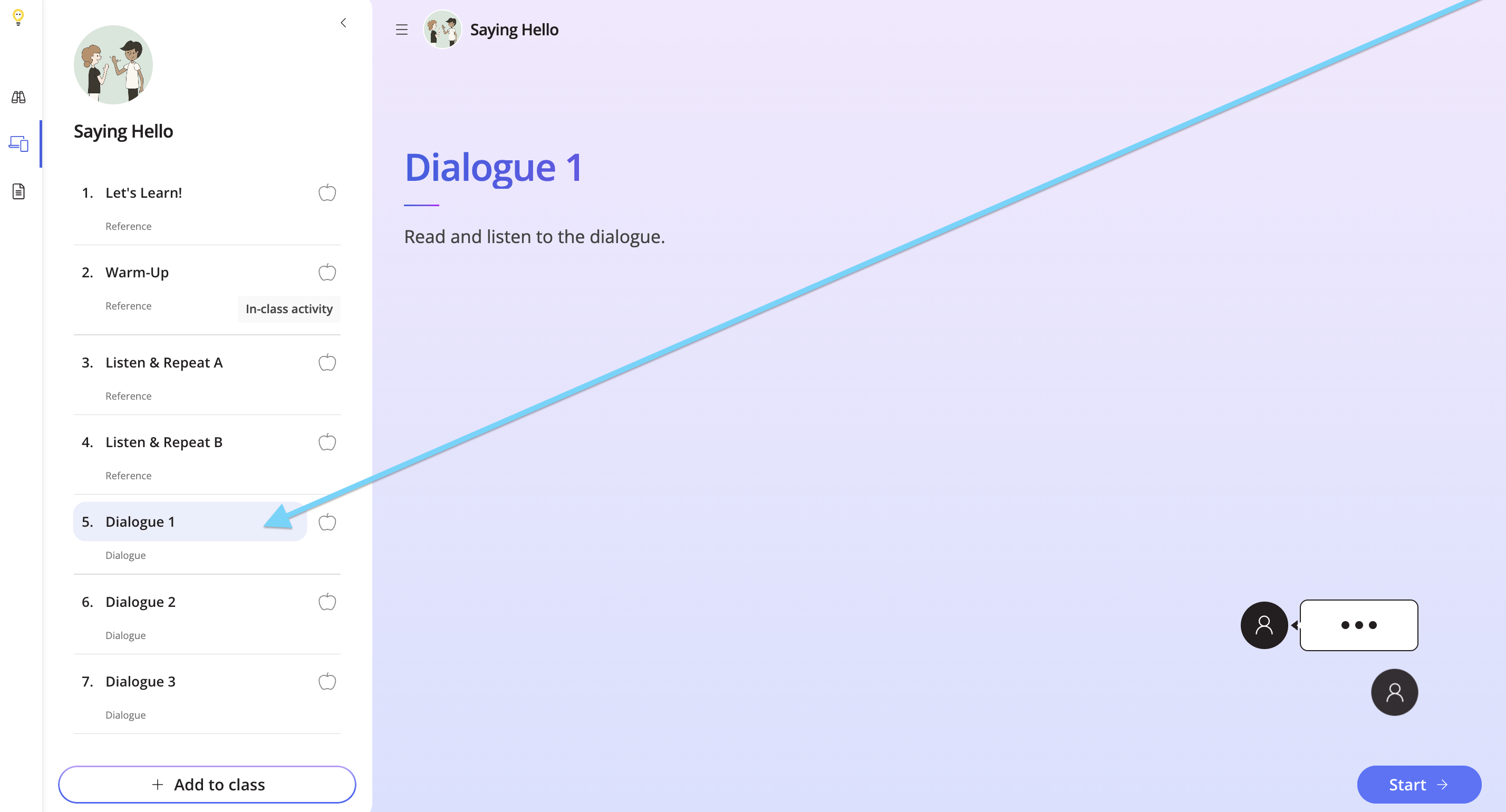
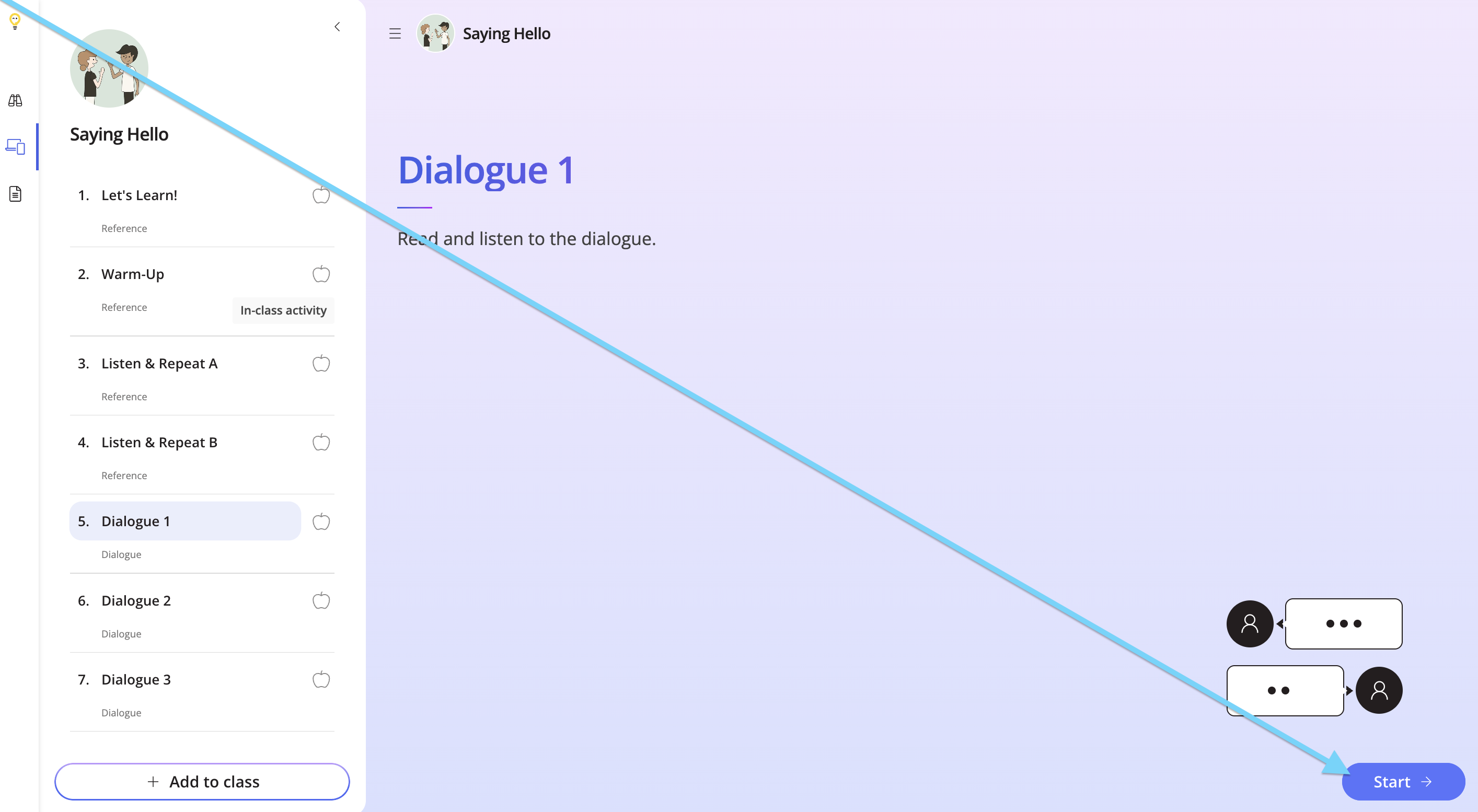
Look for the Dialogue task(s) on the left-hand side, and click Start.
Step 3
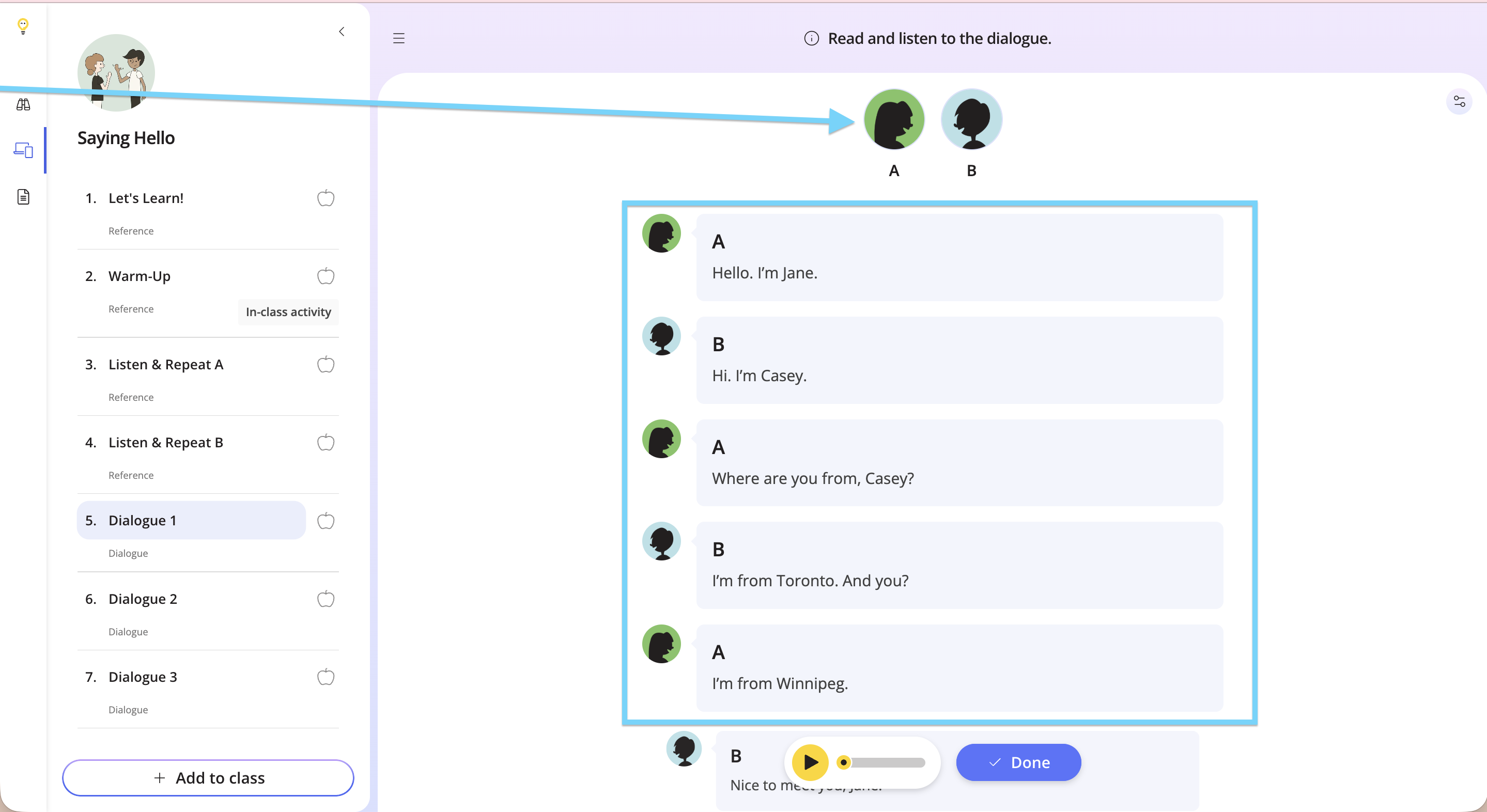
At the top, you’ll see the characters speaking in the dialogue, and the dialogue written out below.
Step 4
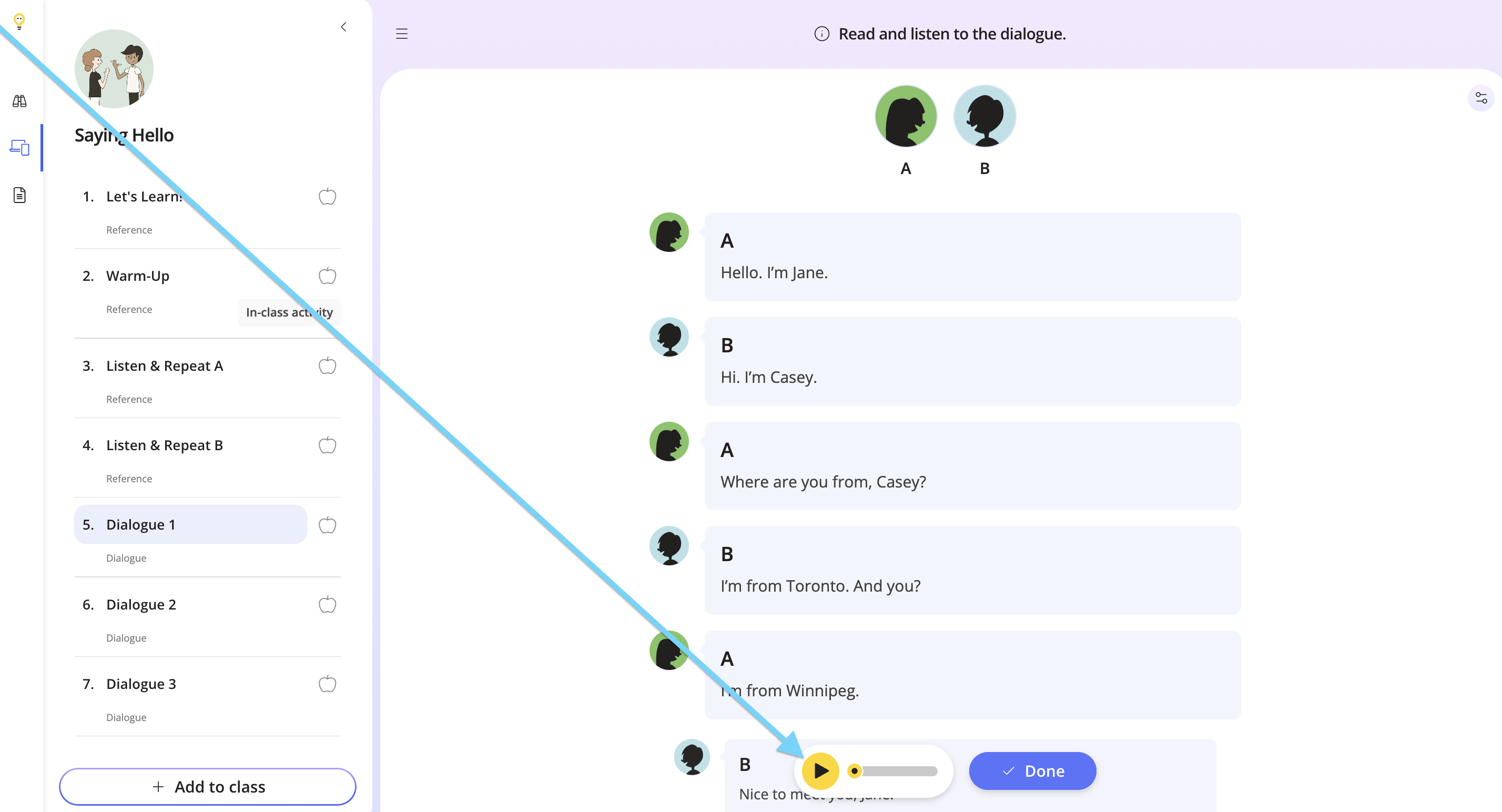
Click play at the bottom to listen to the dialogue.
Step 5
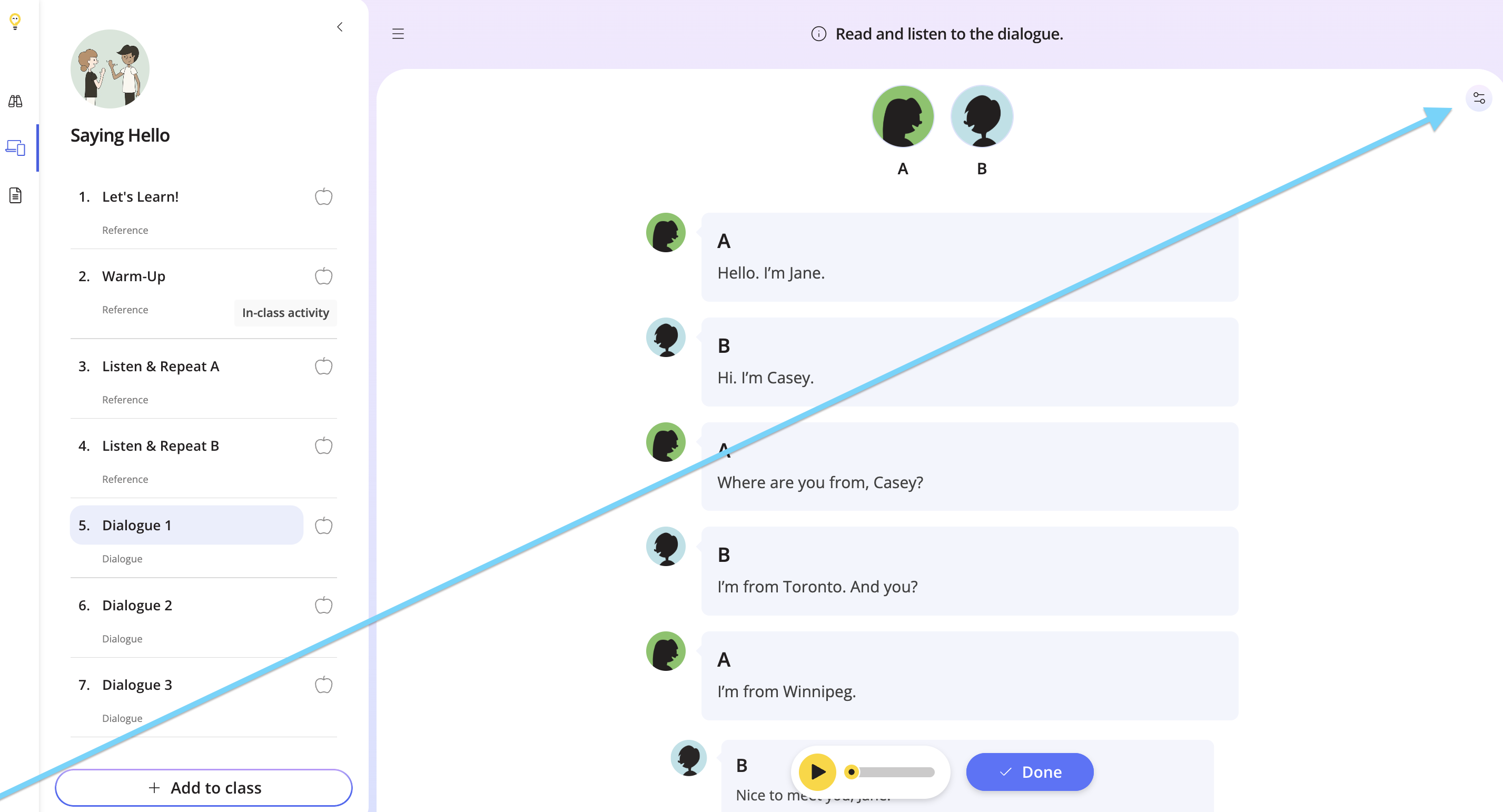
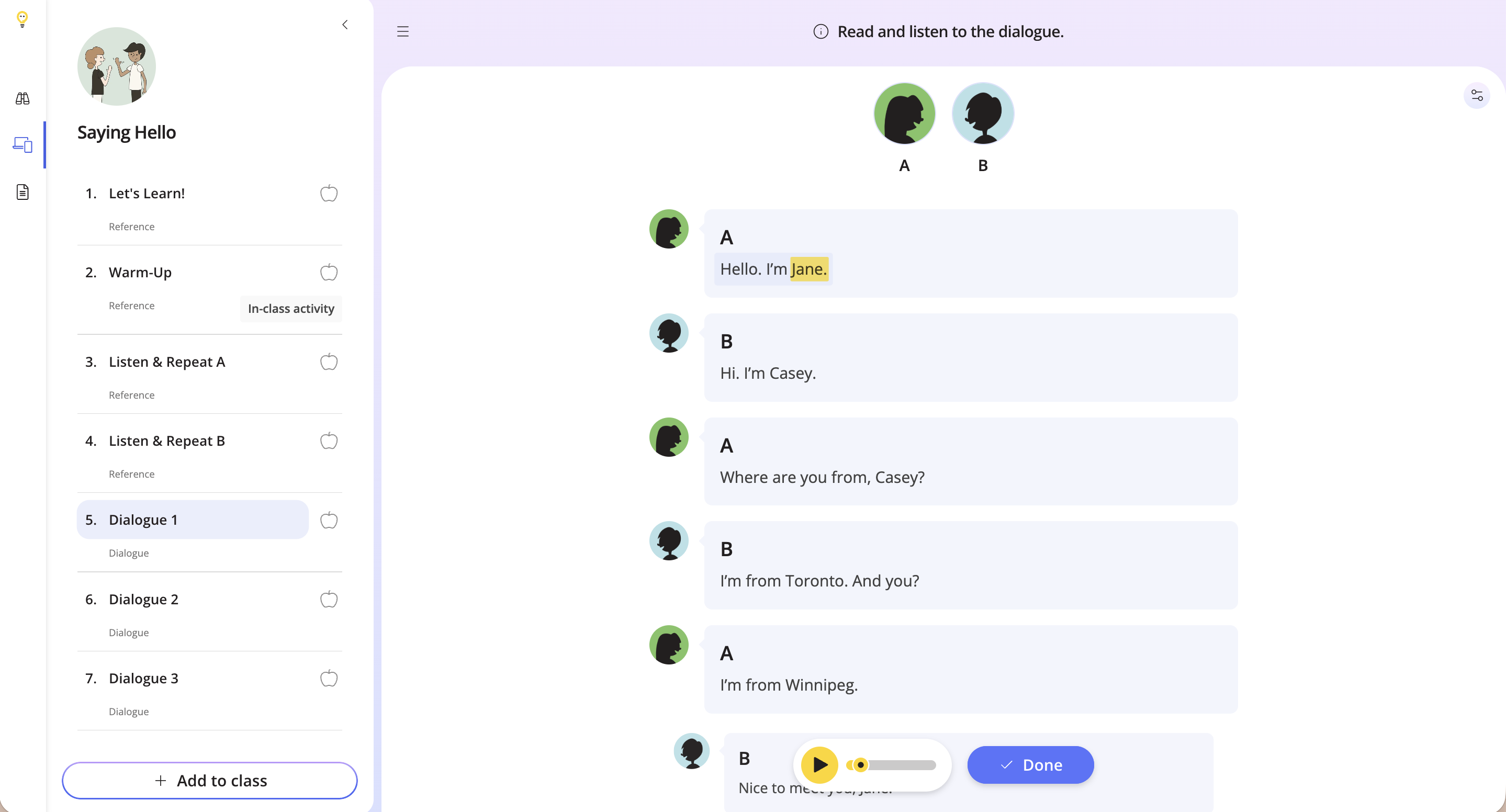
Click the Settings button in the top right corner to view audio highlights. This feature highlights the text alongside the audio.
Step 6
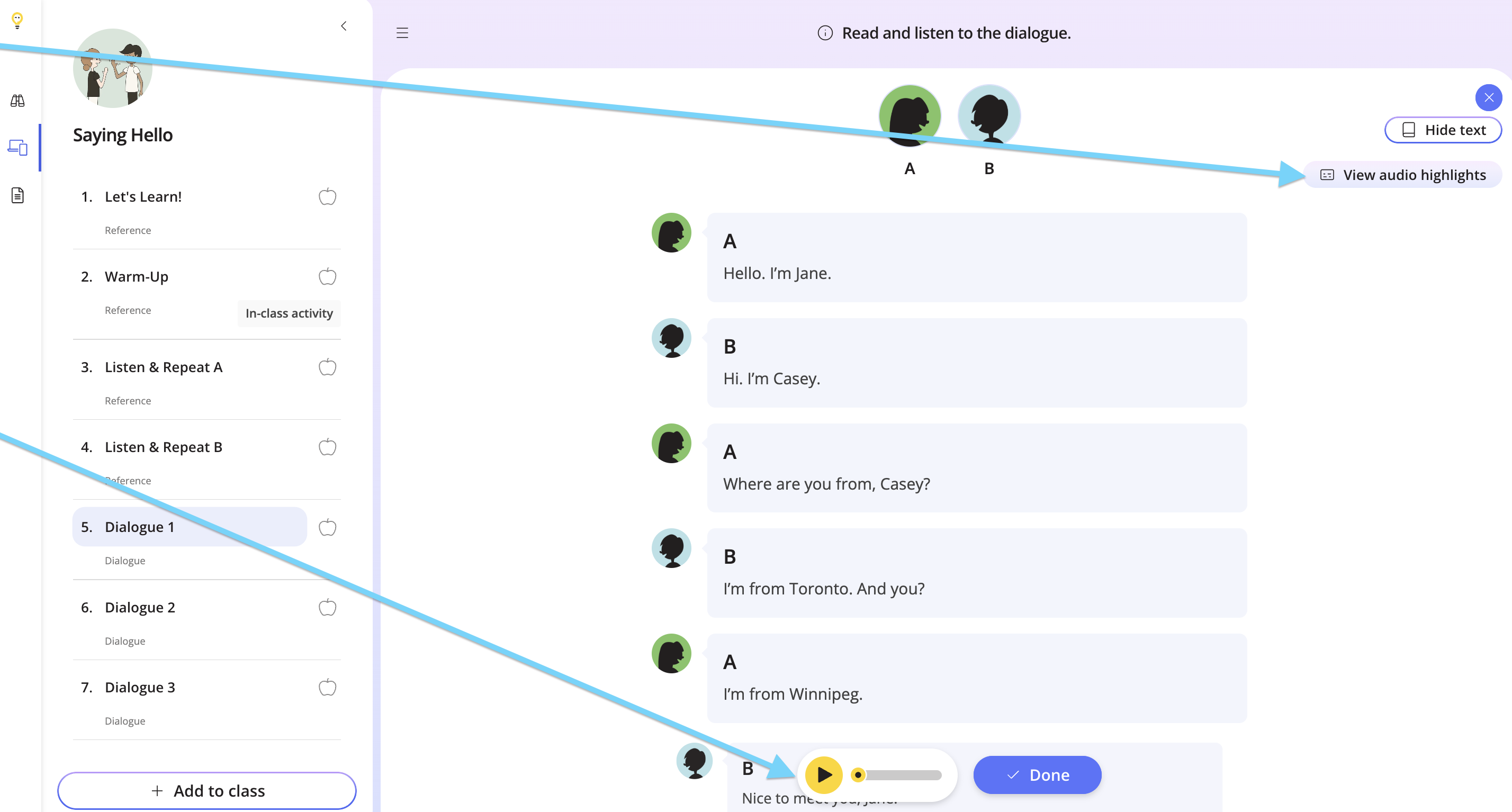
Click View audio highlights, then click play at the bottom.
Step 7
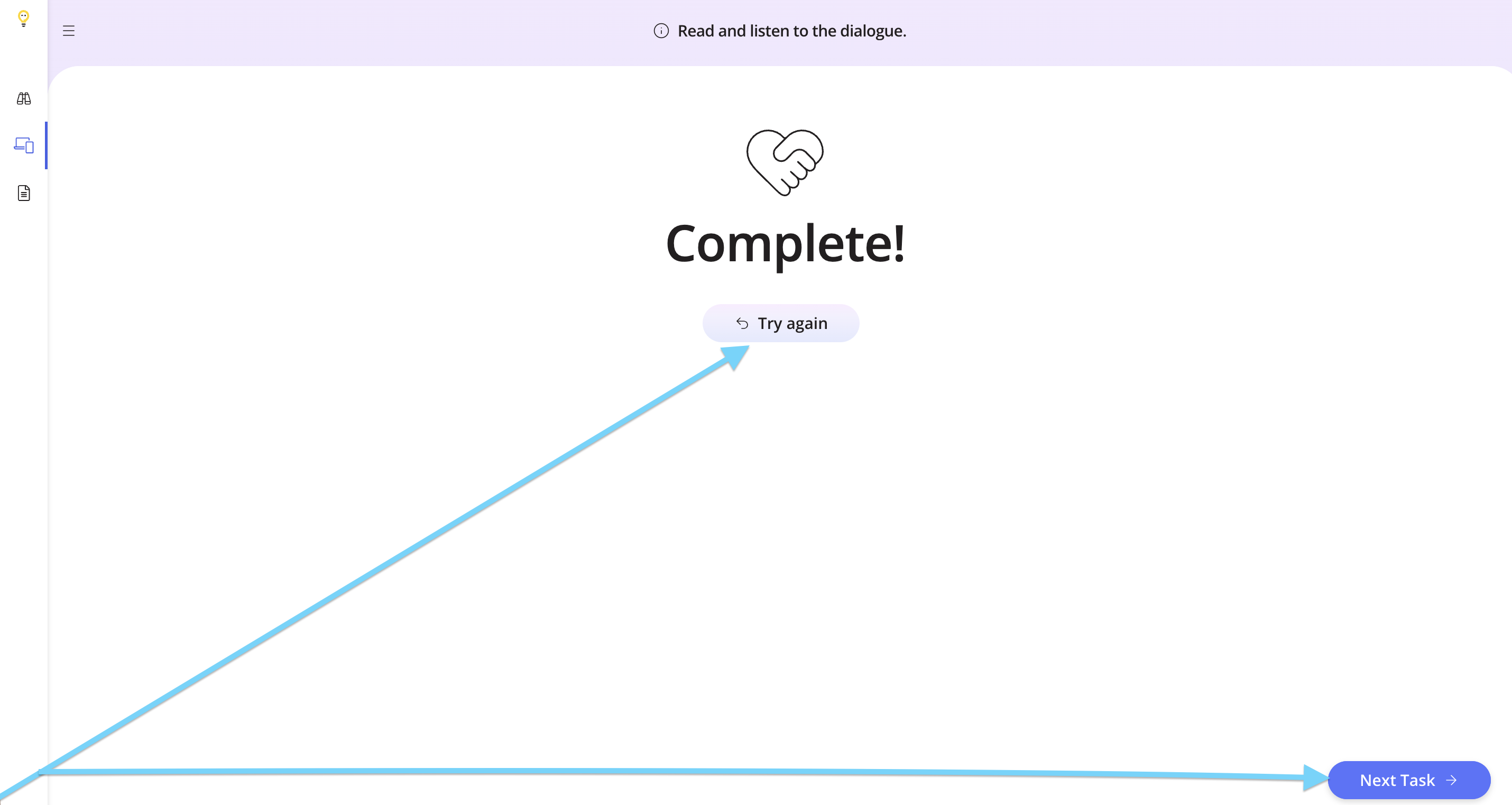
Click Done to try the task again, or proceed to another one.
Step 8
To assign the lesson to your class, click Add to Class.

If you would like to assign only this task to your students, check out the help doc below to find out how.
How to Assign Specific Tasks from a Lesson
Use this task in-person and while teaching online. You can use it for pair work, roleplay scenarios, memorization activities, and more! Contact us if you have any questions.