
How to Unlock Student Accounts (Admins)
An account locks if the password is entered incorrectly 5 times. Follow the steps below to learn how to unlock a student’s account as an administrator.
Step-by-Step Instructions
Log into your account here:
Step 1
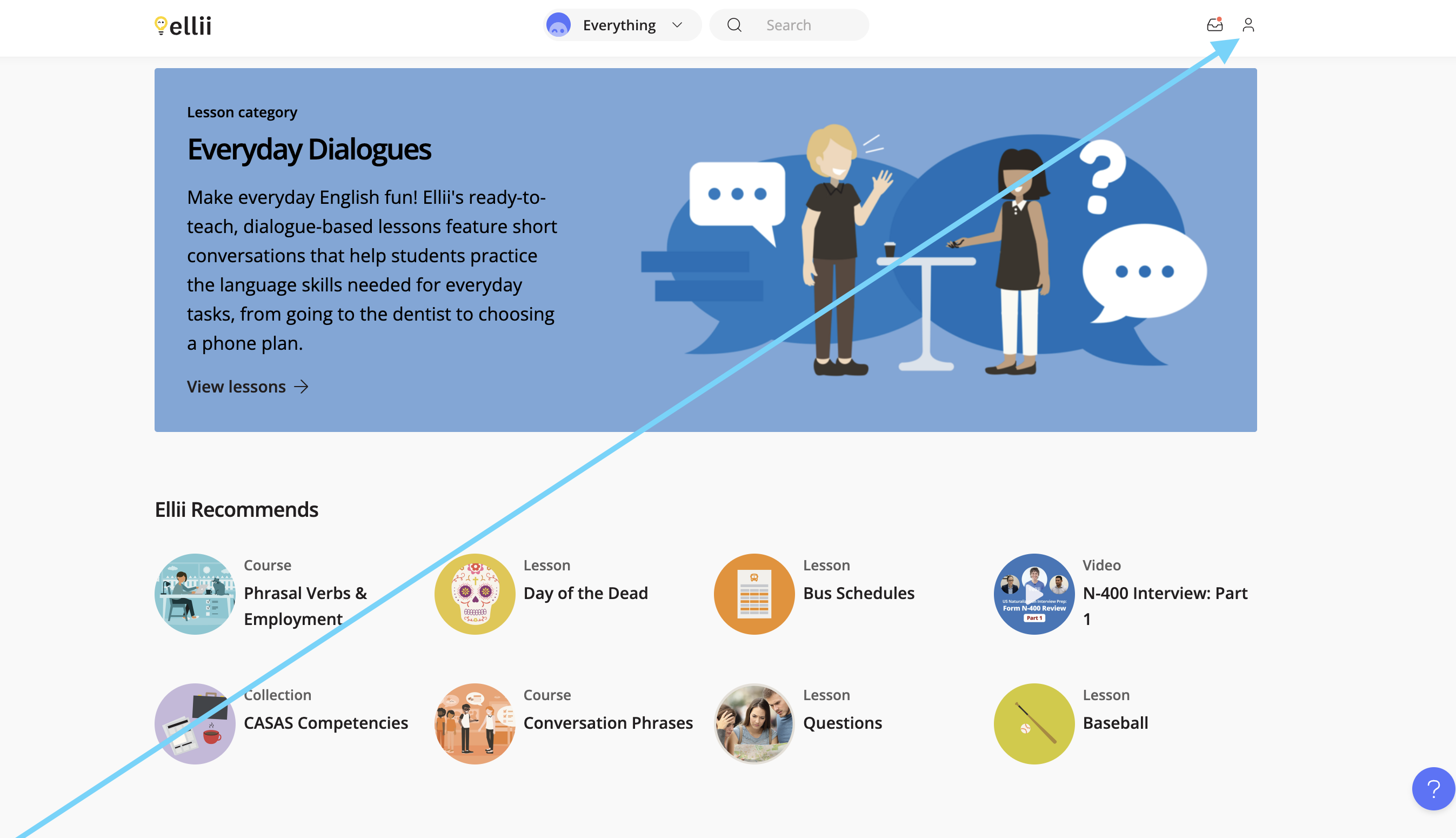
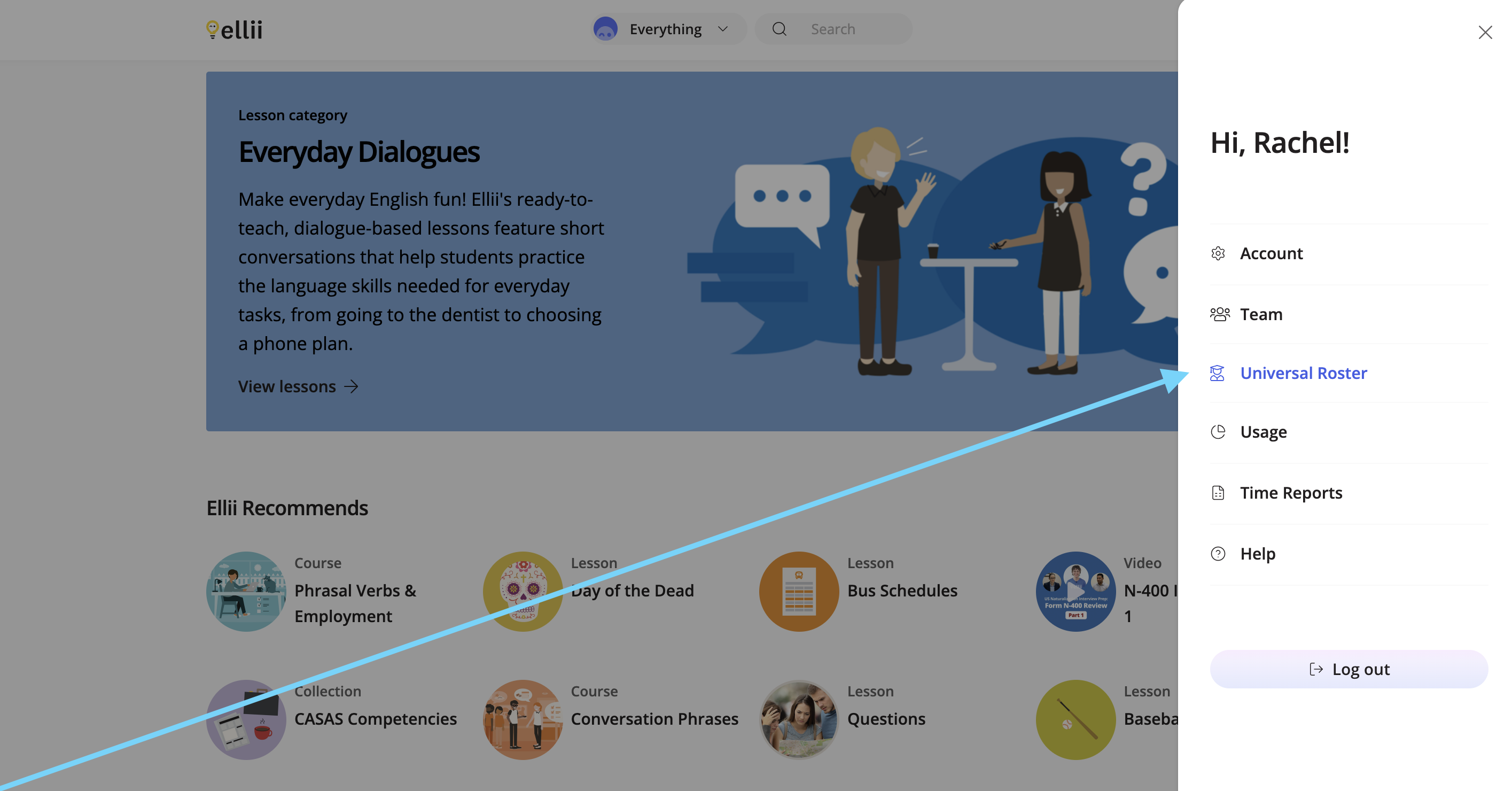
Click the profile icon. Then, click Universal Roster.
Step 2
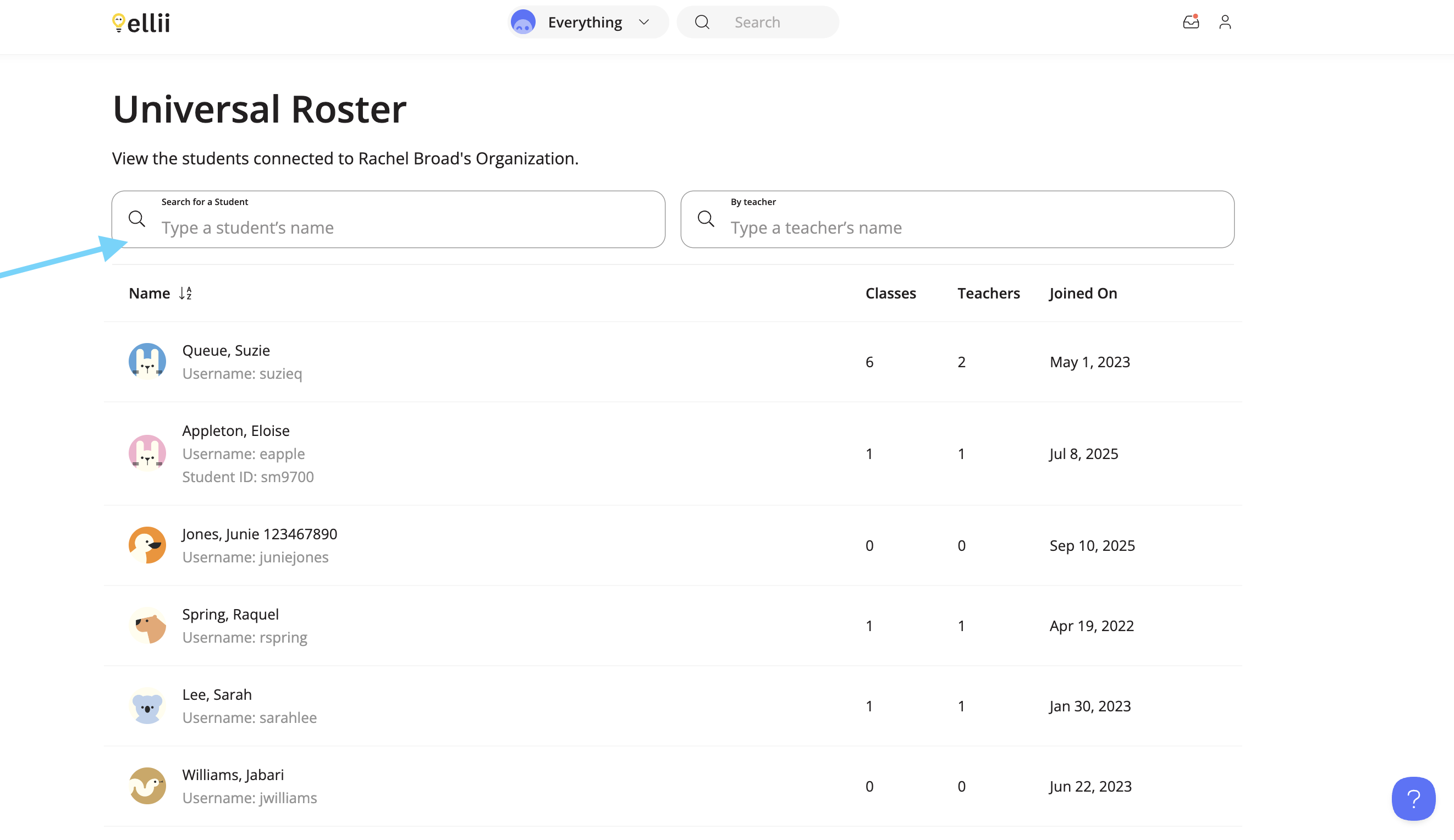
Find the student’s name on the list, or search for their name.
Step 3
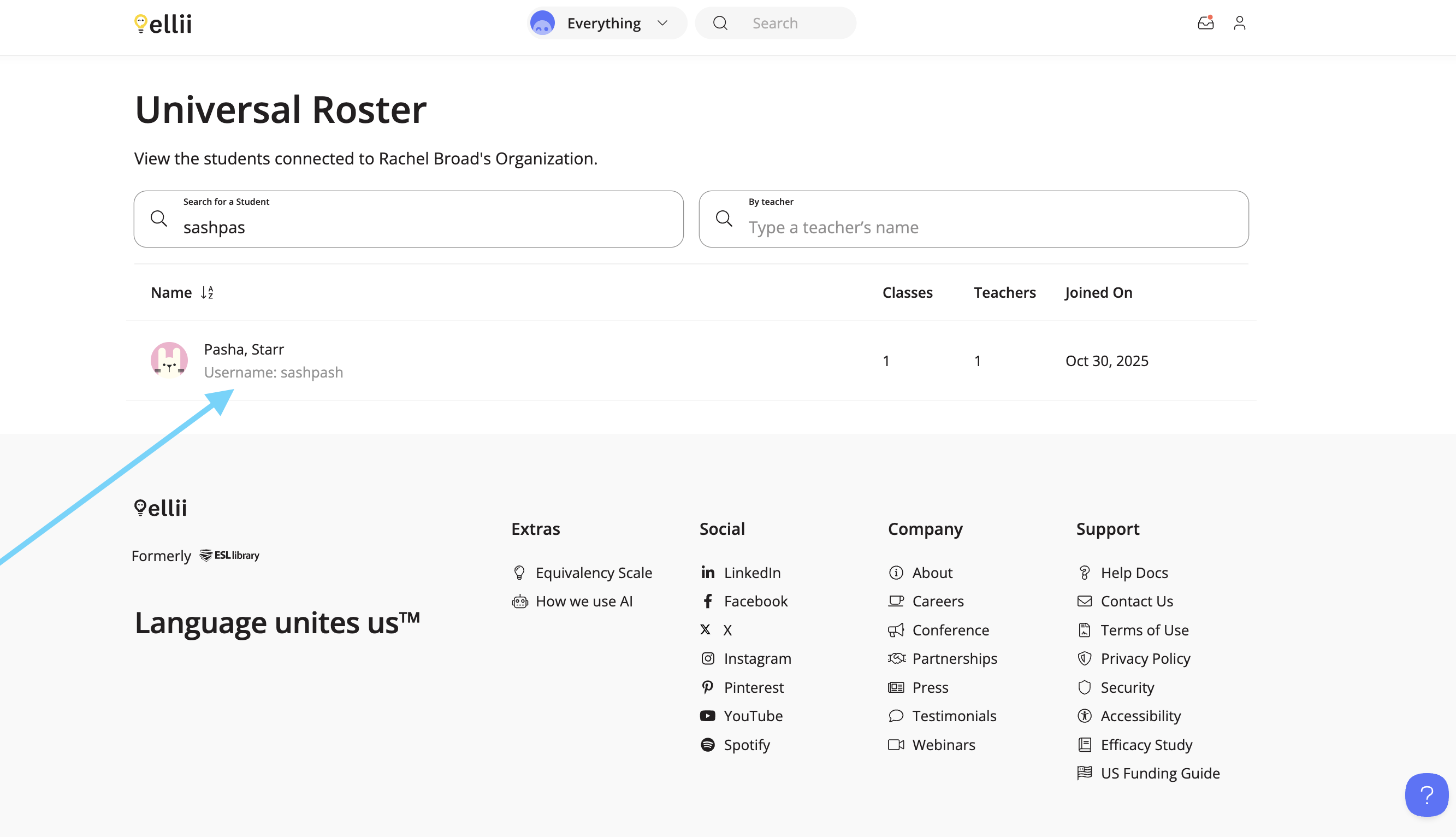
Click the student. Then, click Unlock Account.
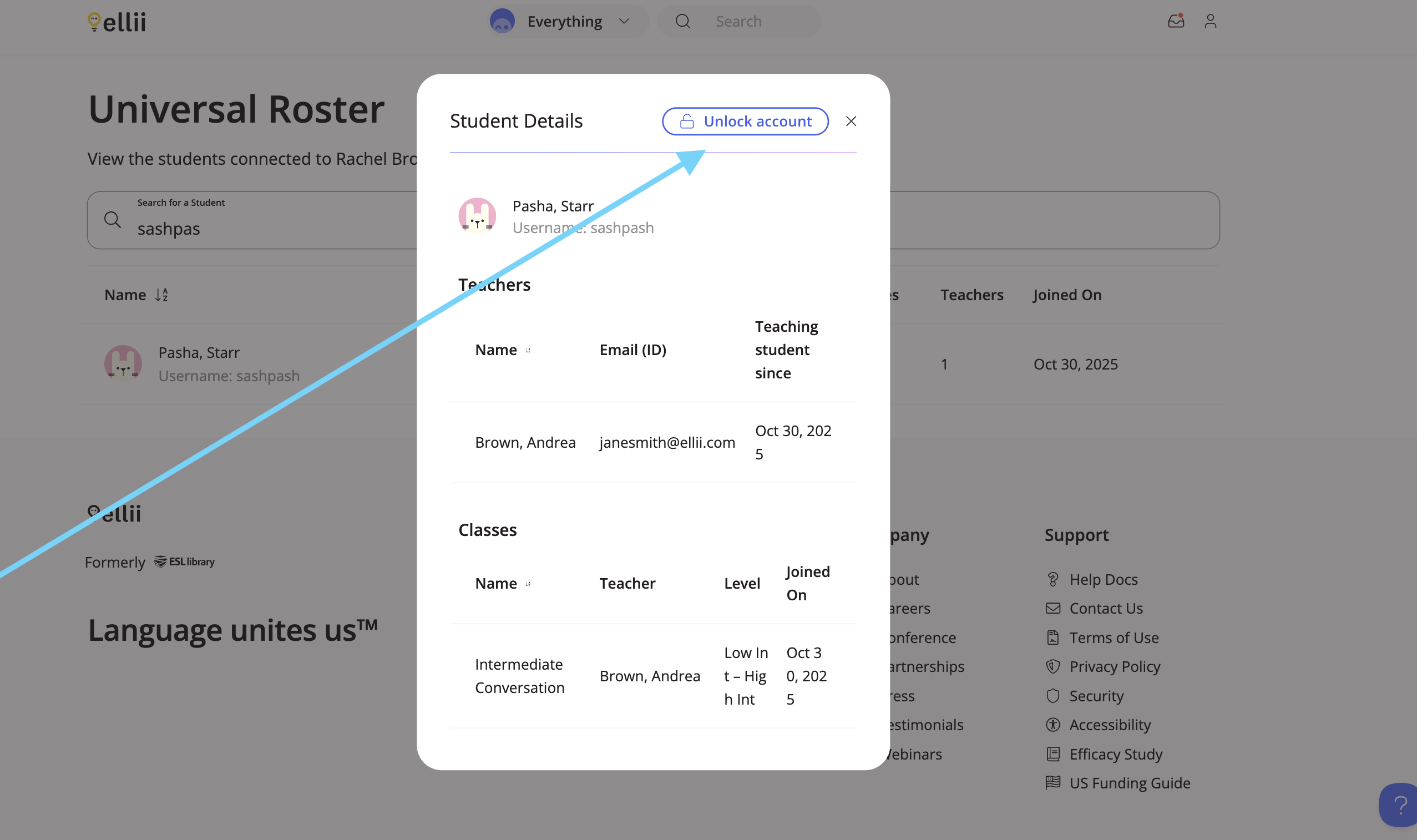
The account is then unlocked and the student can try again to sign in.
If you need any asistance, please let us know!