
How to Find Videos on Ellii Solo (Students)
Follow the steps below to learn more about the Videos section on Ellii Solo!
Step 1
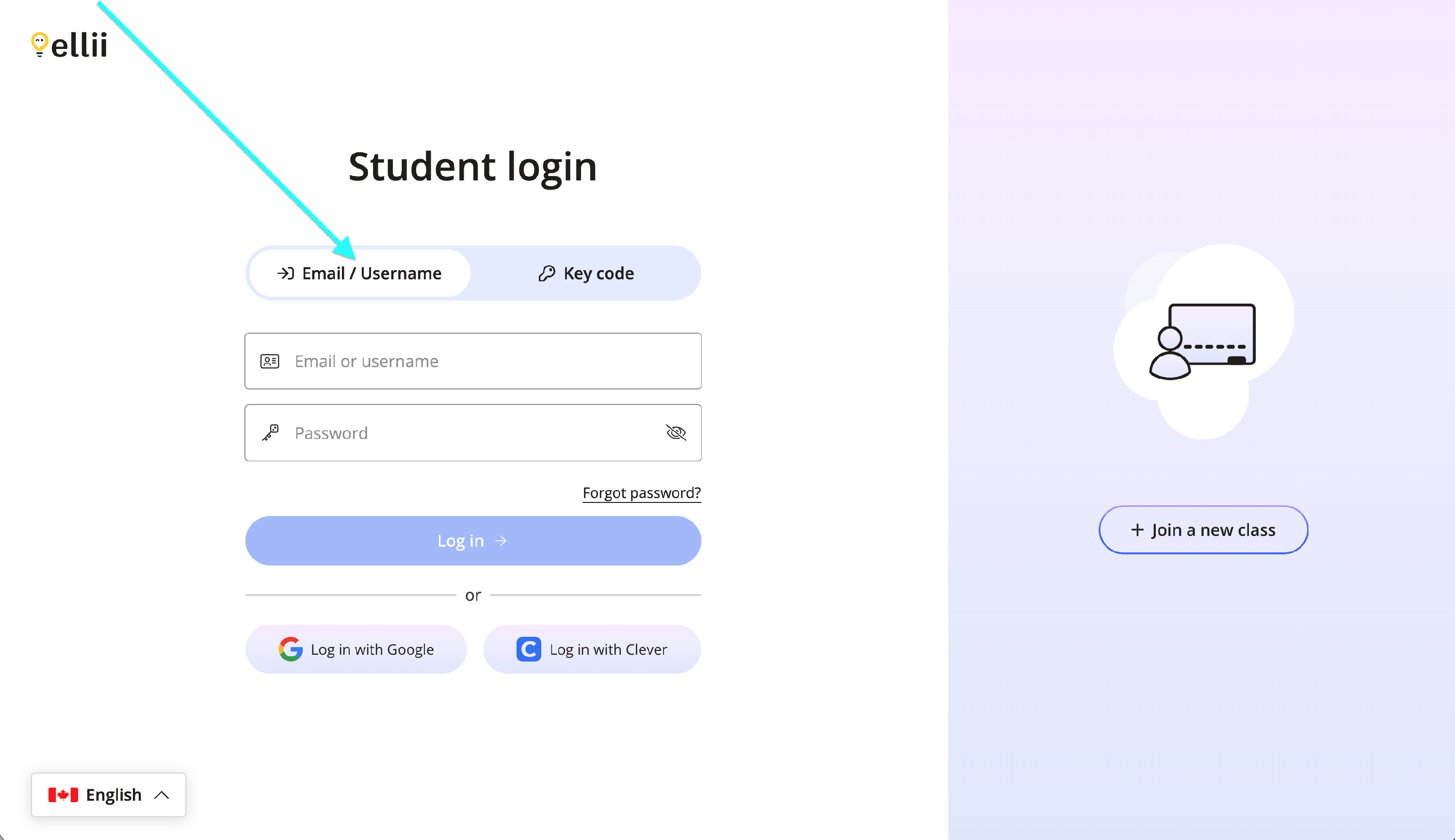
Log into your student account via https://ellii.com/students.
If you log in with an email address or username, click on the Email/Username tab and enter your information.
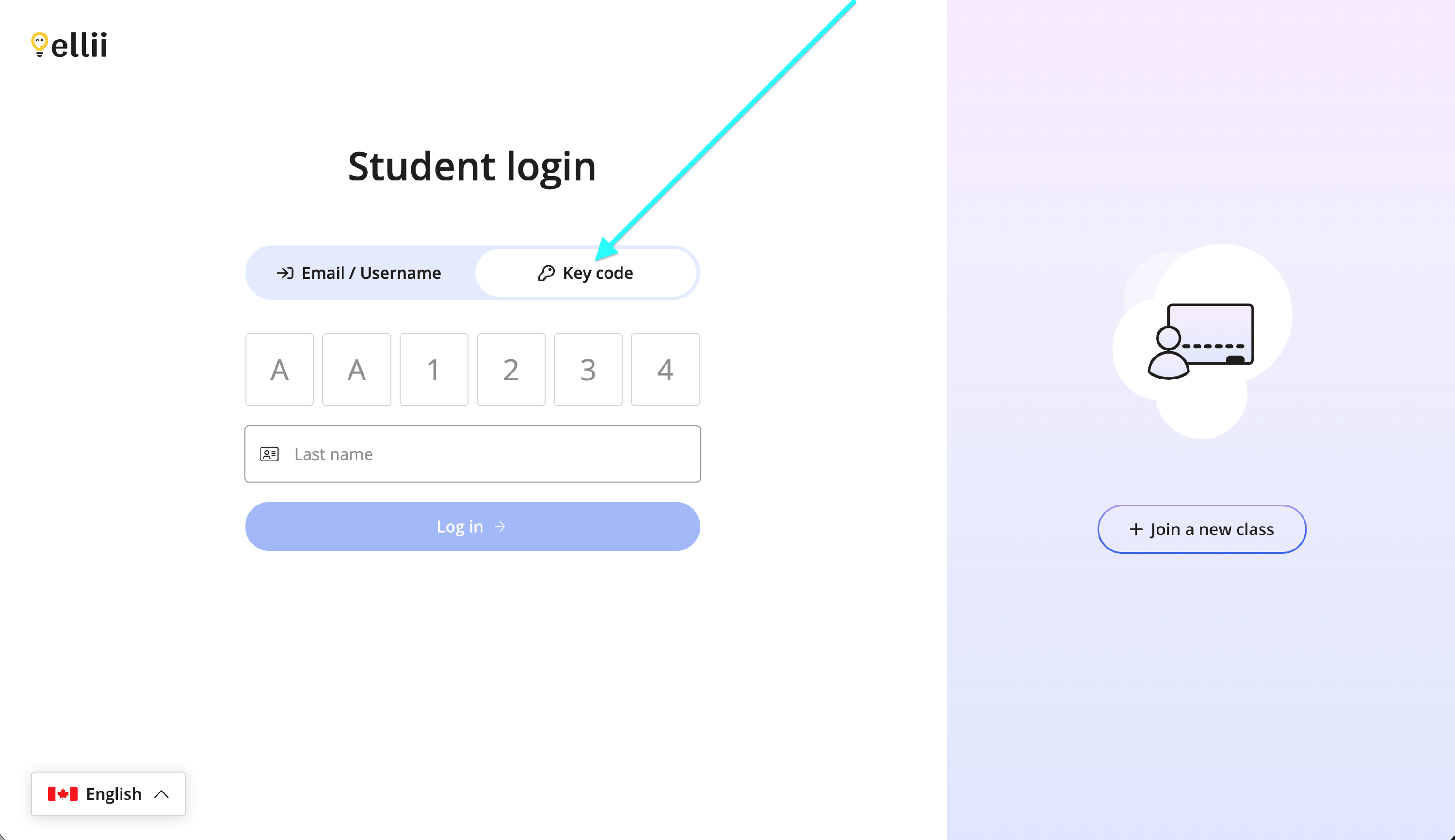
If you use a key code, click on the Key code tab and enter your information.
Step 2
Once logged in, click on Ellii Solo.

Step 3
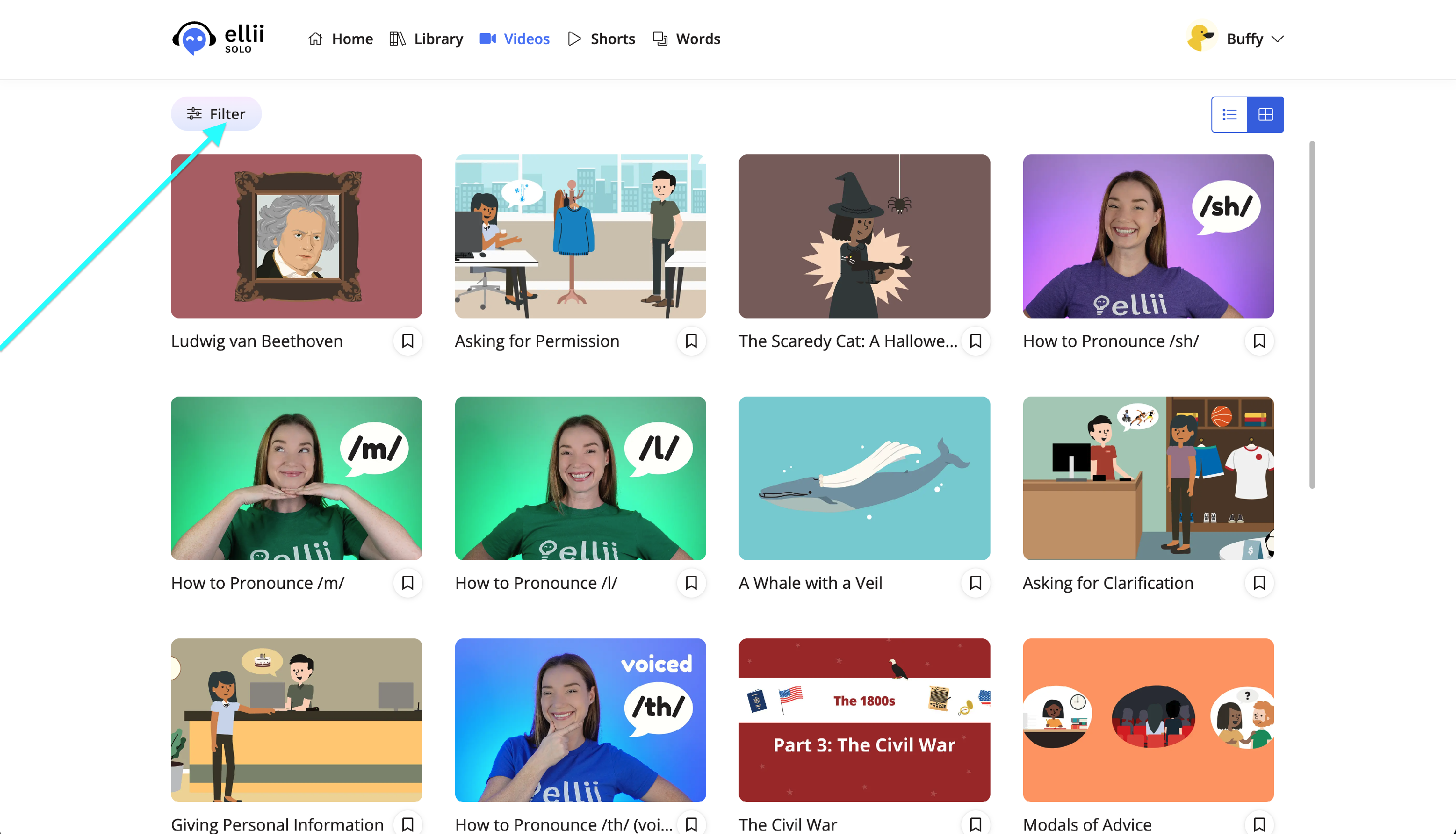
Click on Videos at the top.

Step 4
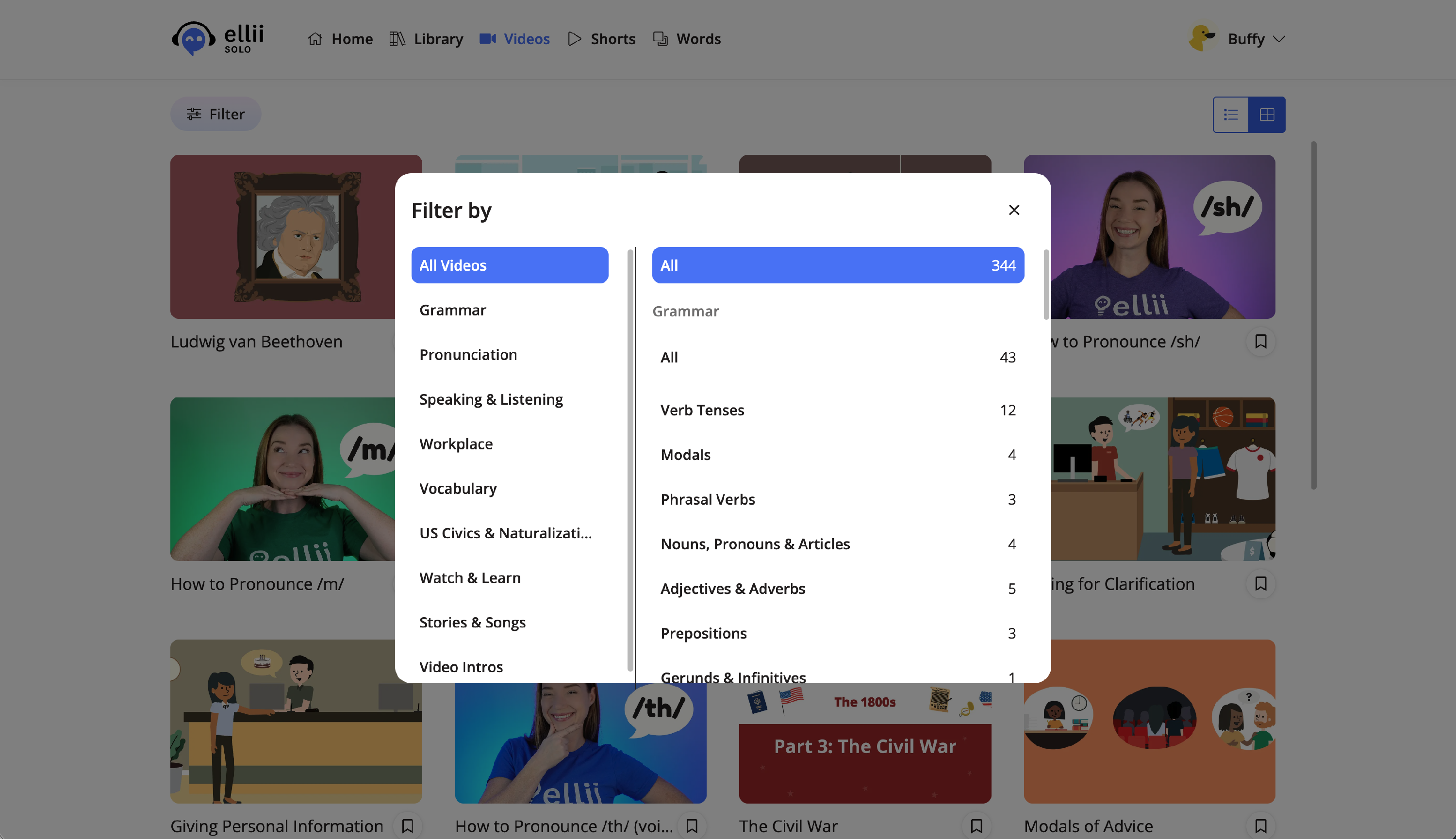
You can search for specific types of videos by clicking on Filter.
Step 5
Click on a video to view it.
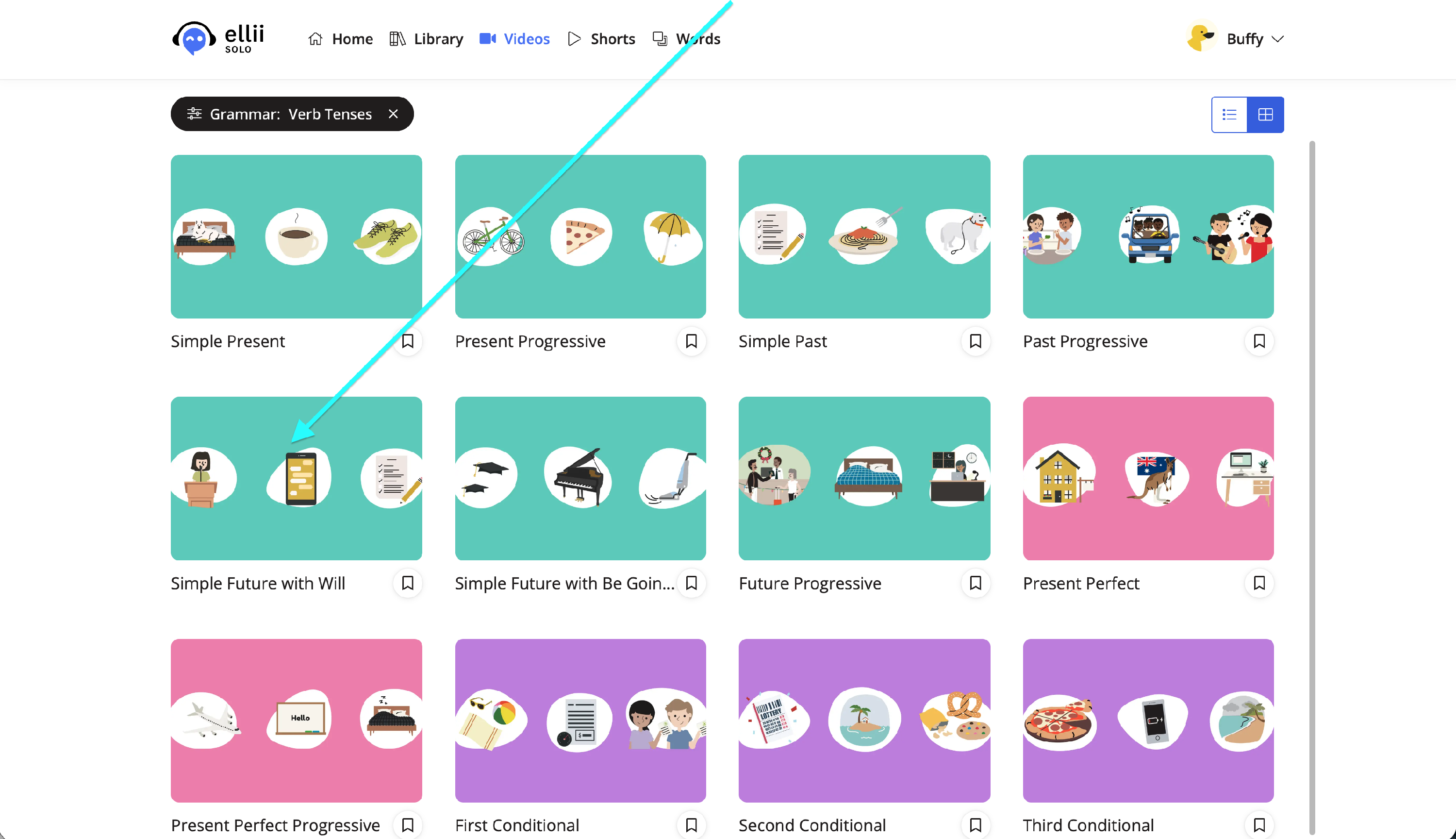

Step 6
With the video bar menu at the bottom, you can control the volume, turn on the captions, control the settings and speed, view a transcript of the video, see the chapters for the video, turn on picture in picture, and make it full screen.

Step 7
To save the video for later, click the bookmark icon. Give the video a like to see more content like it recommended to you.


Step 8
To view your saved videos, click the arrow next to your name. Then, click Saved videos.


If you have any questions, please let us know!