
How to Use the Ellii Solo Library (Students)
Students can browse through other Courses and Study Packs when taking a break from the pathways assigned. Follow the steps below to learn how to view and complete more Ellii Solo Courses and Study Packs!
Step 1
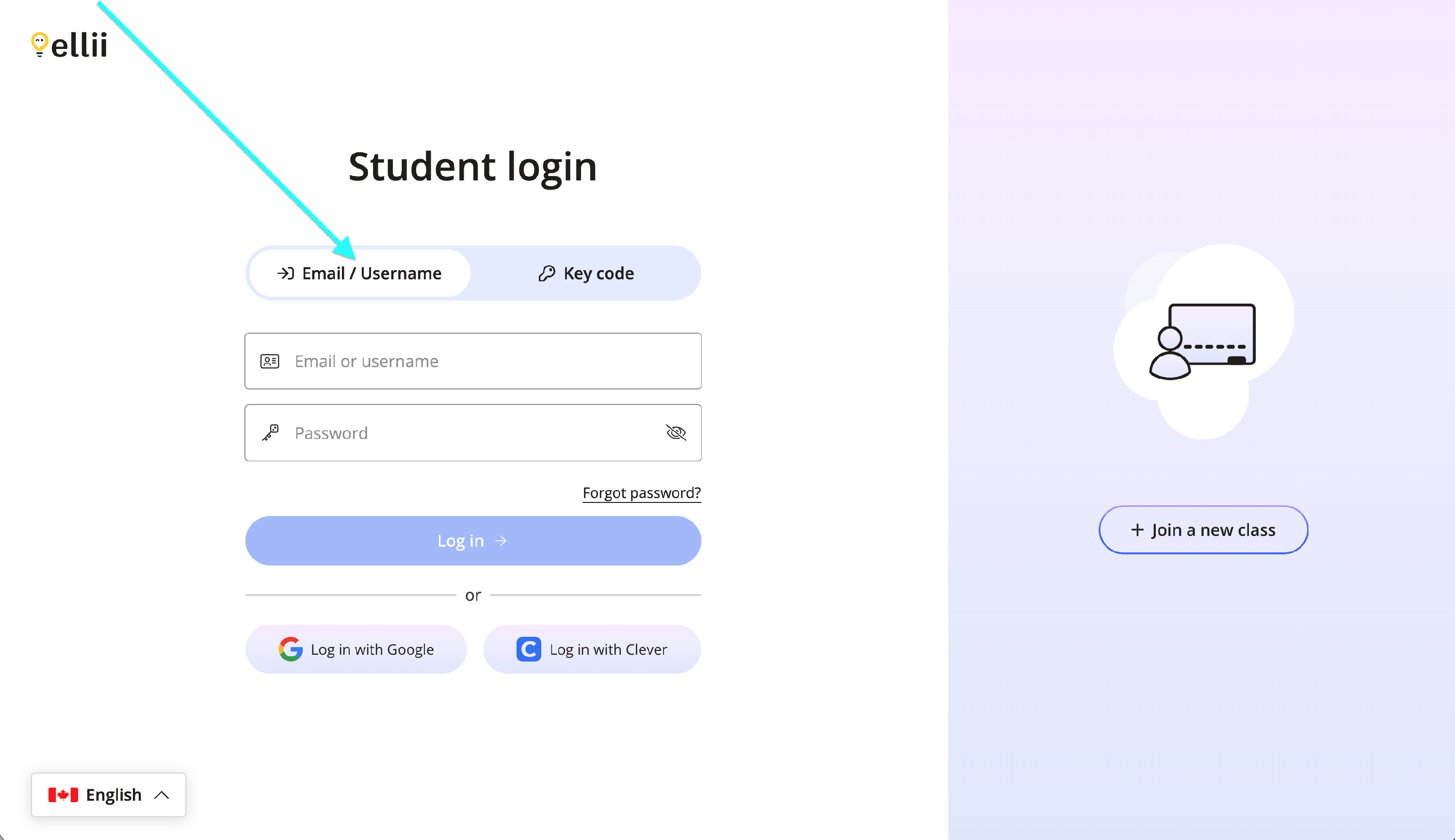
Log into your student account via https://ellii.com/students.
If you log in with an email address or username, click on the Email/Username tab and enter your information.
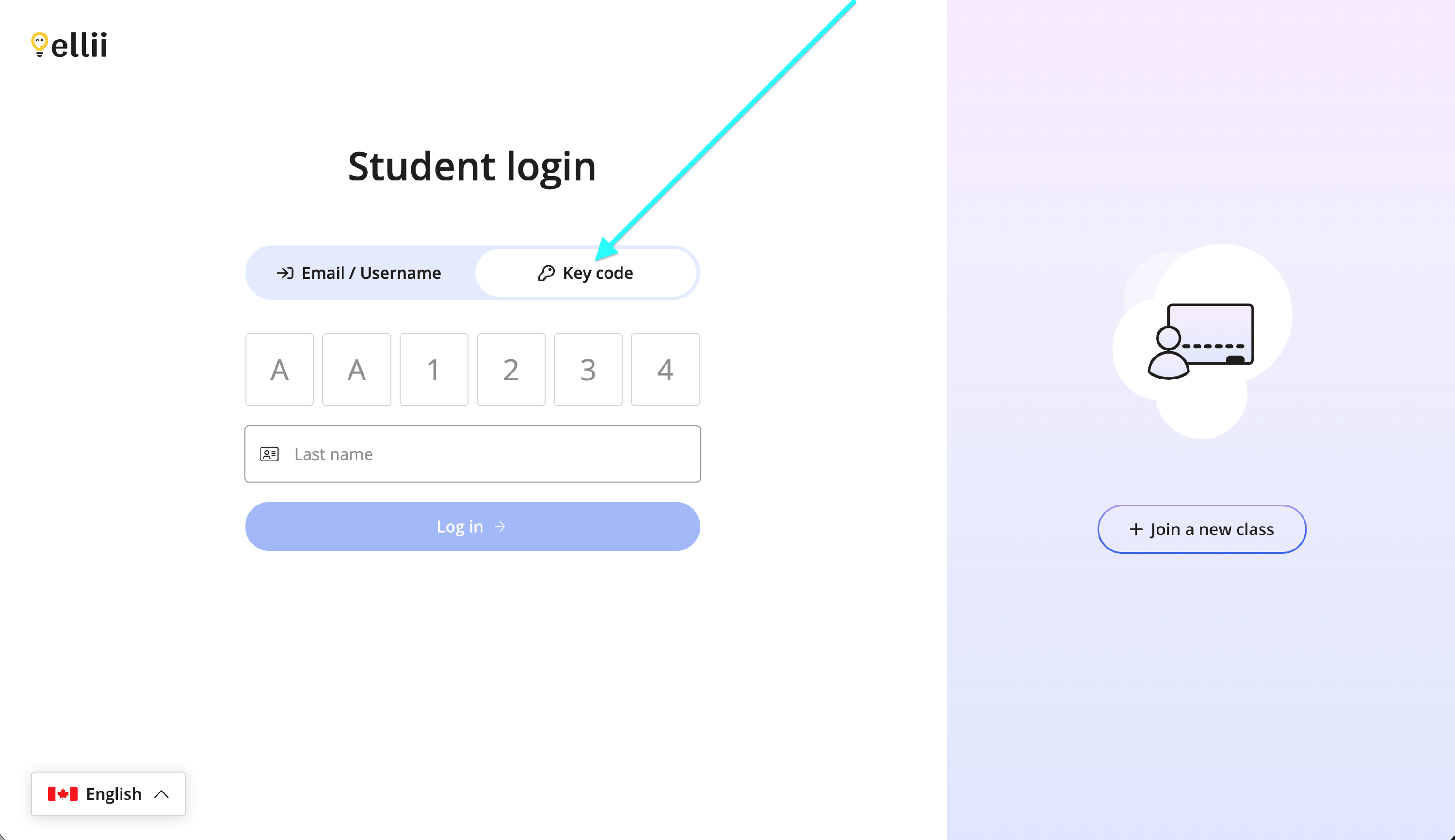
If you use a key code, click on the Key code tab and enter your information.
Step 2
Once logged in, click on Ellii Solo.

Step 3
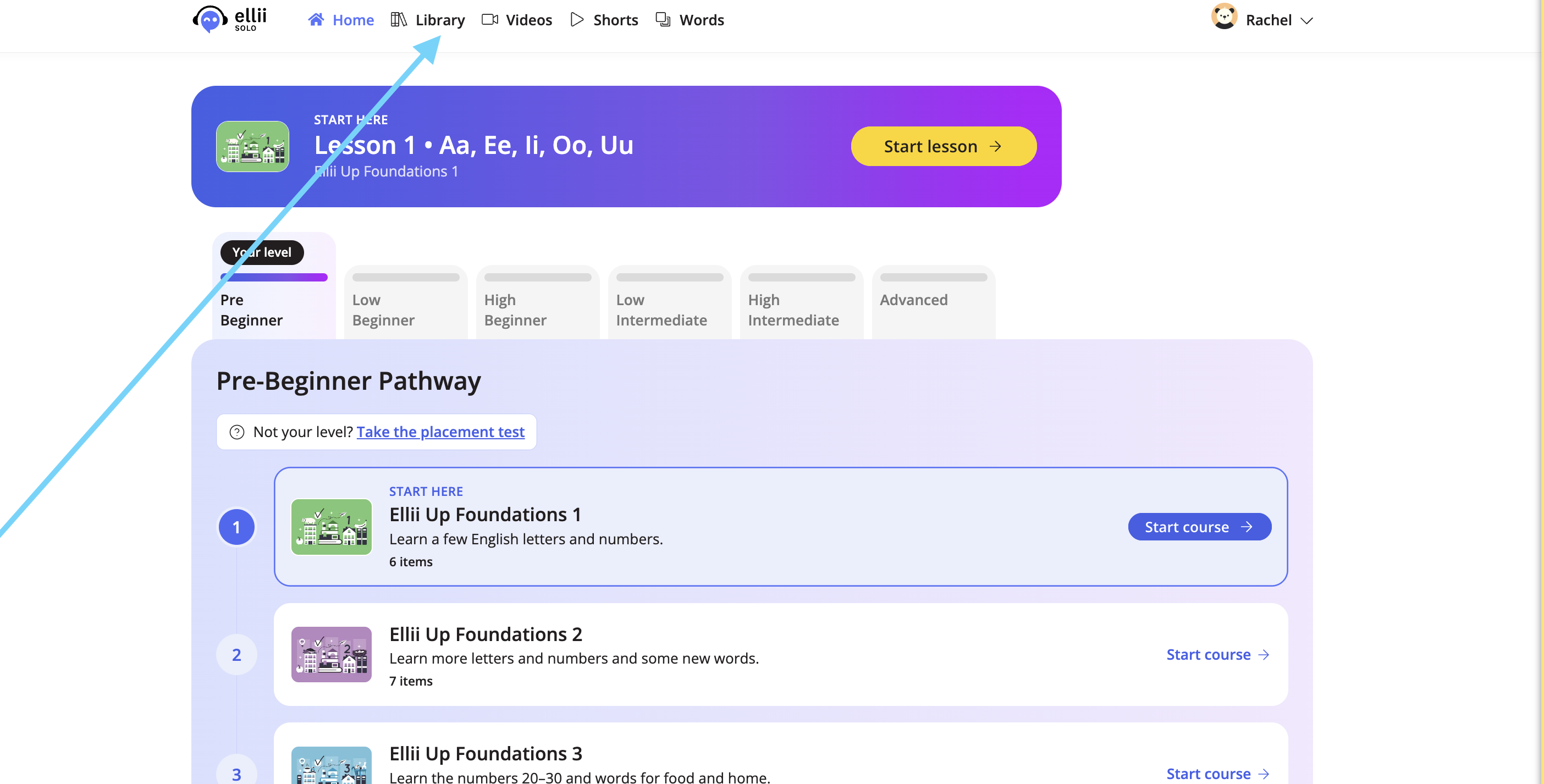
At the top, click Library.
Step 4
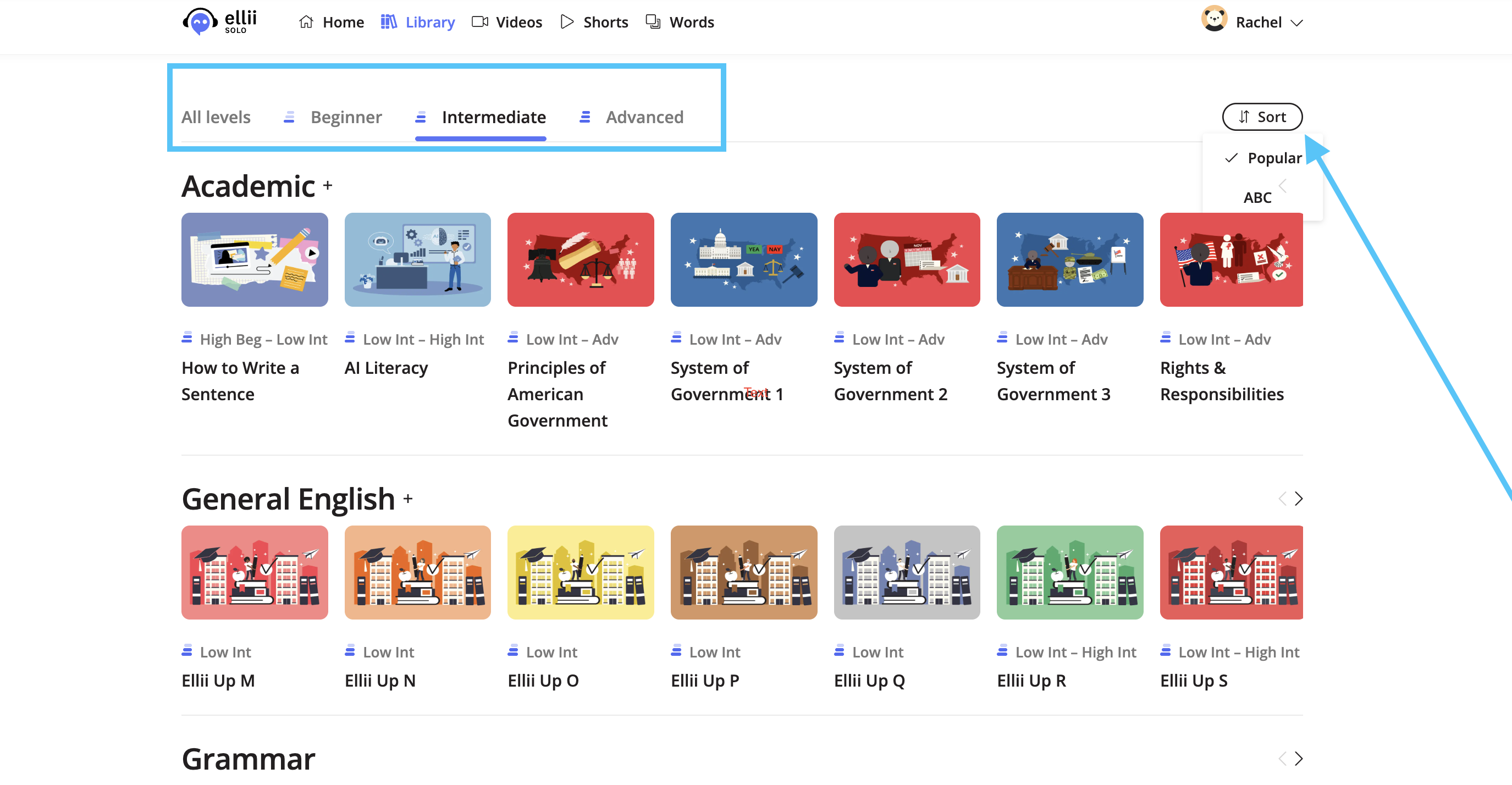
You can filter by level, or sort the material by popularity or alphabetically.
Step 5
Click on a course you would like to work on.

A crown next to a course means you have already completed it.

Step 6
To start the course or study pack, click on the first lesson.

Step 7
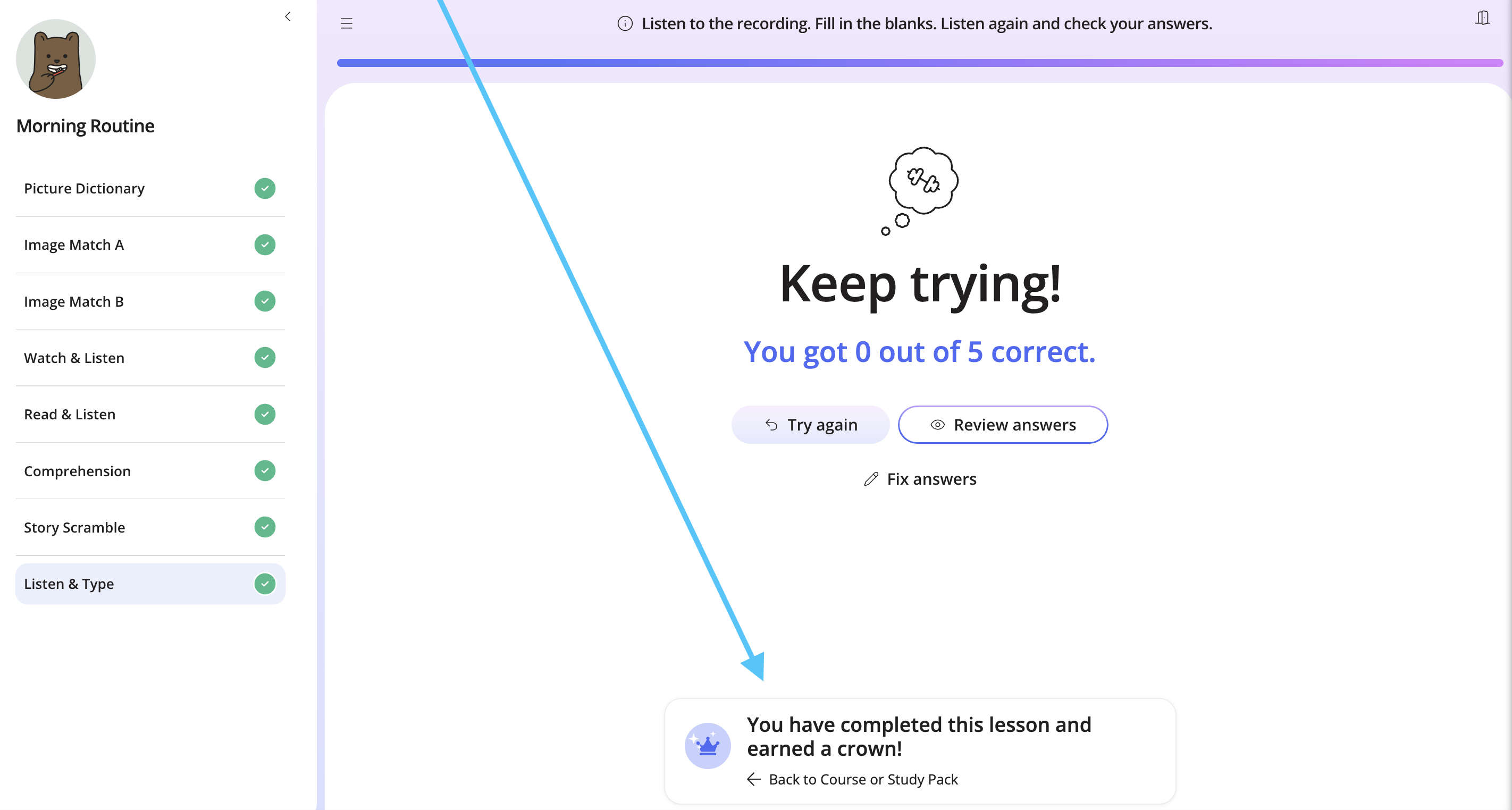
Once you have finished, click the message at the bottom.
Step 8
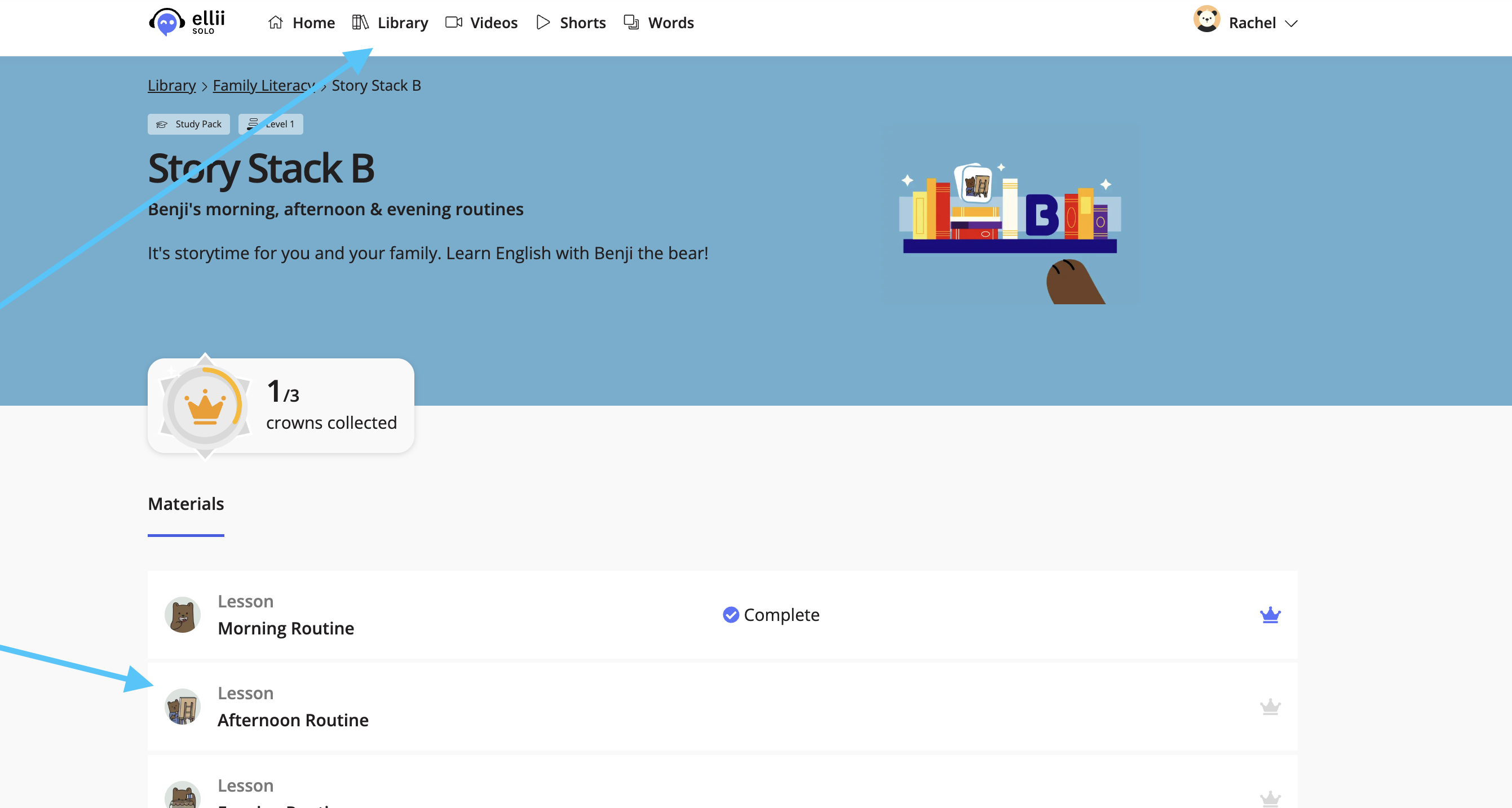
You can then complete another lesson, or click Library at the top to browse more courses and study packs.
If you have any questions, please let us know!