
How to Integrate Ellii with ClassLink
Teachers and students can access Ellii right from the ClassLink Launch pad. Follow the steps below to integrate Ellii with ClassLink!
Step 1
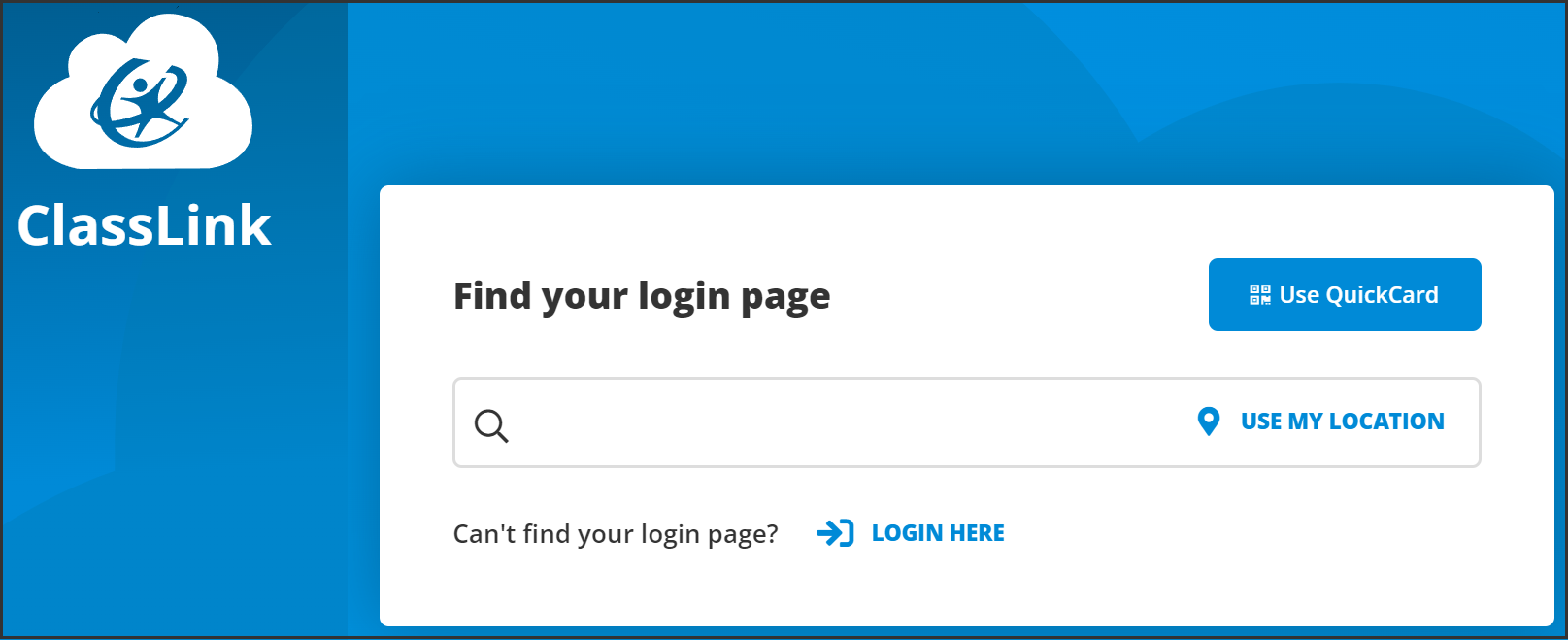
Log in to your ClassLink account.
Step 2
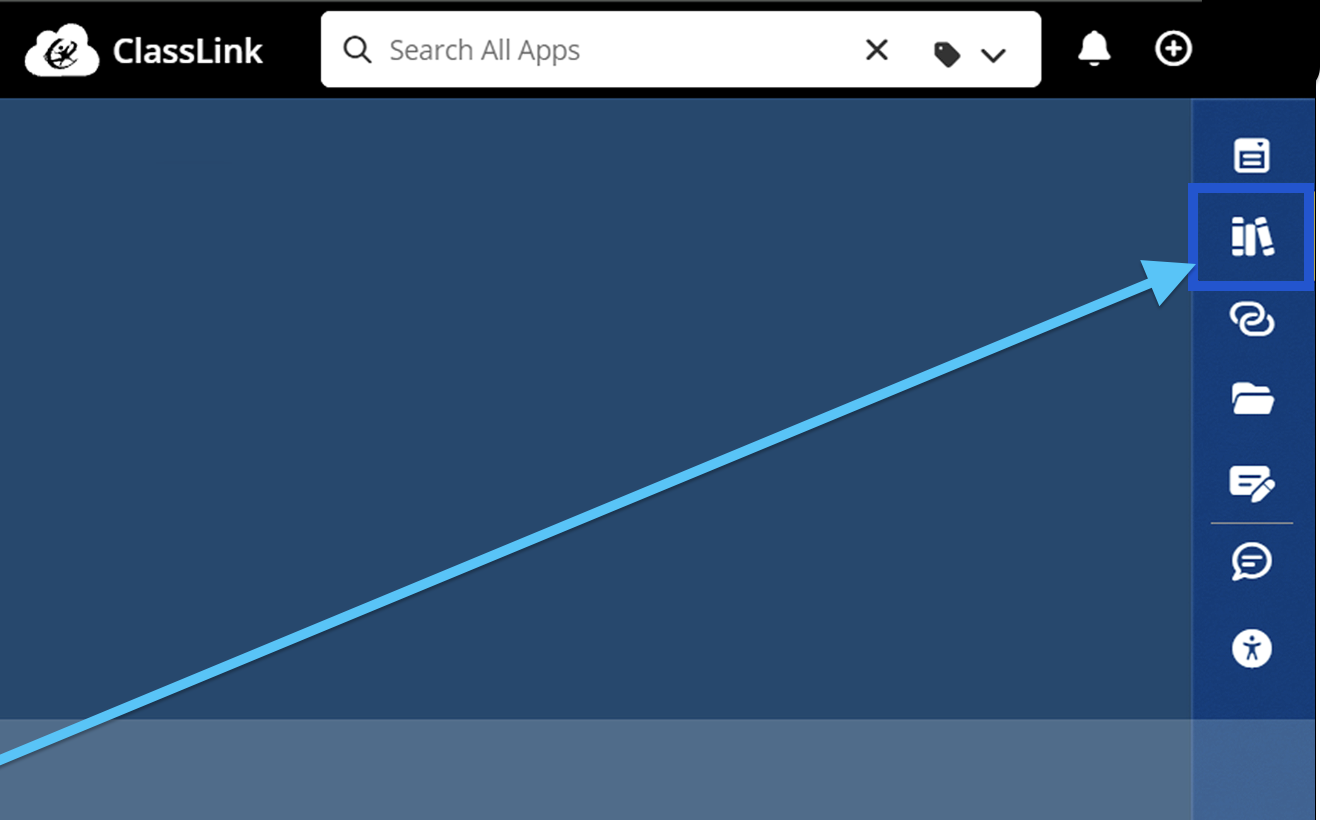
Click the App Library icon on the right.
Step 3
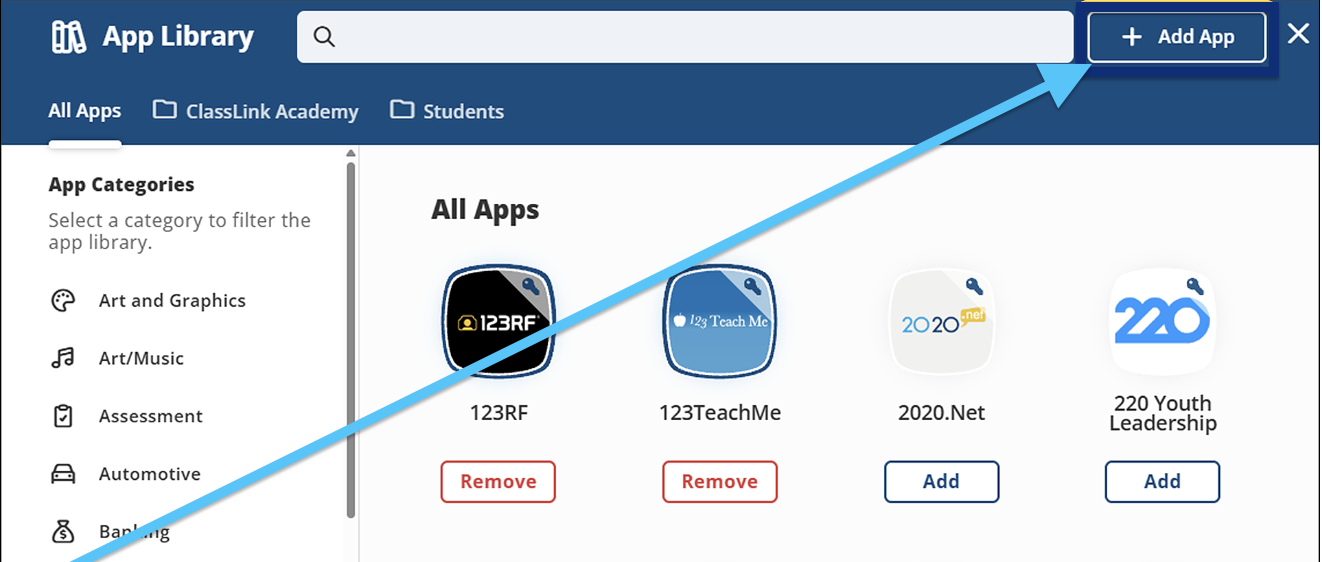
Click the + Add App button, and type in Ellii.
Step 4
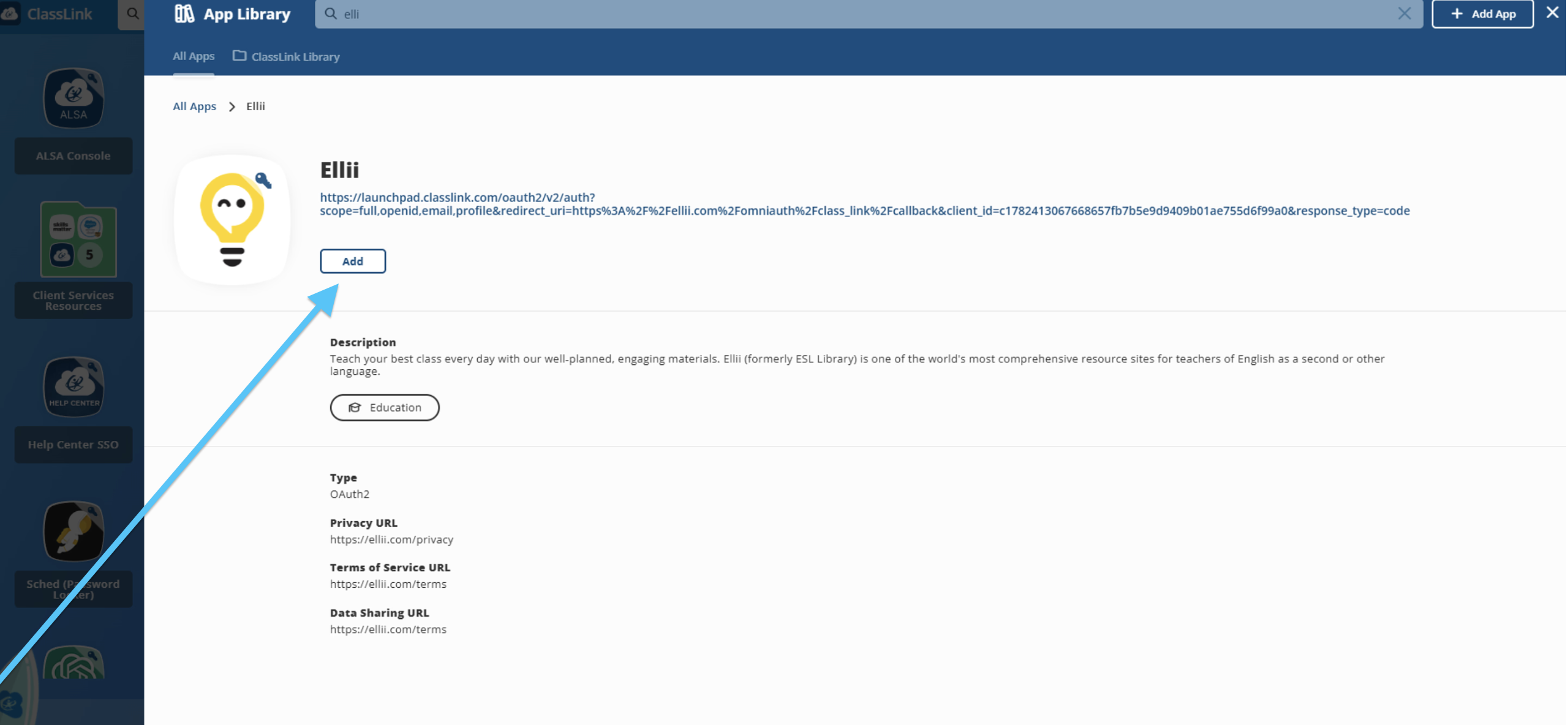
Click Add to add the app. The Ellii app will then appear on your LaunchPad home page. Students can also launch their class apps from their dashboard.
If you have any questions or issues, we recommend reaching out to ClassLink’s support team, or contacting us.