
How to Use the ESL Lesson Sections Page
The ESL Lesson Sections page is where you can find all of lessons available on the site. Watch the video or follow the steps below to learn more!
Step-by-Step Instructions
Log in to your account here:
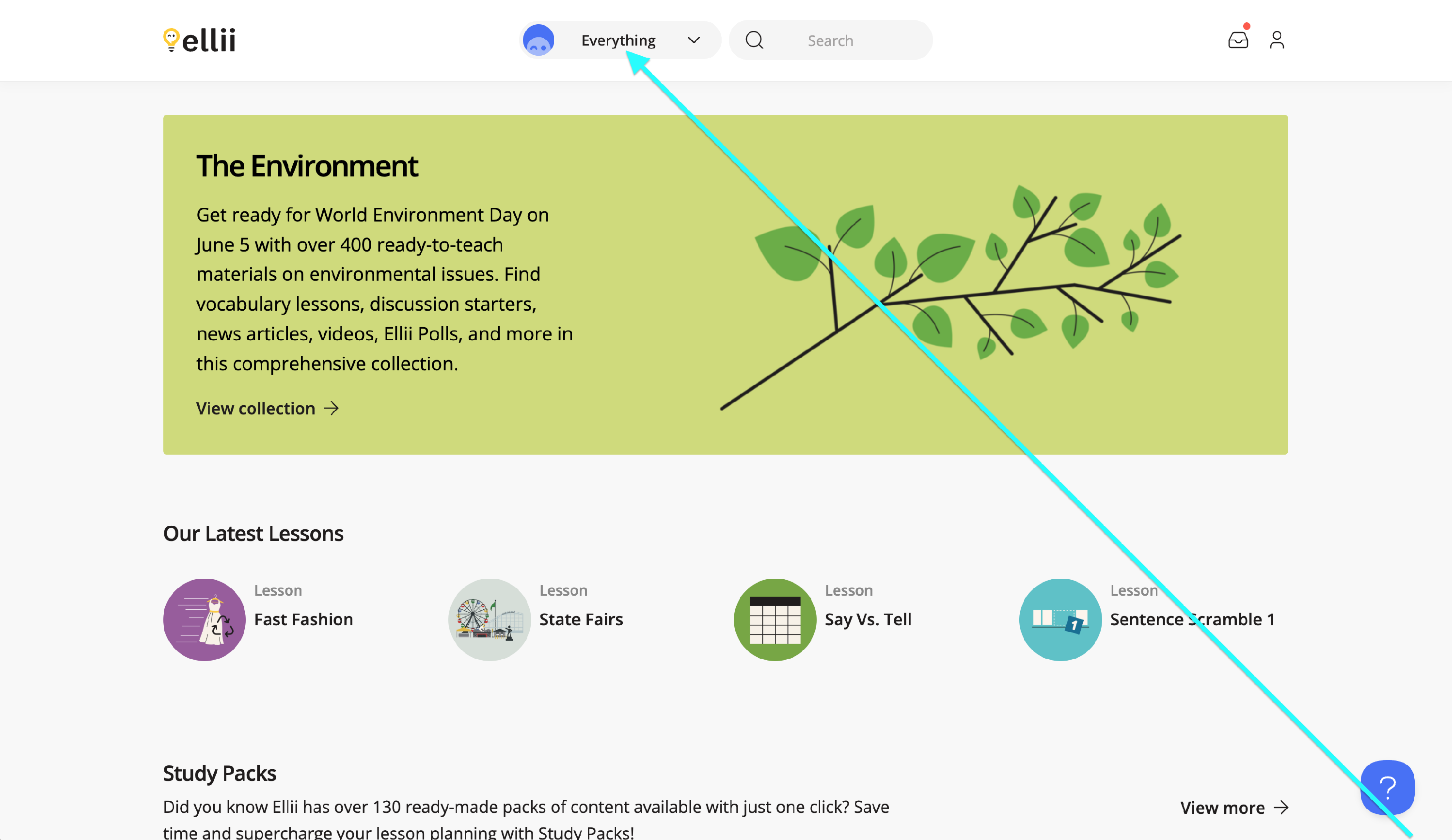
Step 1
Click on the Everything menu.
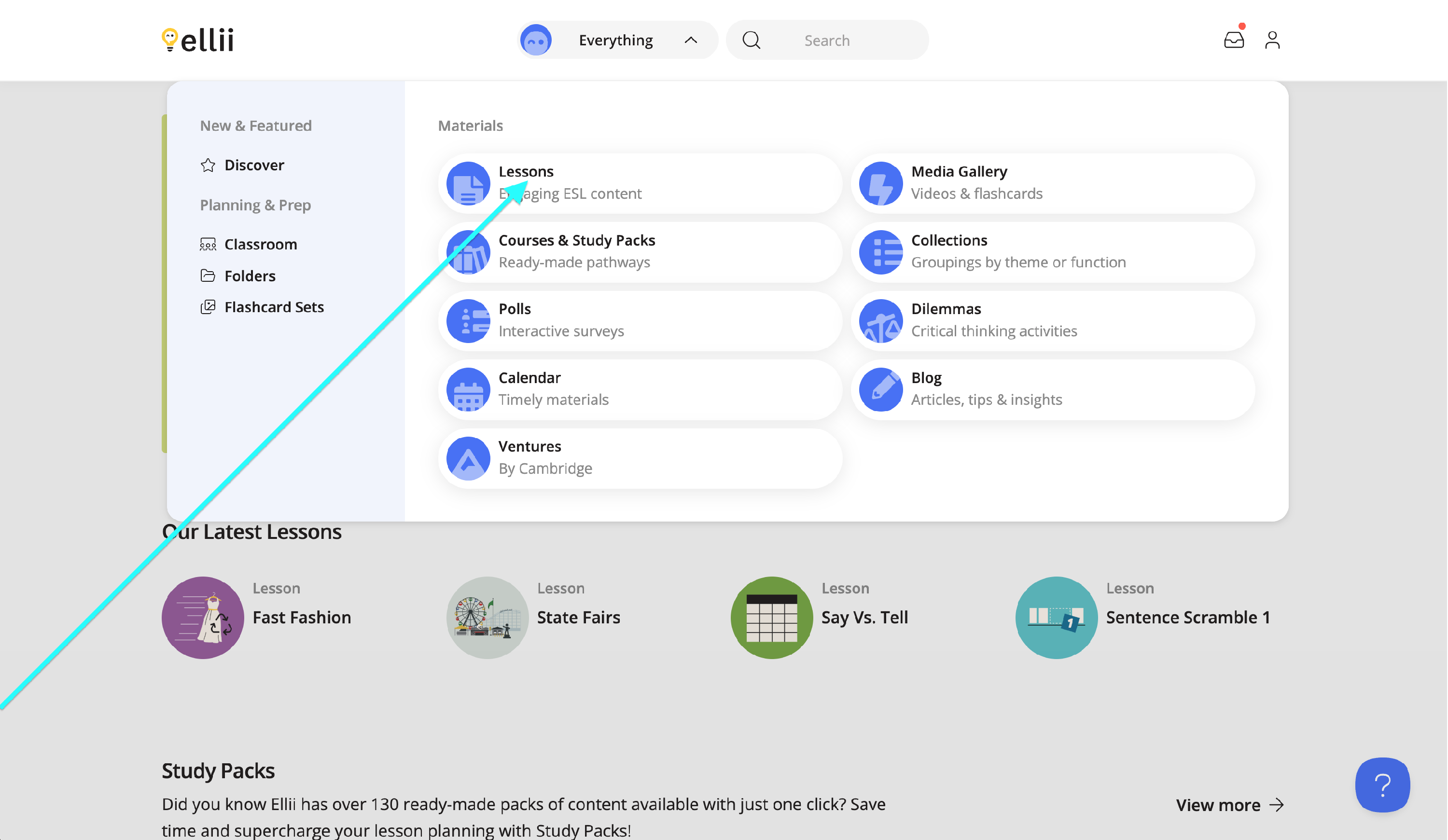
Step 2
Select Lessons from the dropdown menu.
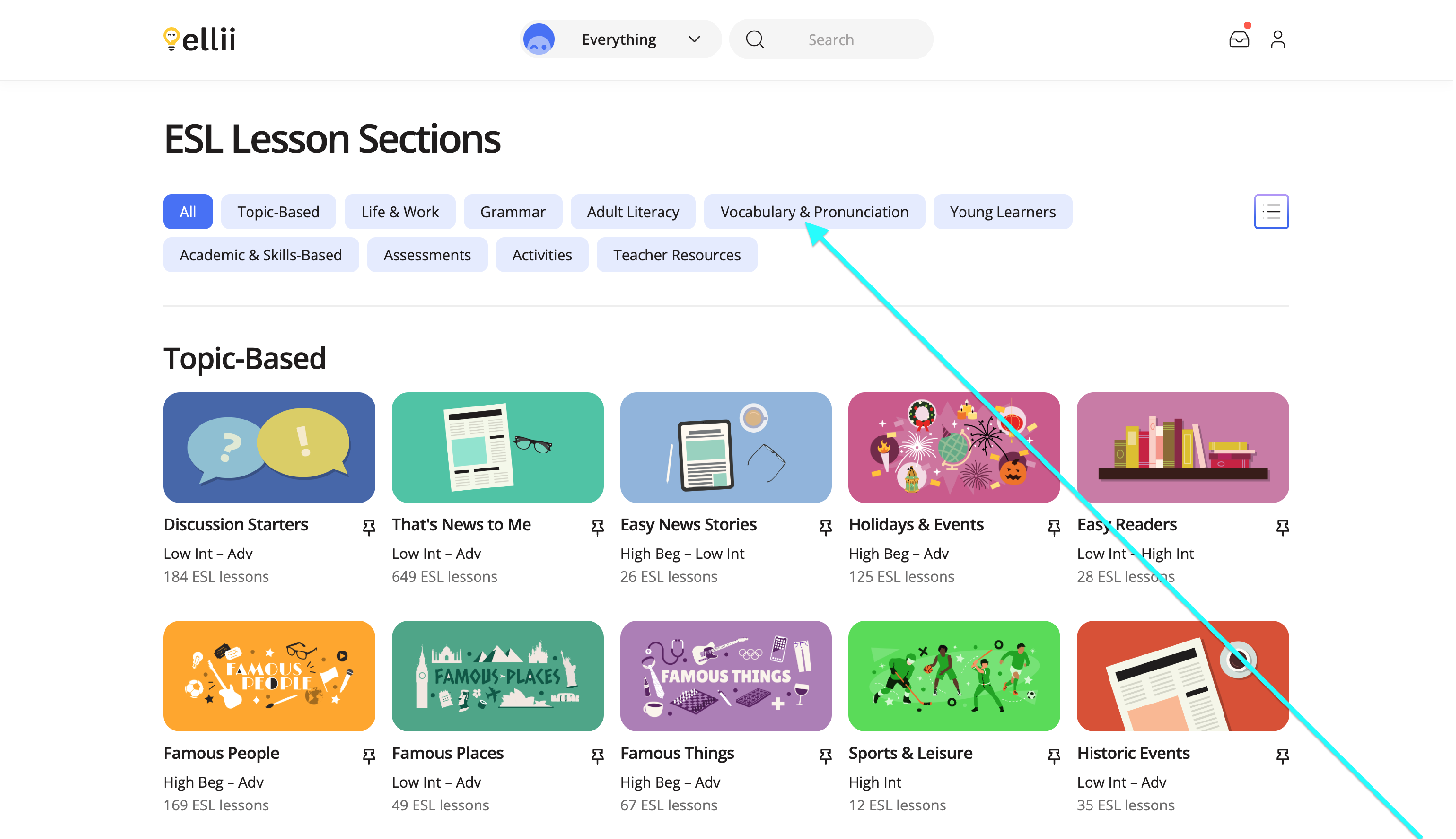
Step 3
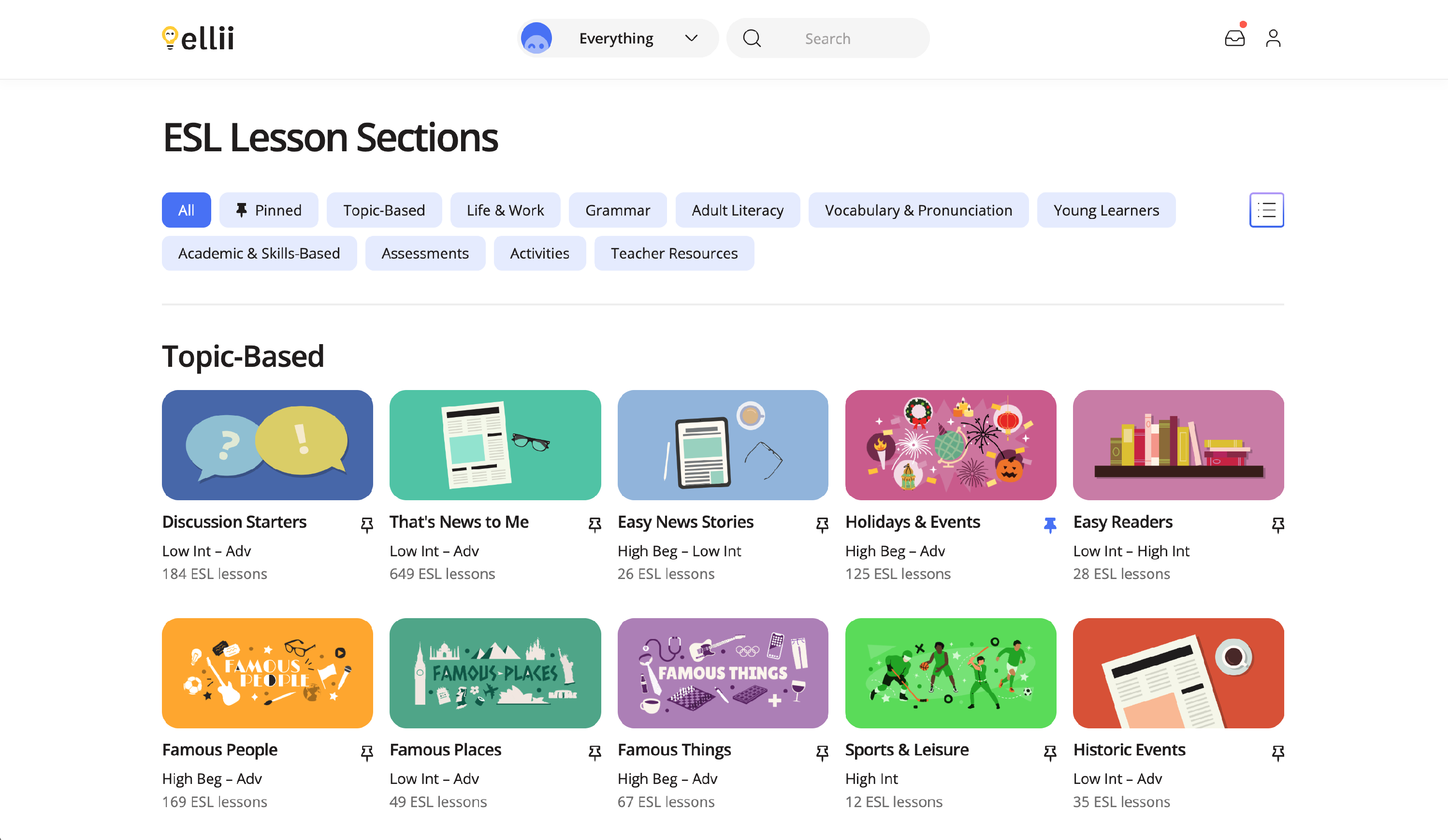
Click on a lesson section to view the categories available in that section.
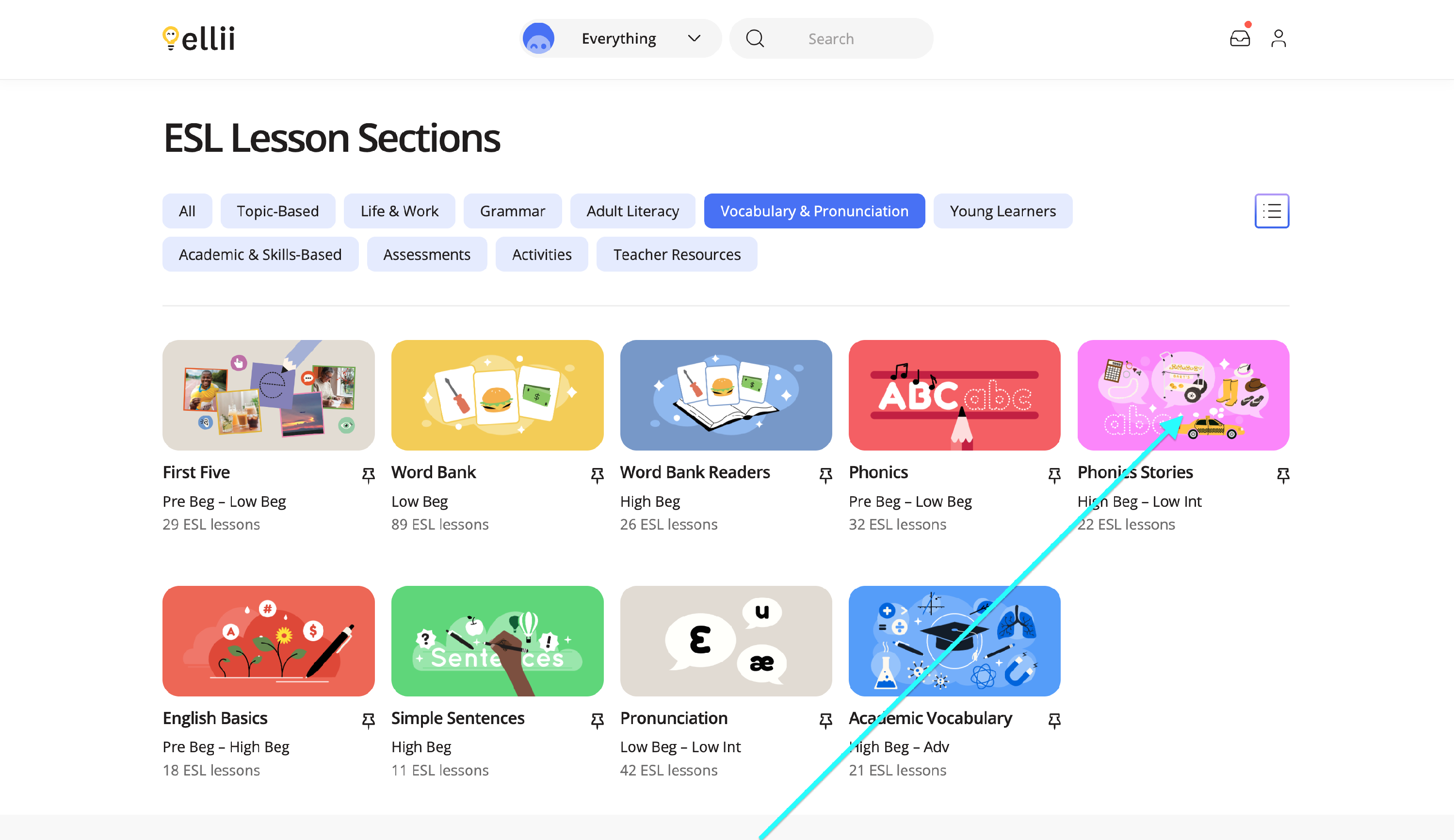
Step 4
Click on a category to view the available lessons.
Step 5
Click on a lesson to view it.
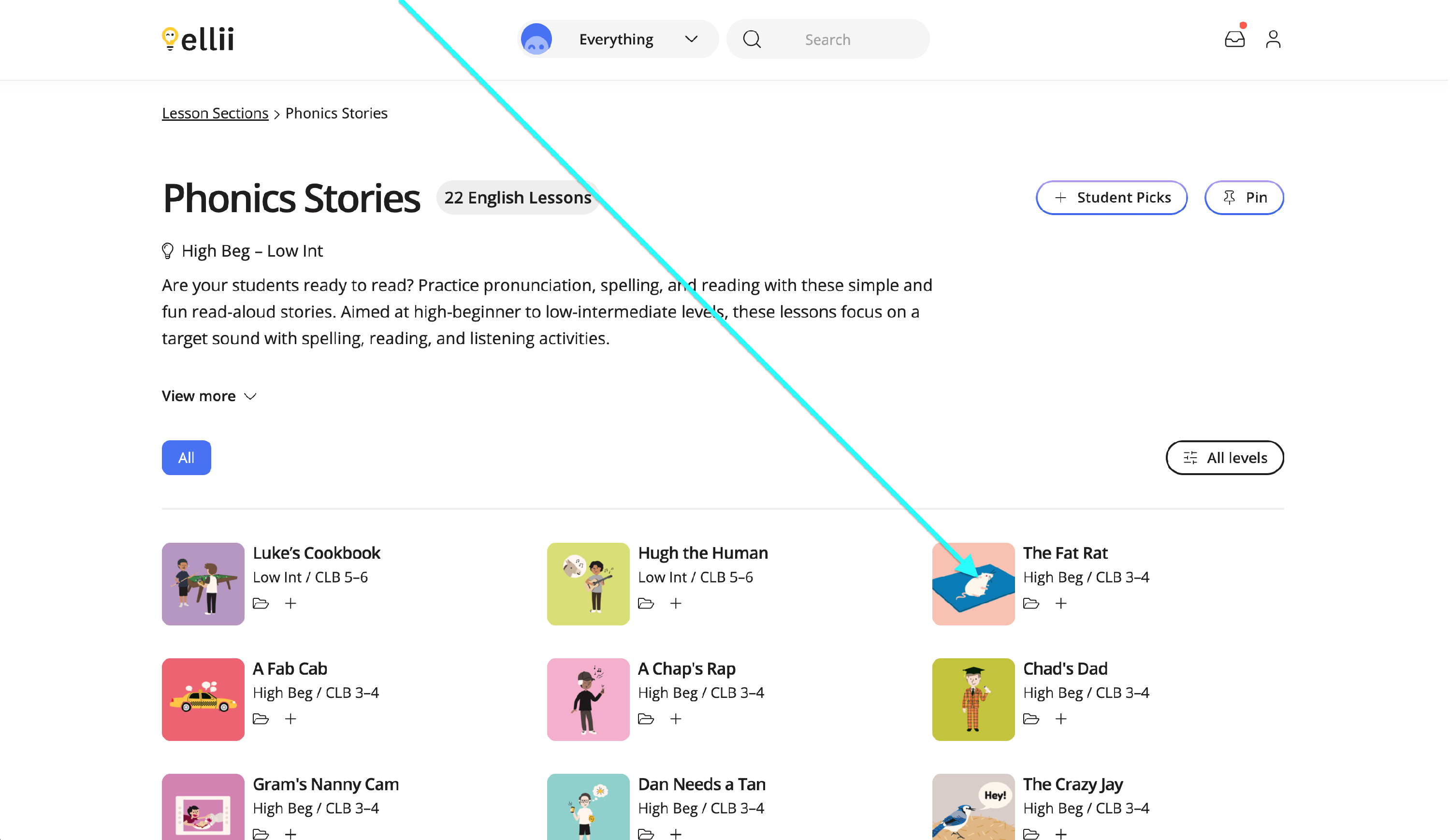
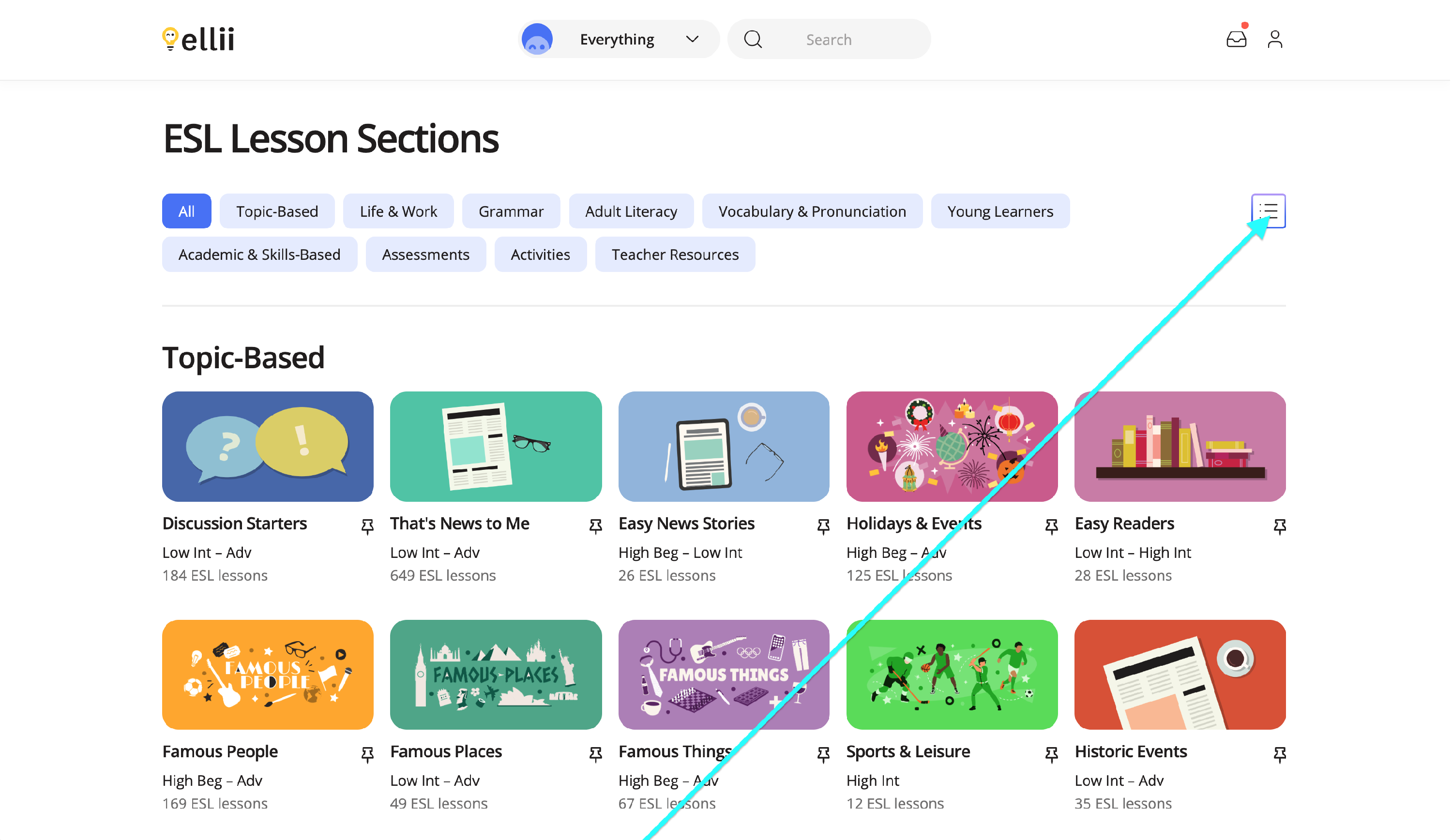
Step 6
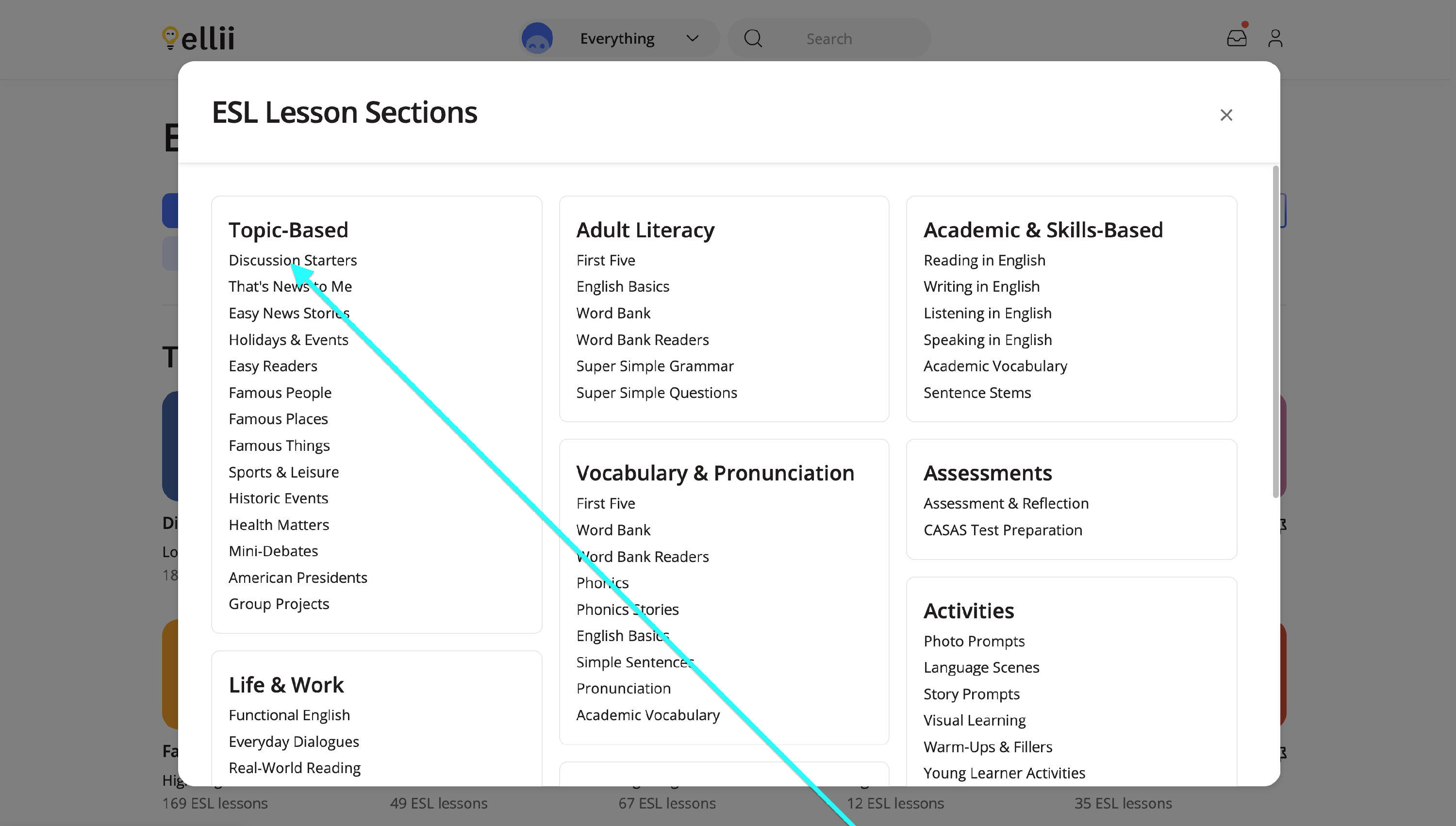
Clicking the menu button will also show all the available categories for each section.
Step 7
Clicking a category name will show you all the lessons available for that category.
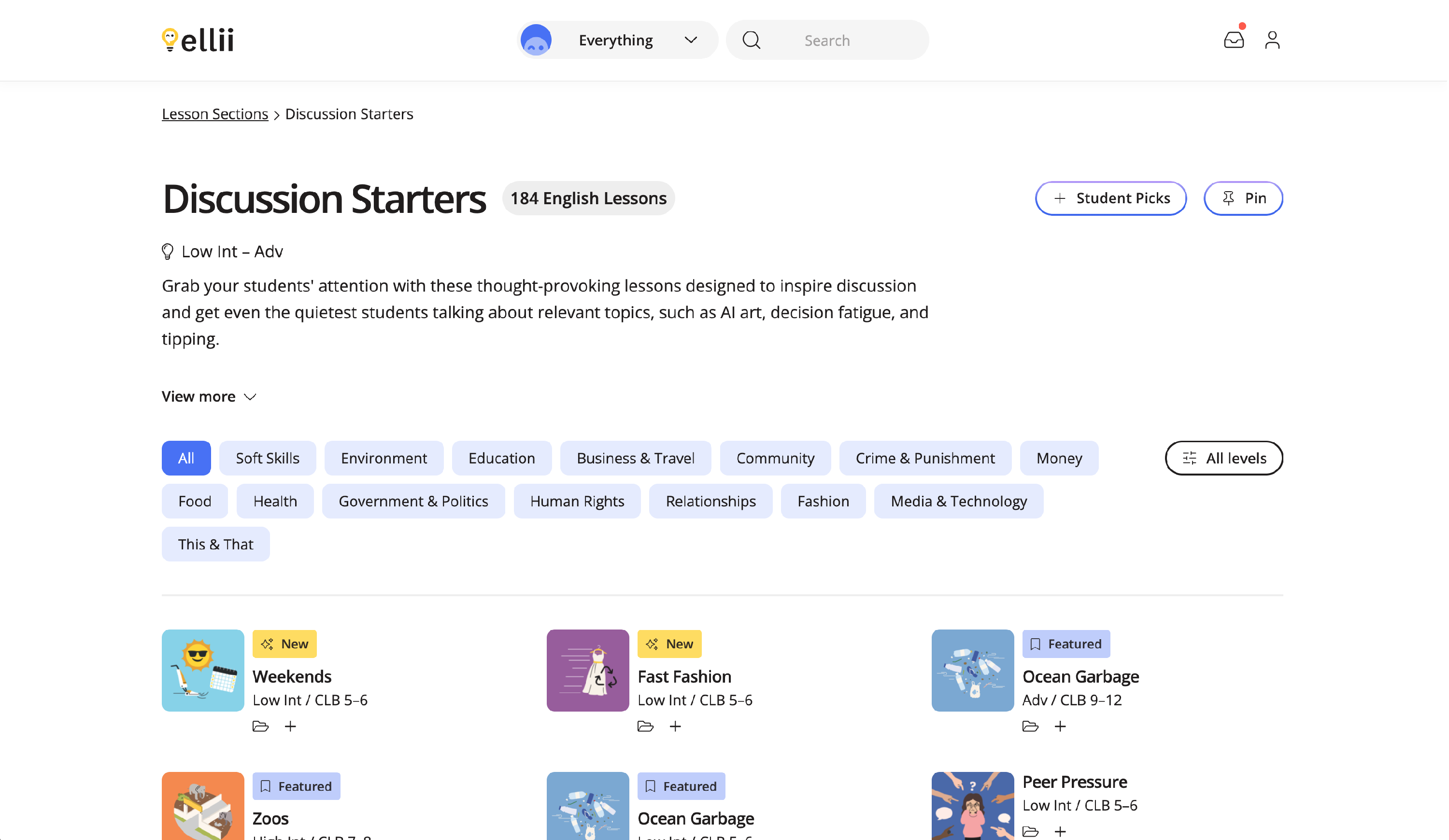
Step 8
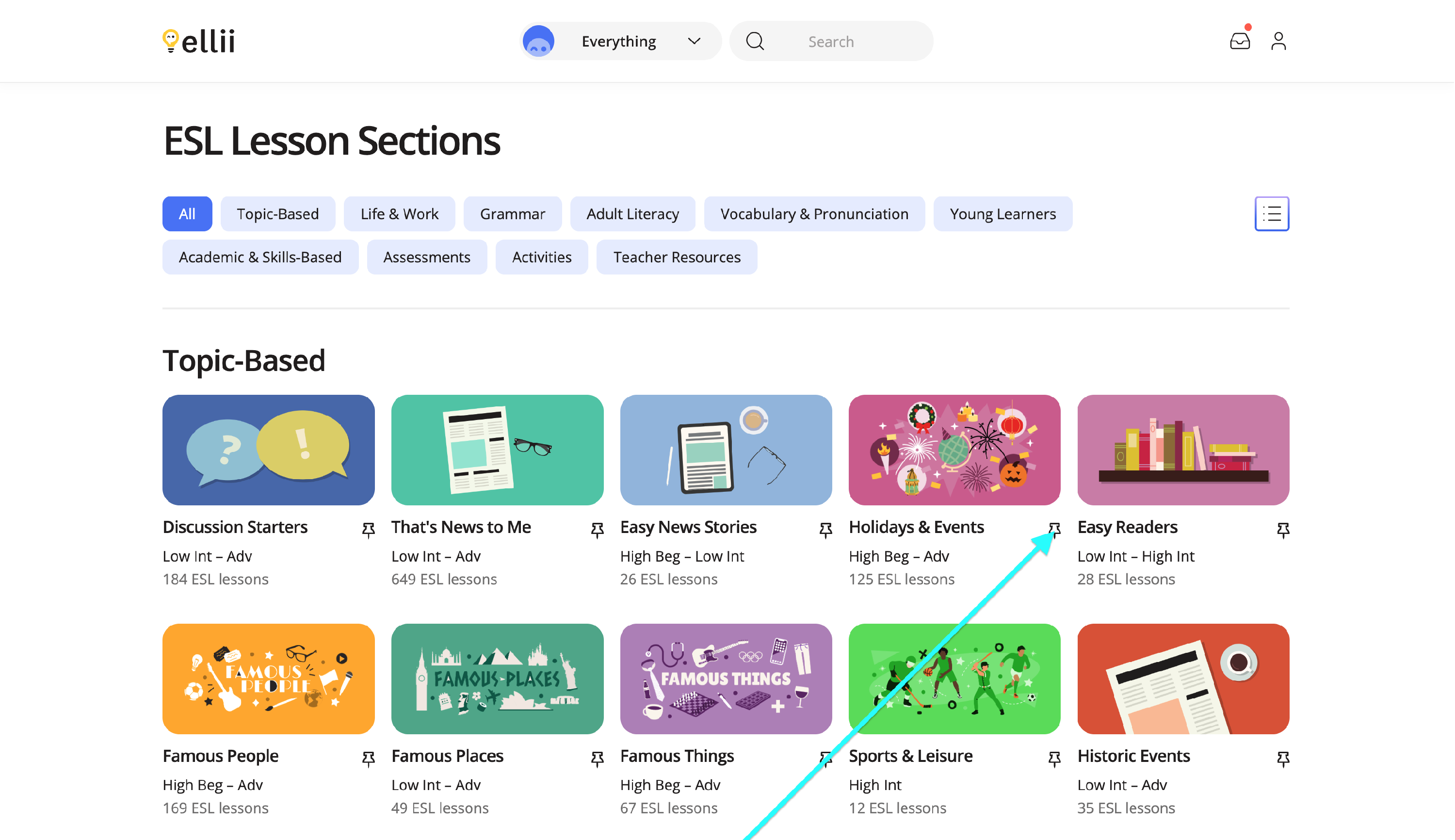
To pin a lesson category for easier access, click the pin icon by the category name.
Step 9
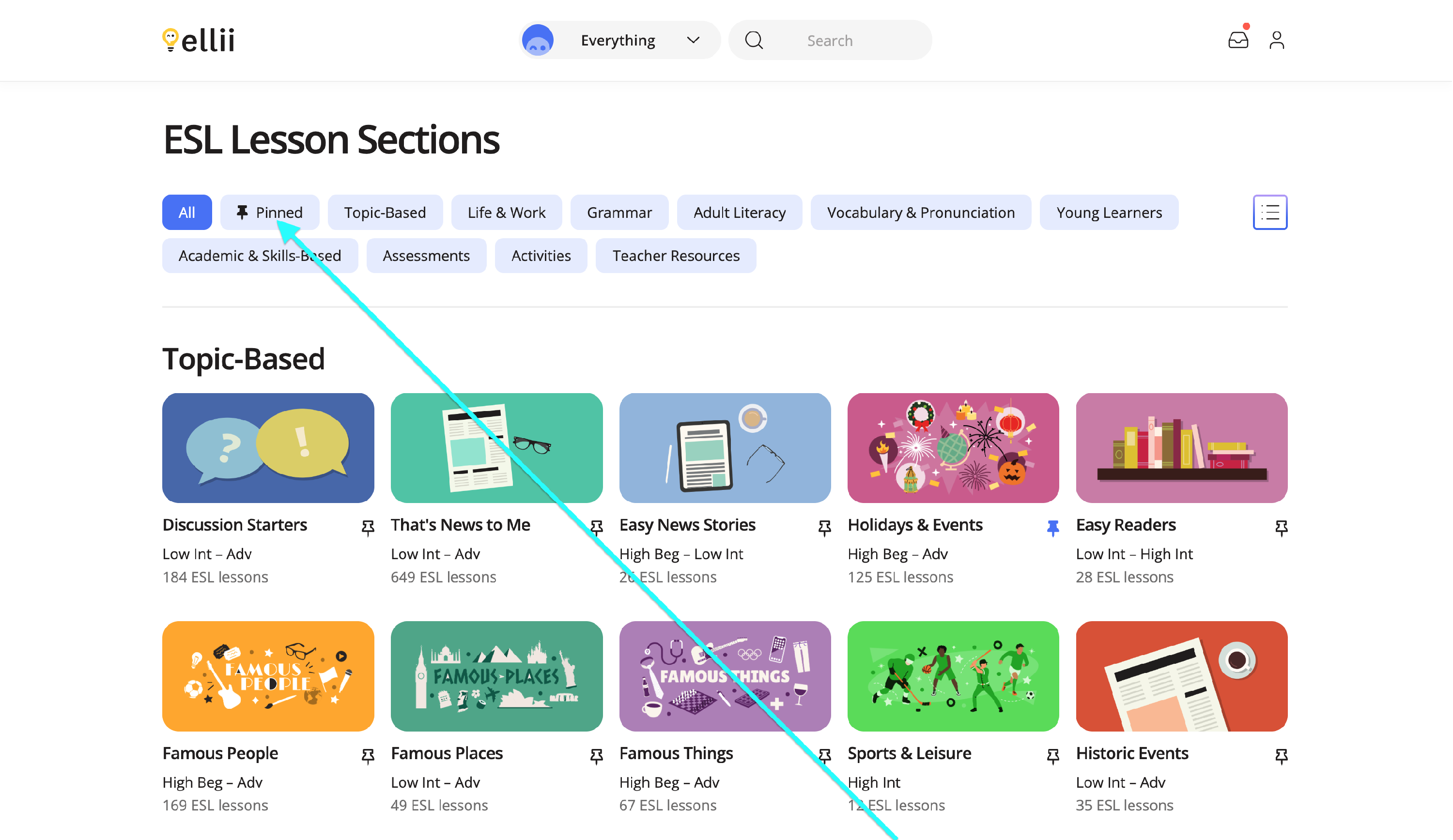
This will created a Pinned section that is easily accessible at the top of the page. Clicking on it will show all the categories you have pinned.
Step 10
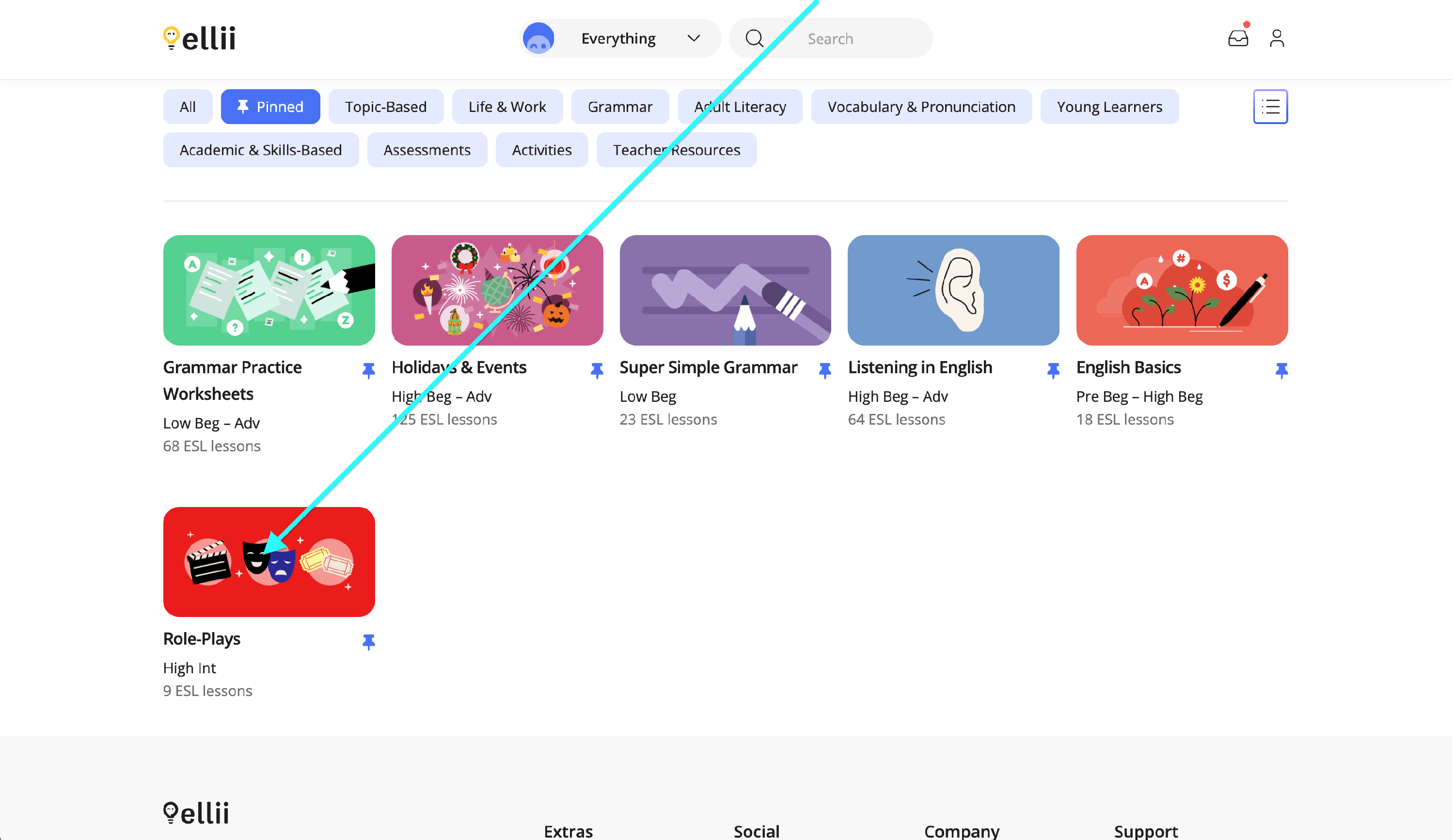
Click on a pinned category to view the lessons available for that category.
Step 11
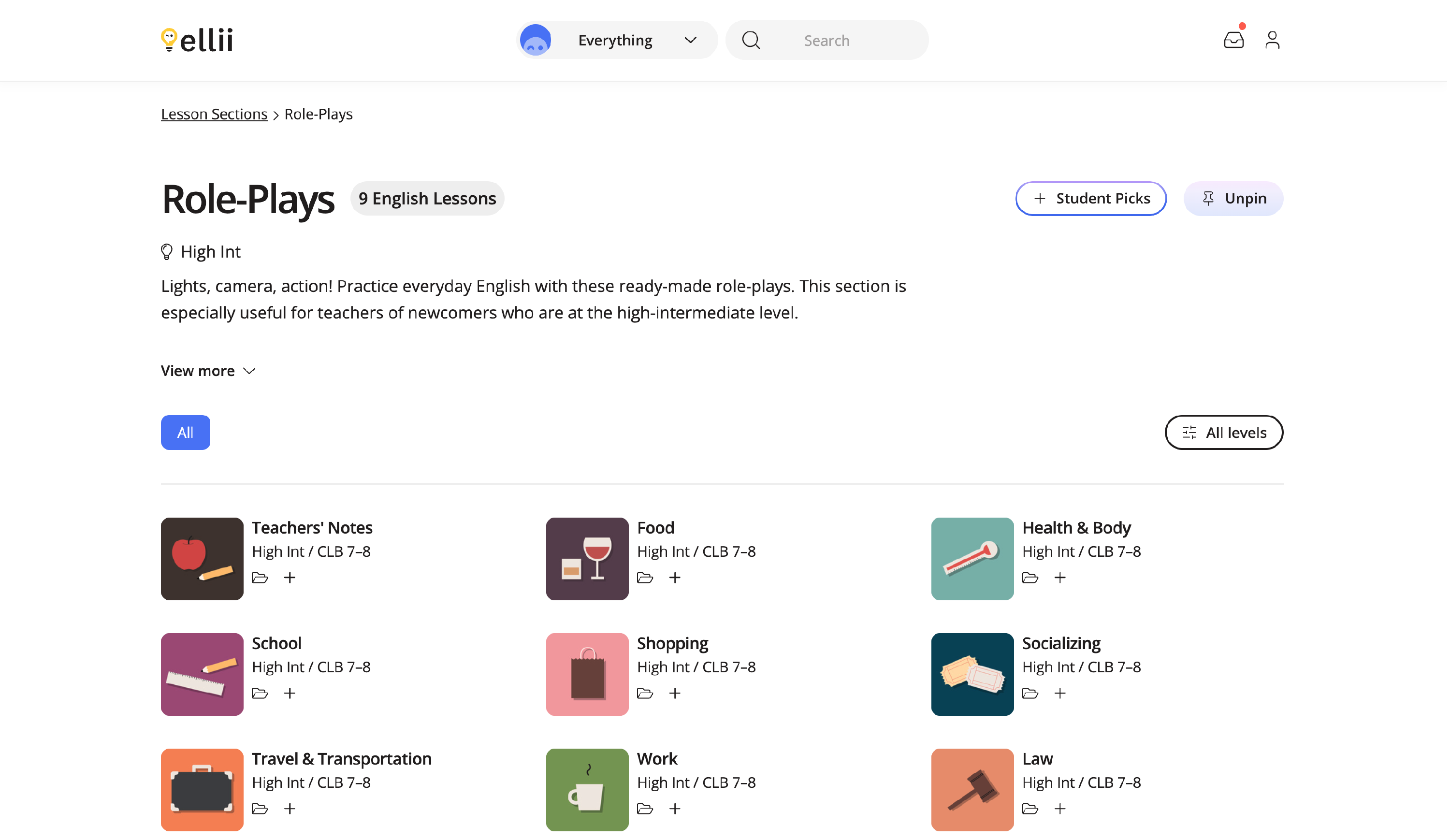
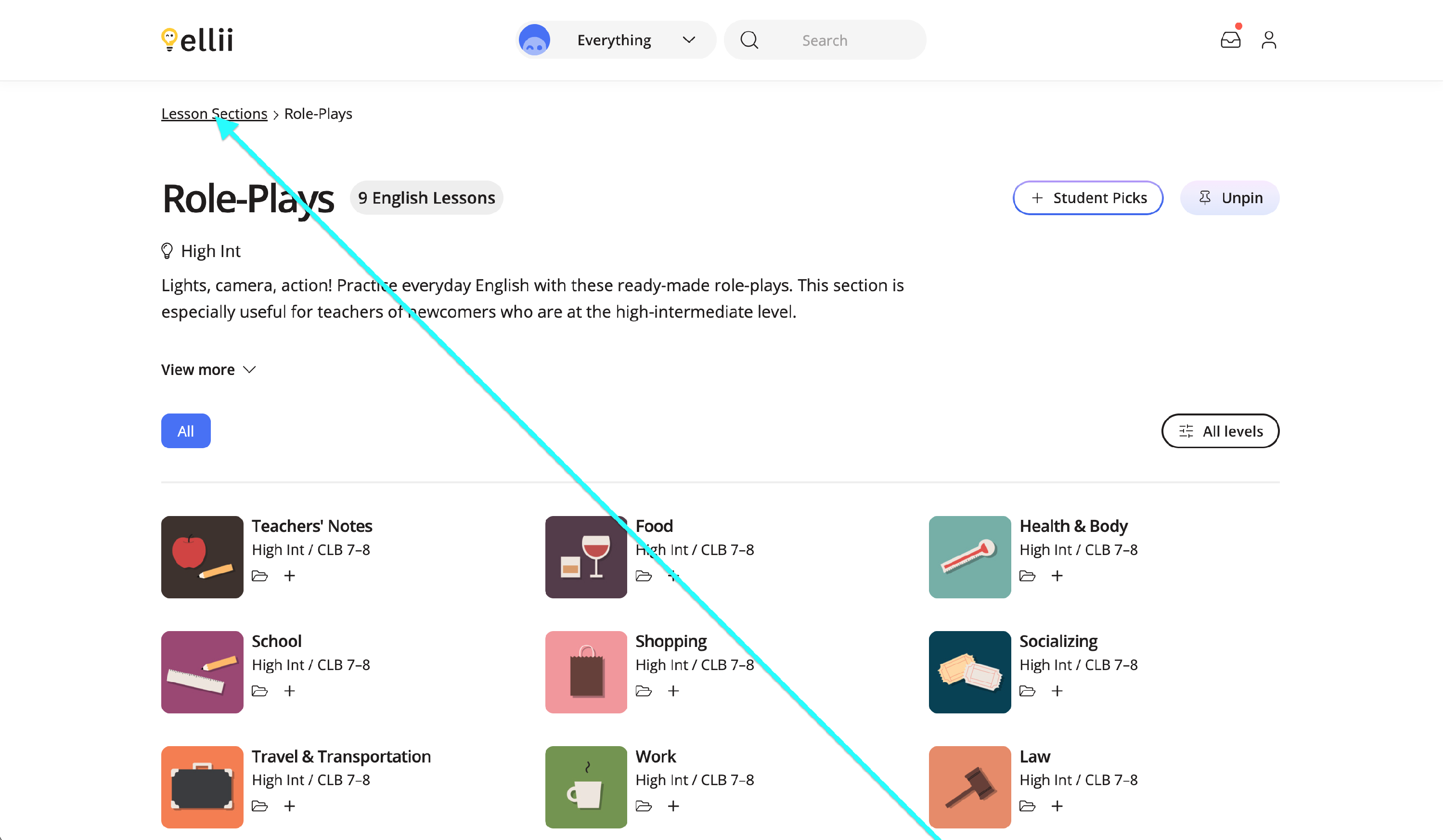
You can always go back to the main Lesson Sections page by clicking on the Lesson Sections link.
If you have any questions, please feel free to contact us.