
Multiple-Choice Task
Multiple-Choice is a practice or assessment task with one correct answer. This task may include audio and visuals. Watch the video or follow the steps below to learn more.
You can find the Multiple Choice task in these categories:
and more!
Step 1
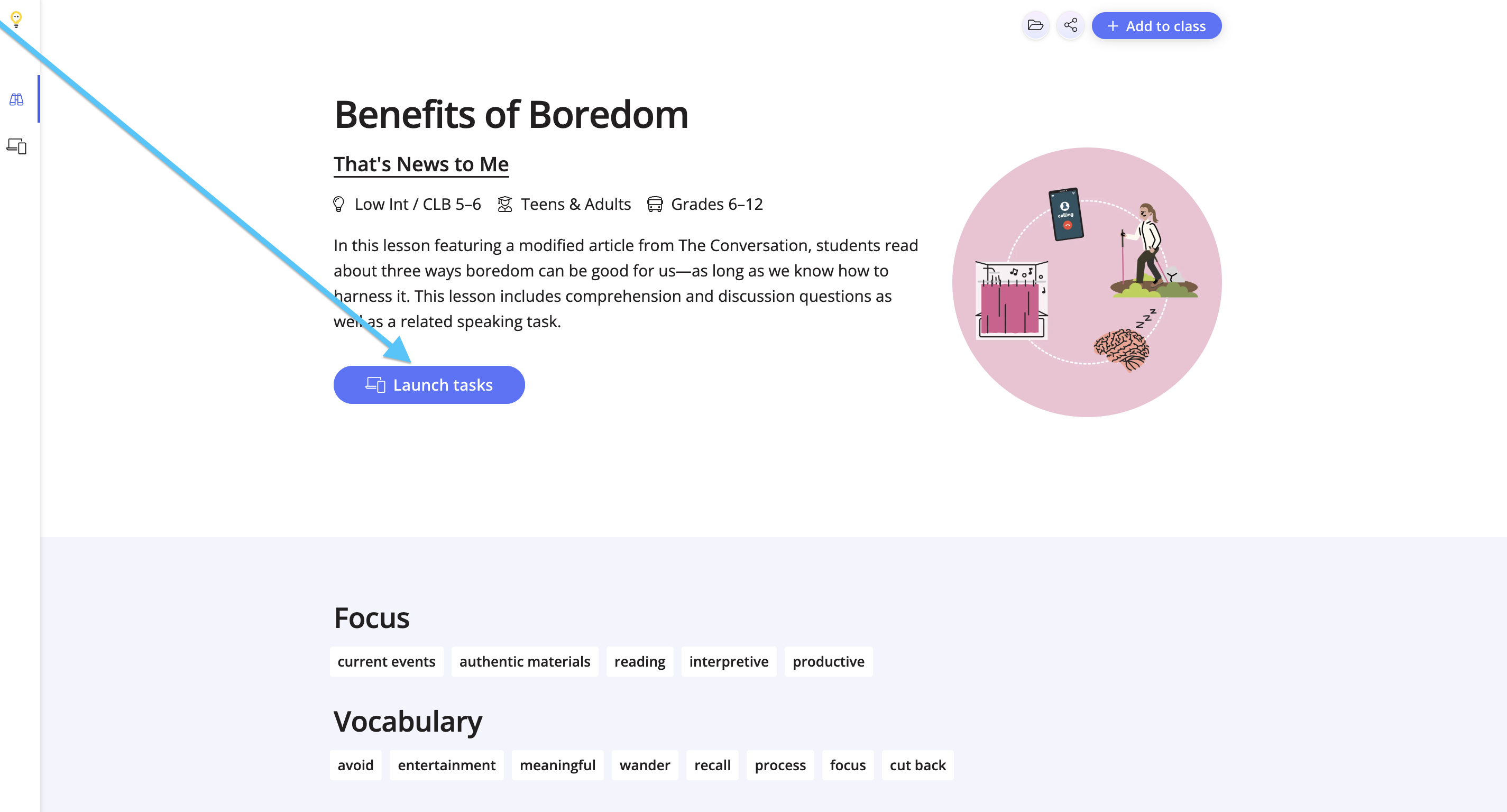
Click Launch Tasks from the lesson overview page.
Step 2
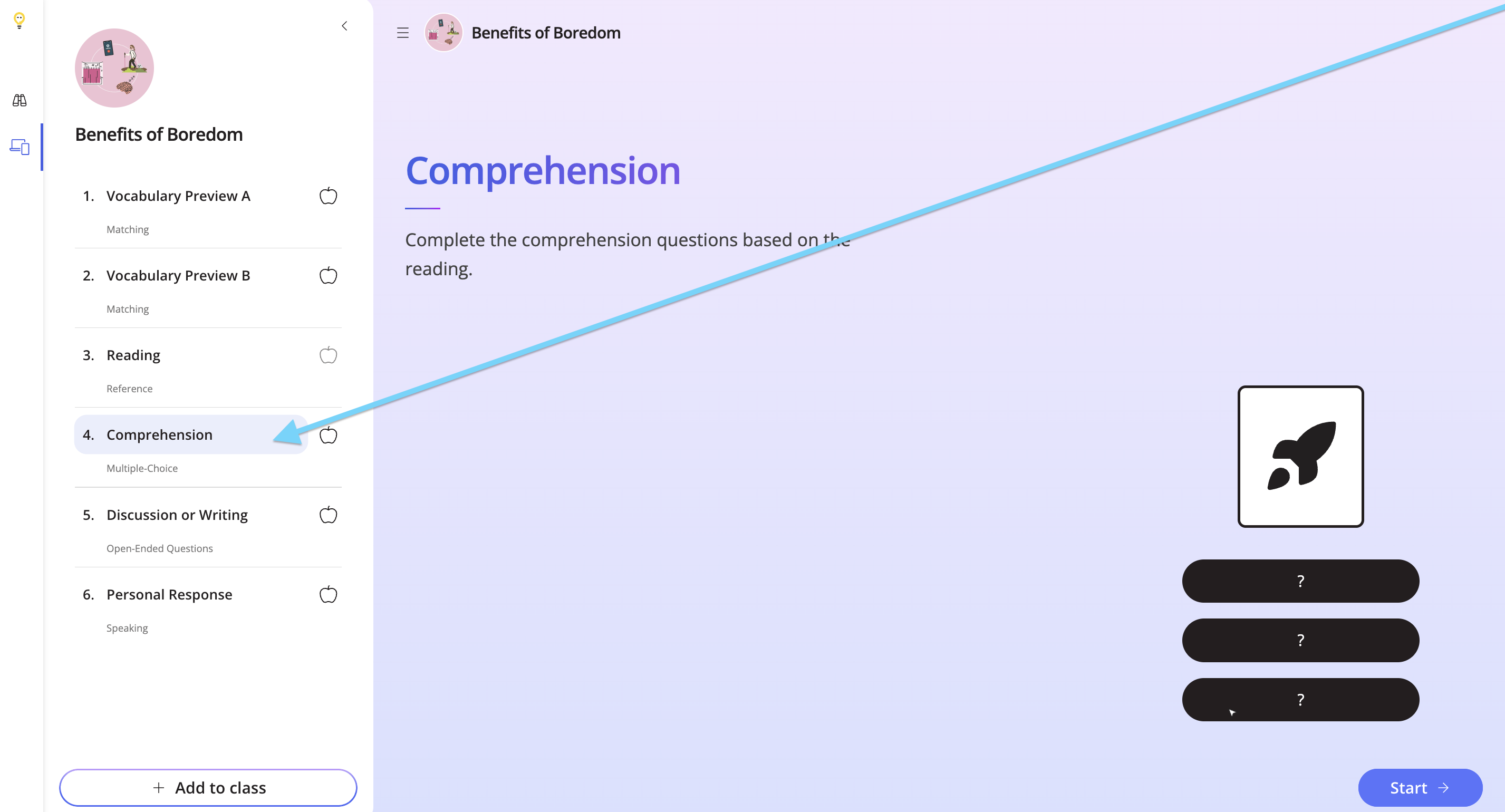
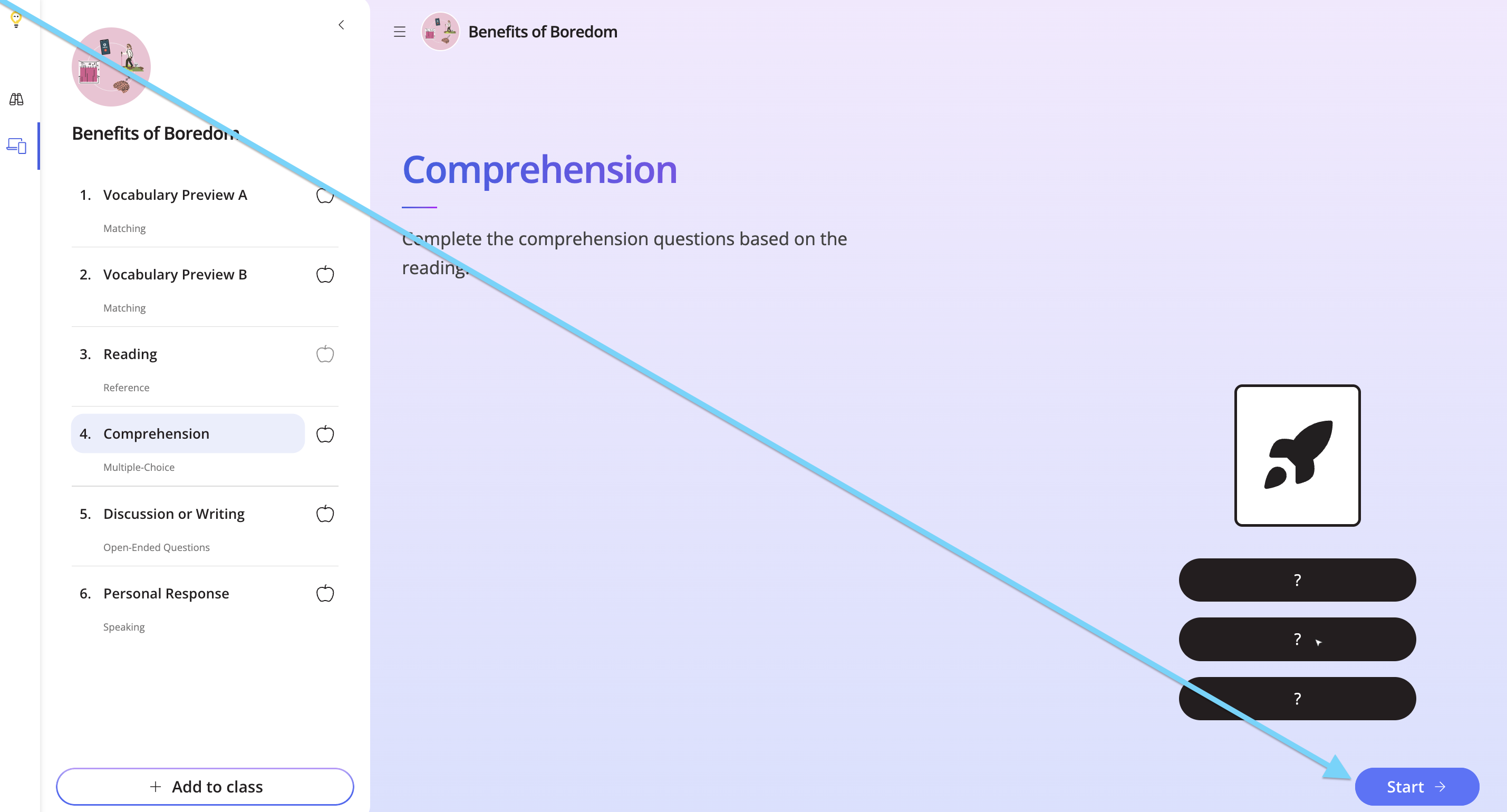
Look for the Multiple Choice task on the left-hand side, and click Start.
Step 3
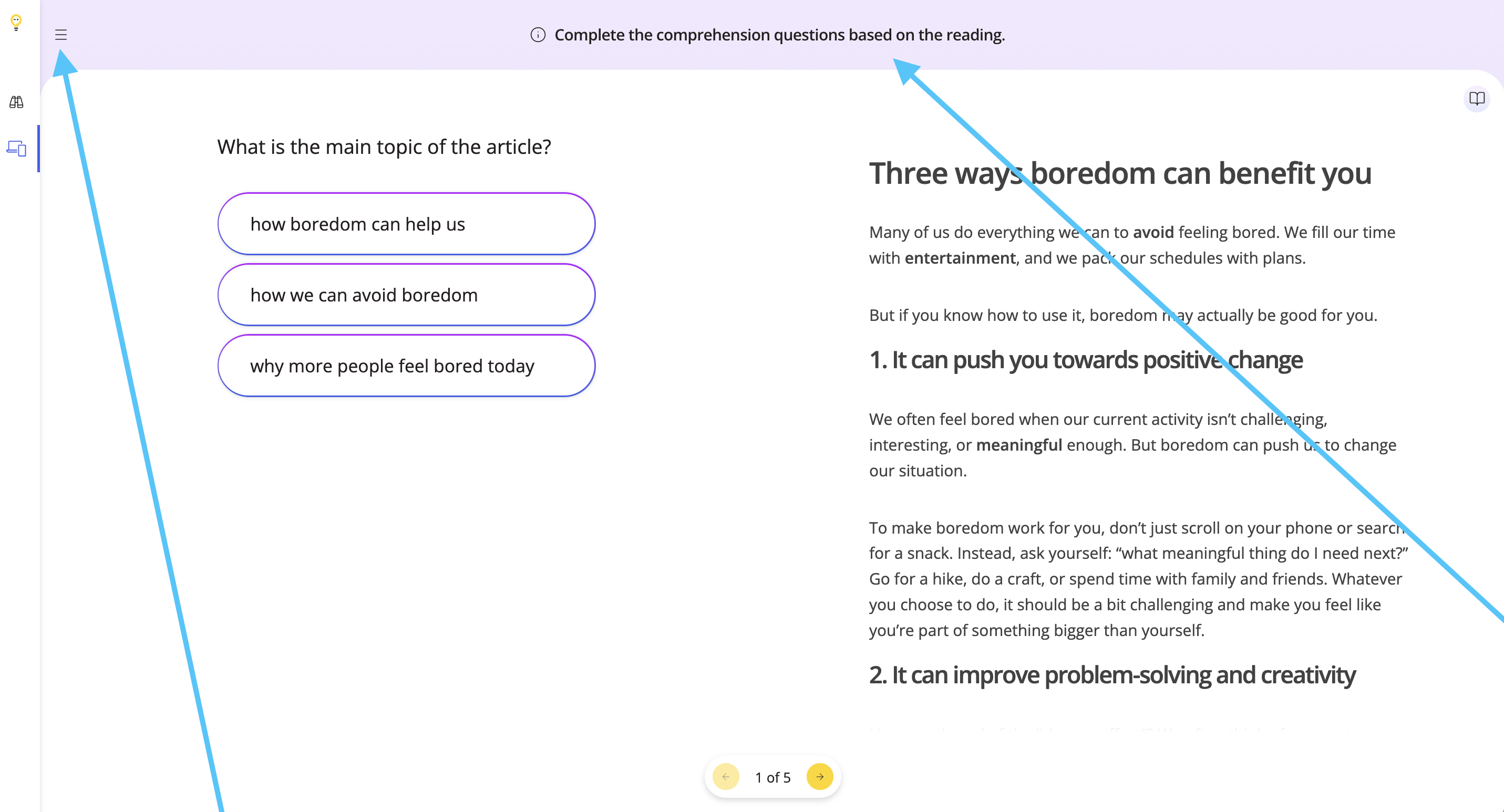
View the instructions at the top. Use the hamburger menu to close the tasks. You can use the same button to bring the tasks list back.
Step 4
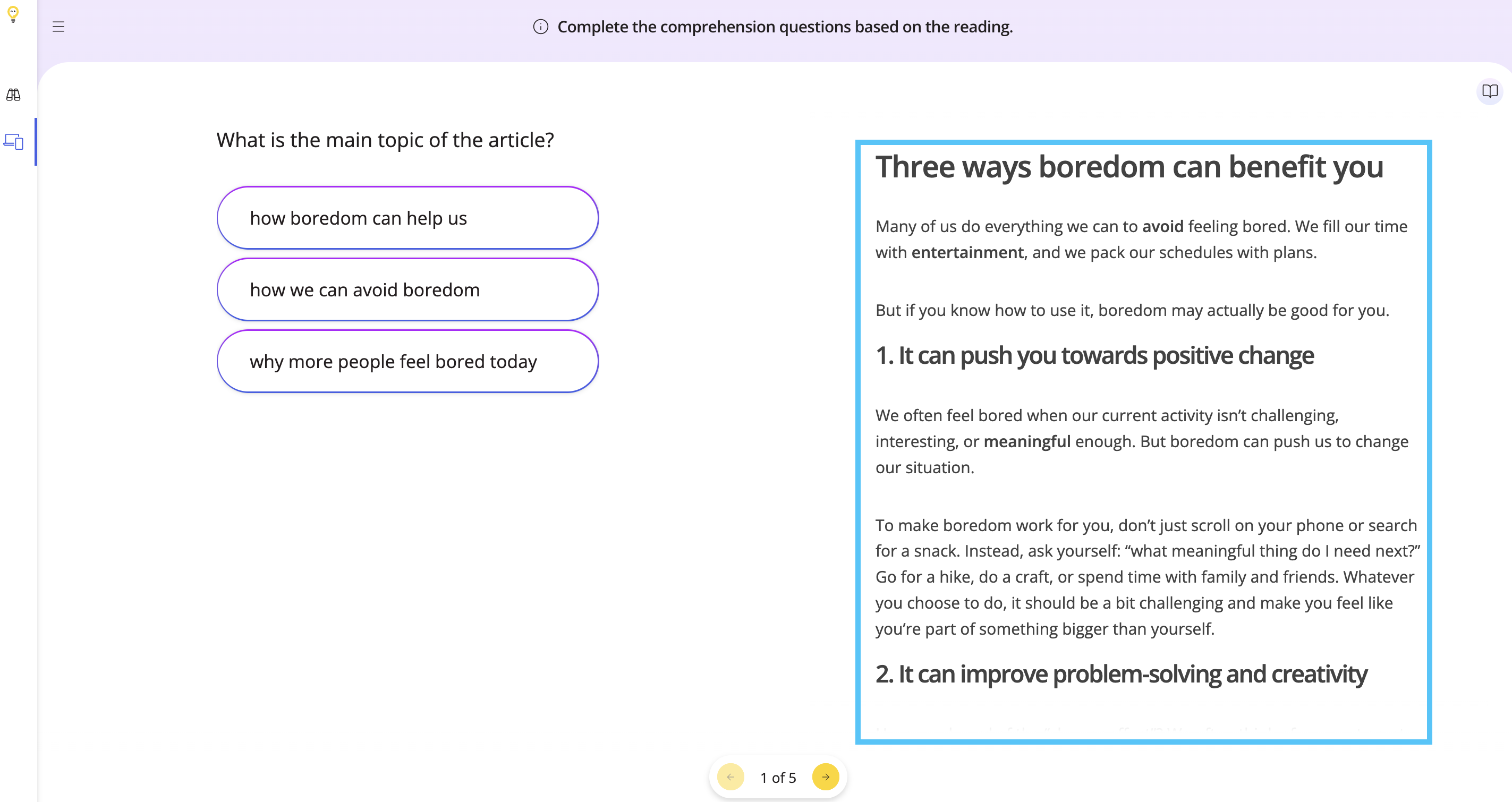
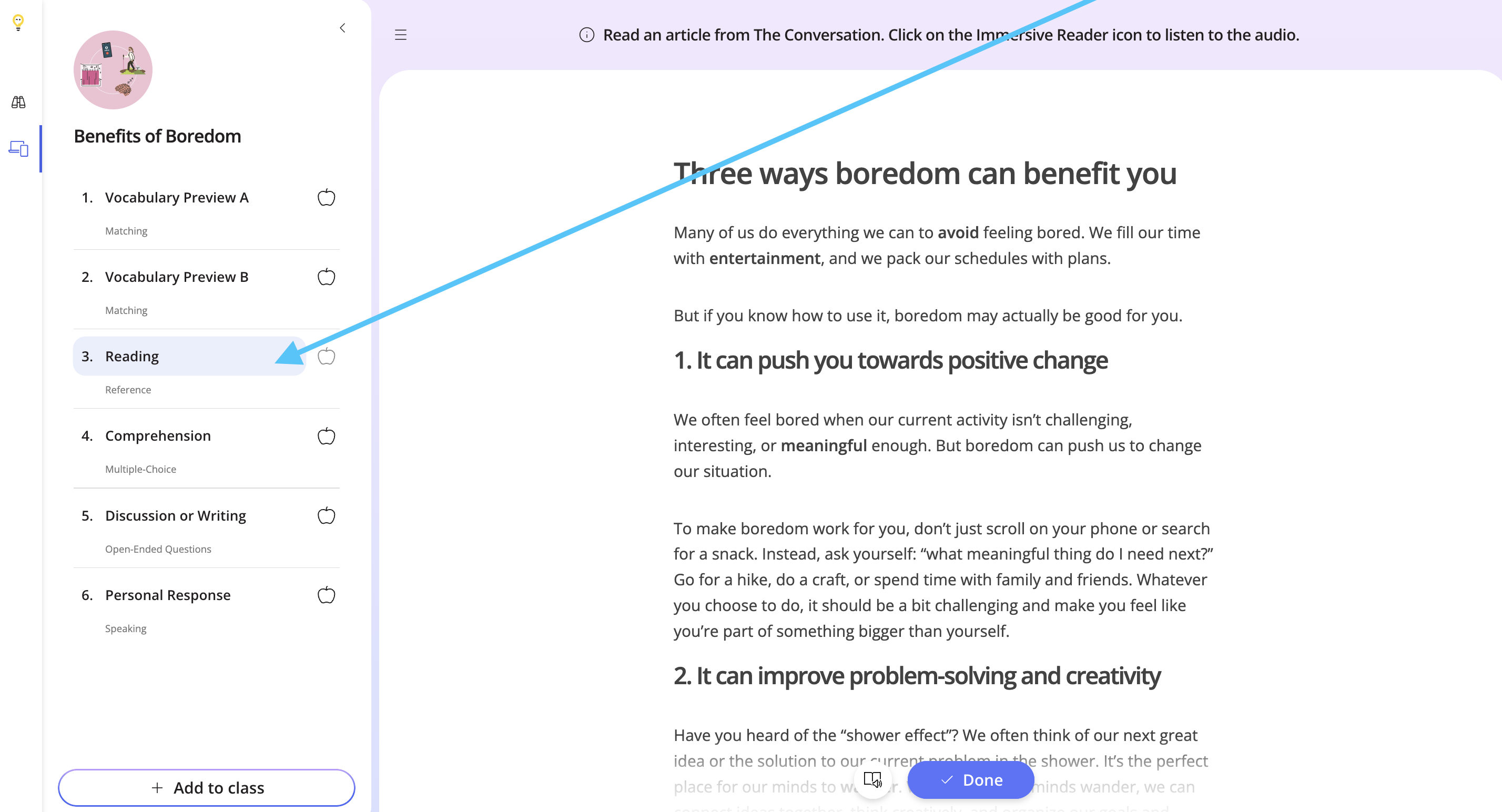
To the right, you’ll see the reading the questions are based on. This is the same reading from the previous Reference task in the lesson.
Step 5
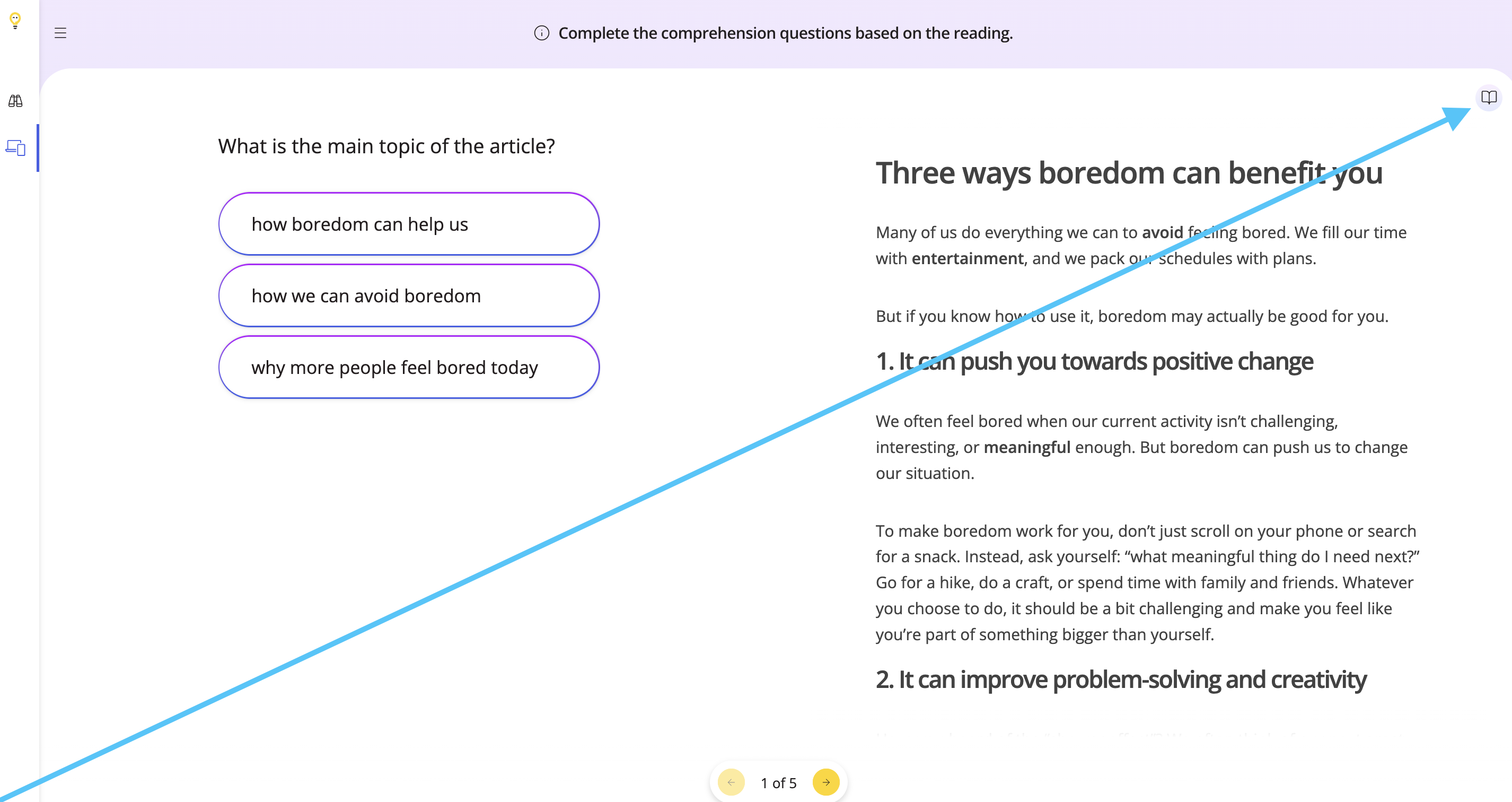
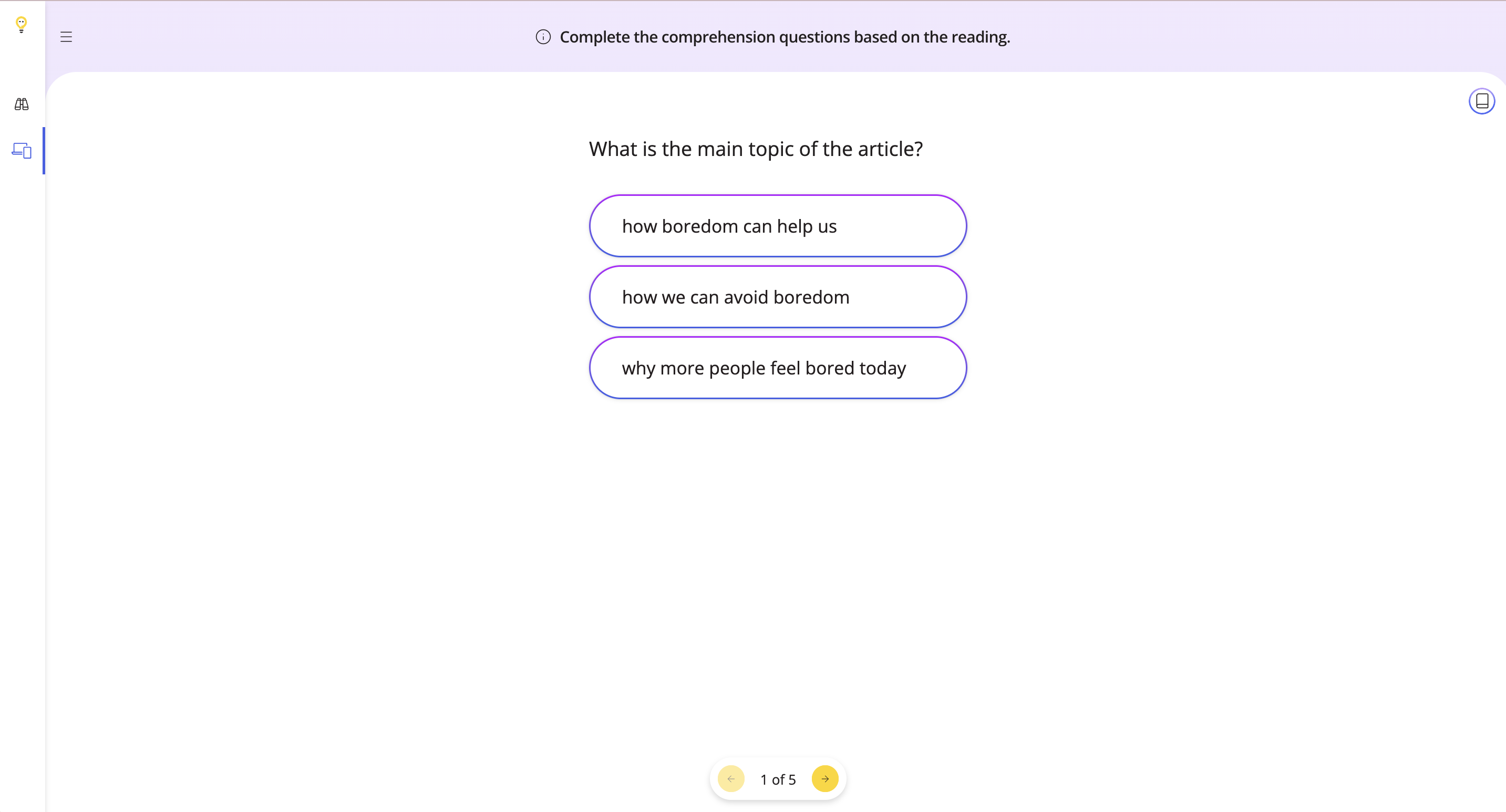
To hide the reference, click the book icon. Use the same icon to bring it back.
Step 5
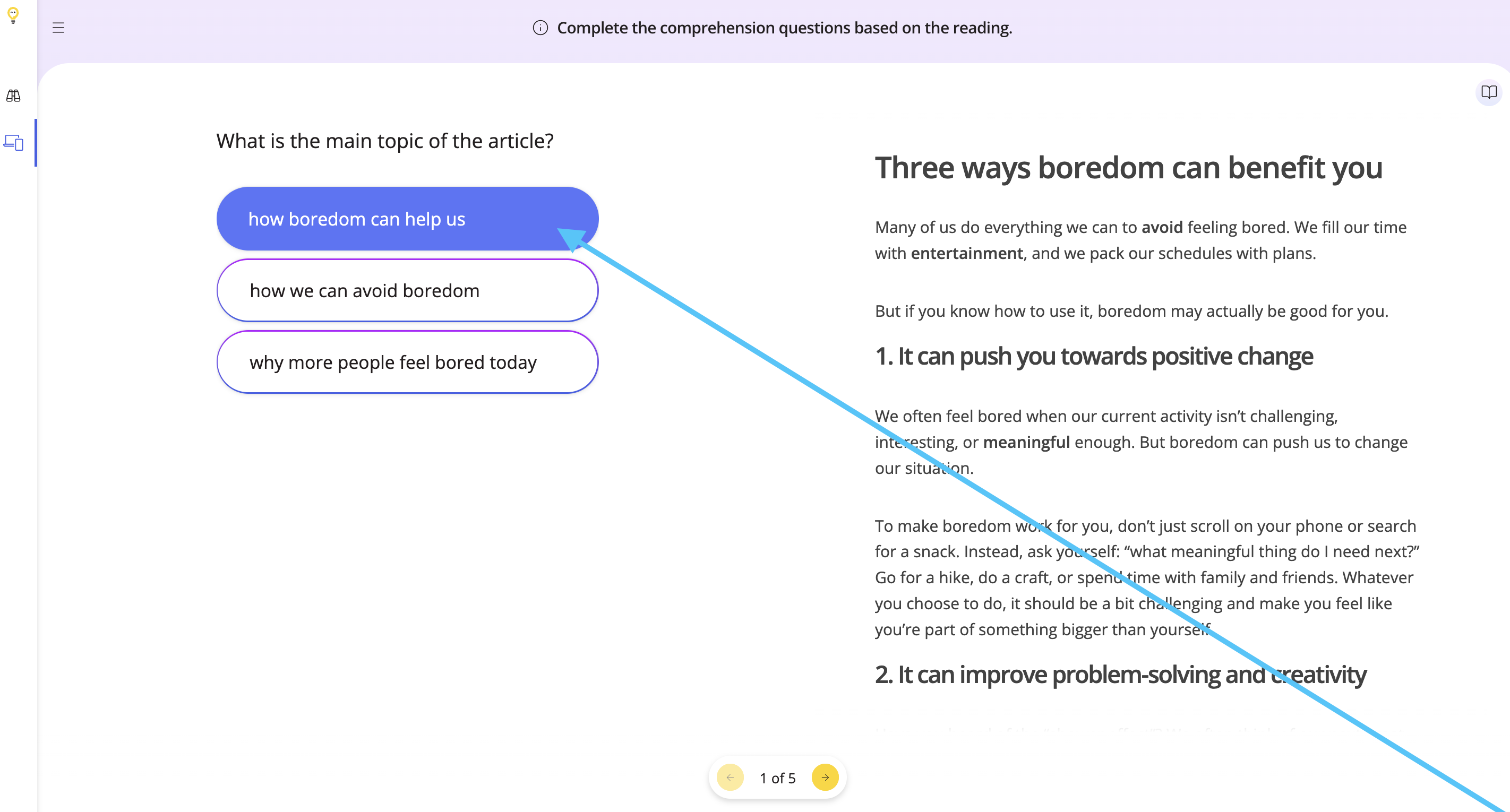
Begin the task by clicking the correct response. Work with your students in-person or share your screen online.
Step 6
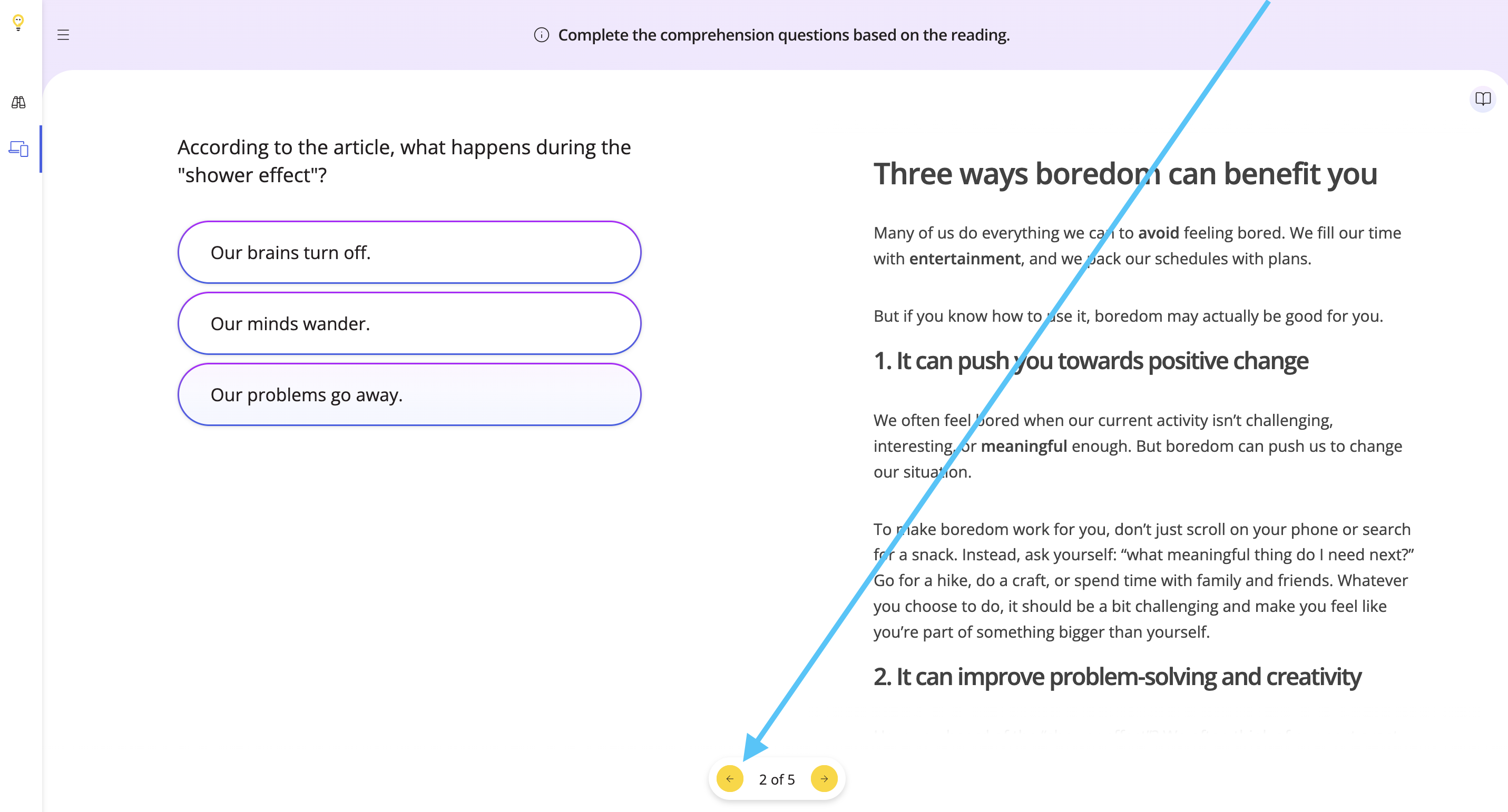
Use the arrows below to go back and forth between questions.
Step 7
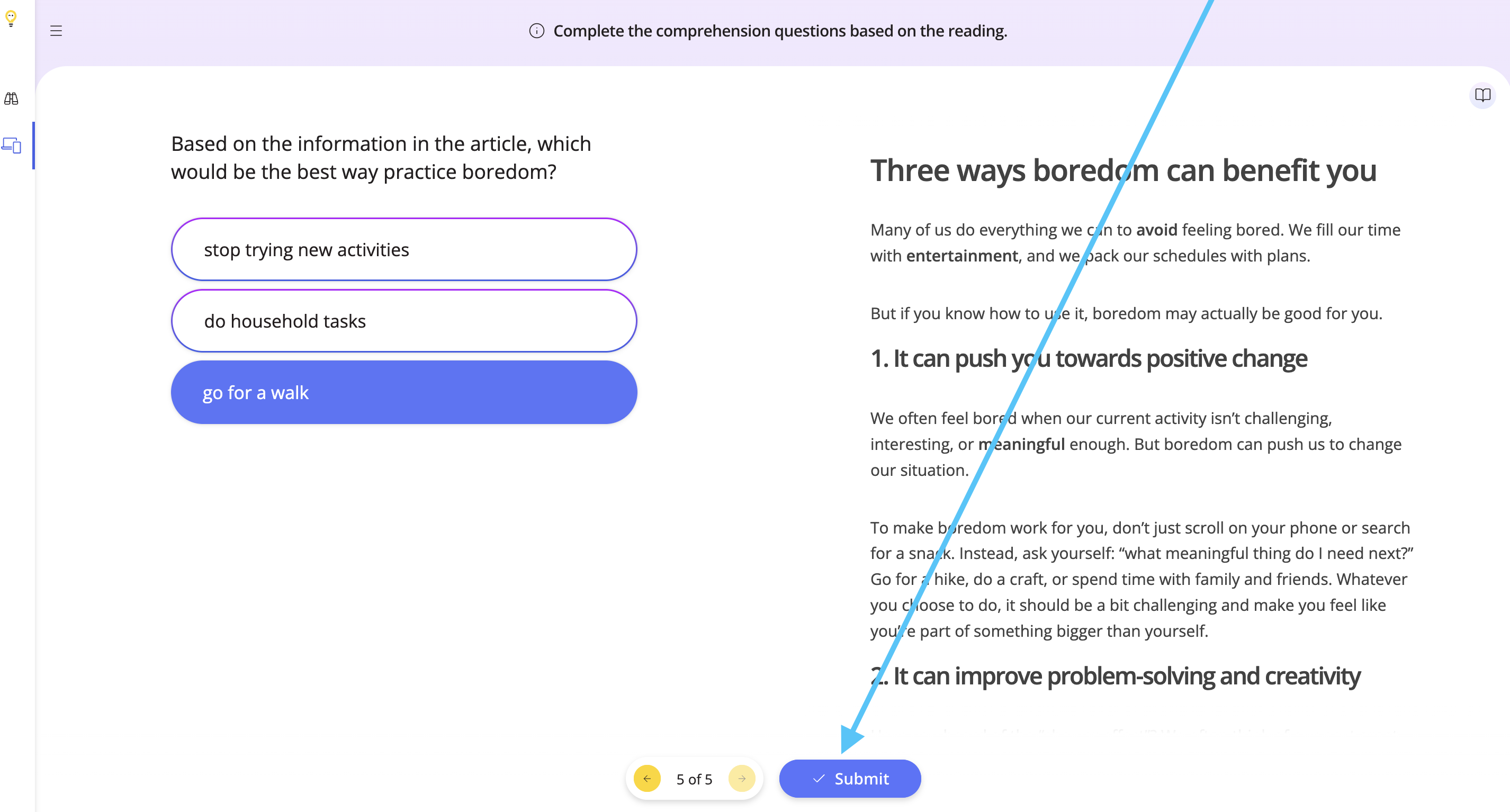
Once you have finished the task, click Submit.
Step 8
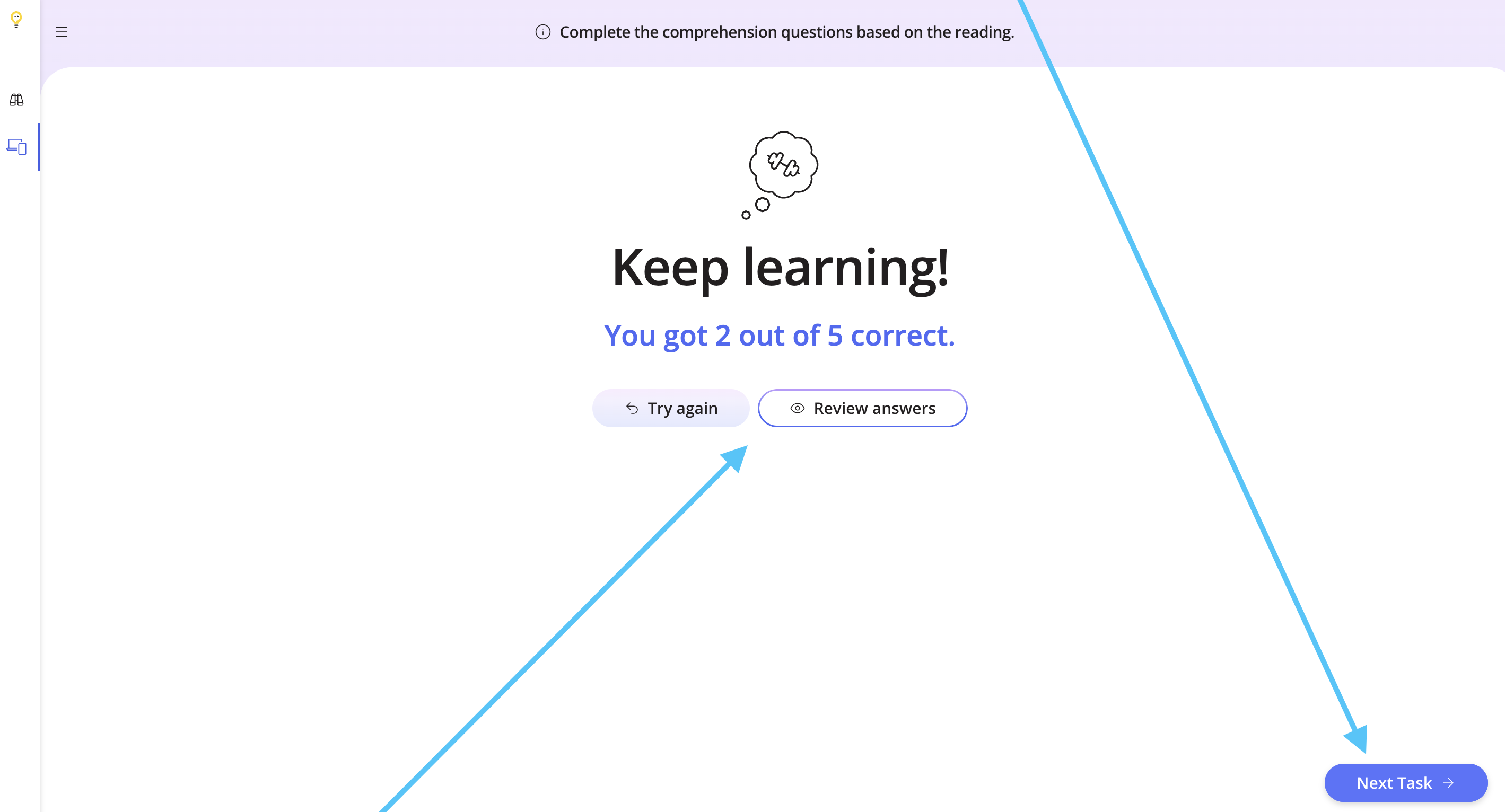
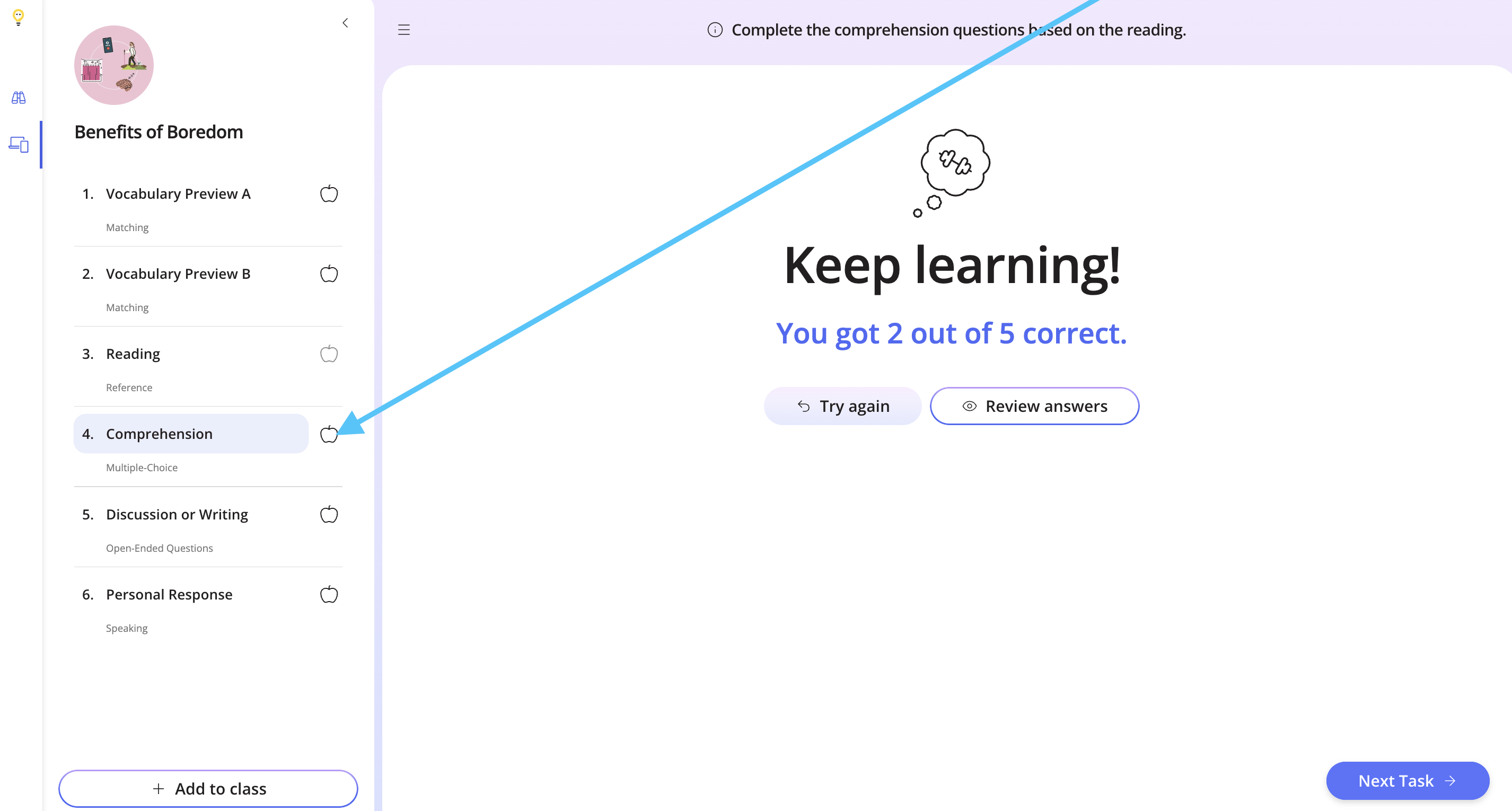
You can then try the task again, review the answers, or move onto the next task.
Step 9
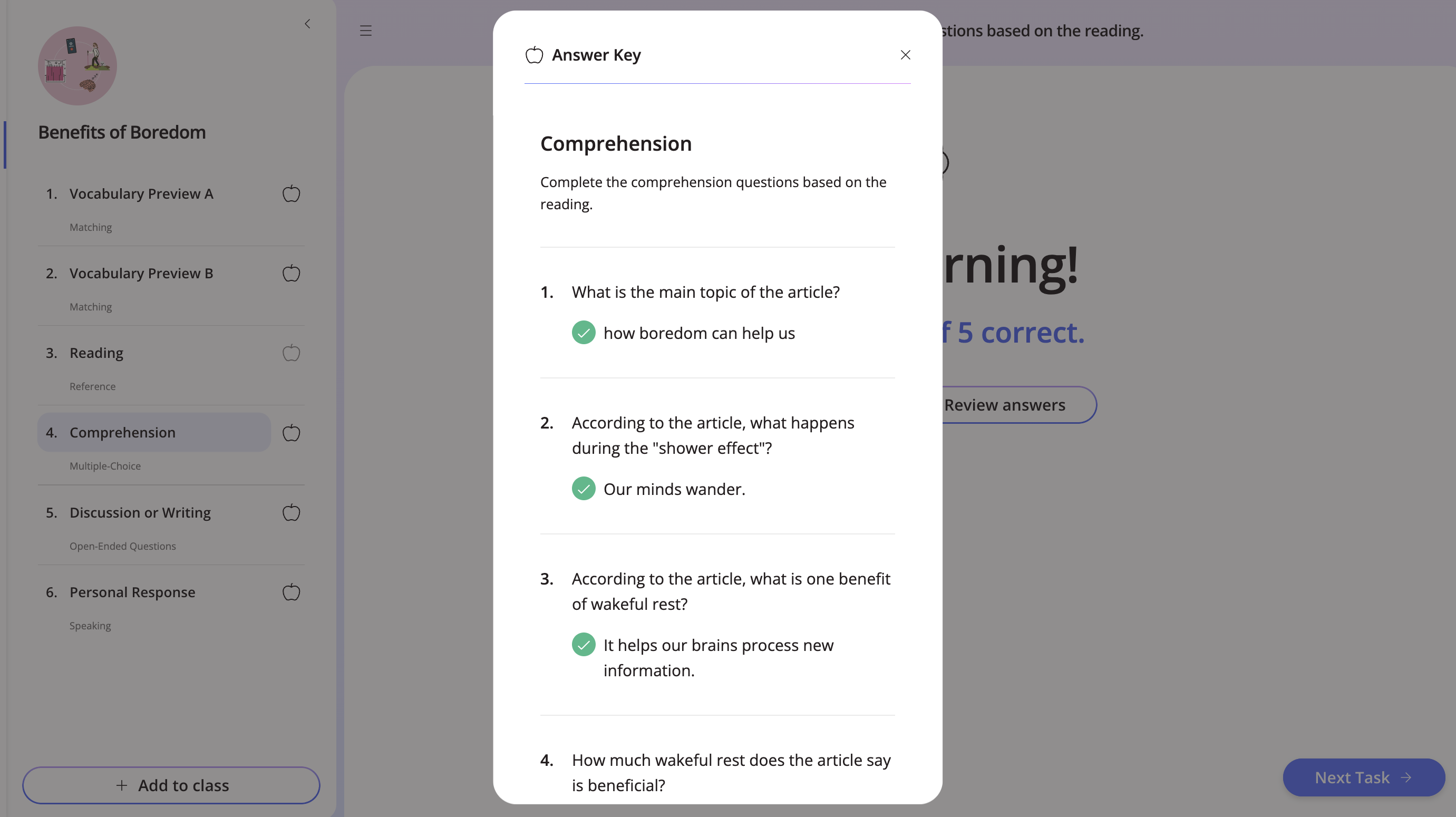
To view the answer key for the task, click the grey apple.
Step 10
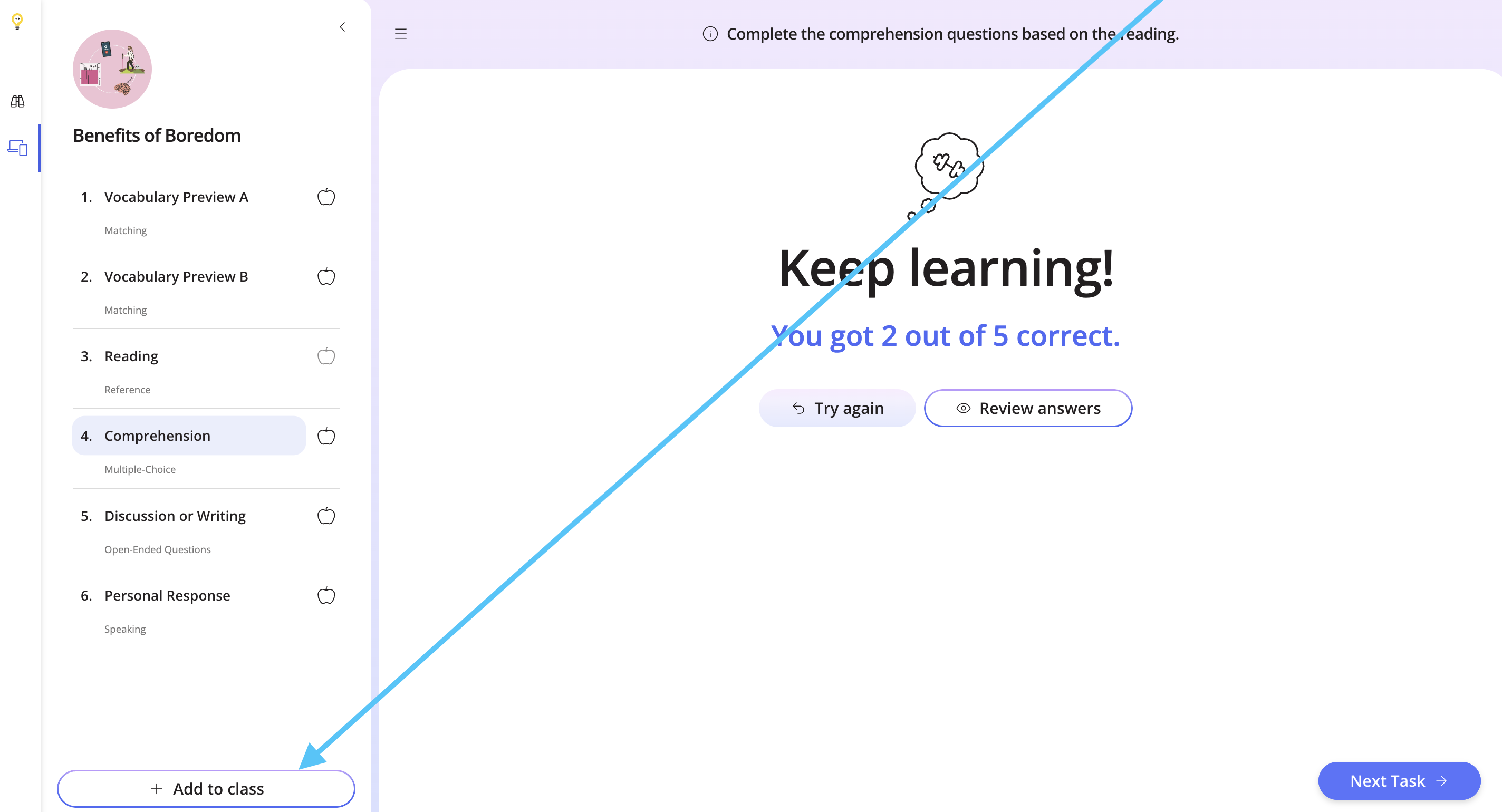
To add the lesson to your class, click Add to Class.
If you would like to assign only this task to your students, check out the help doc below to find out how.
How to Assign Specific Tasks from a Lesson
If you have any questions about the Multiple Choice task, please let us know!